EasyManua.ls Logo

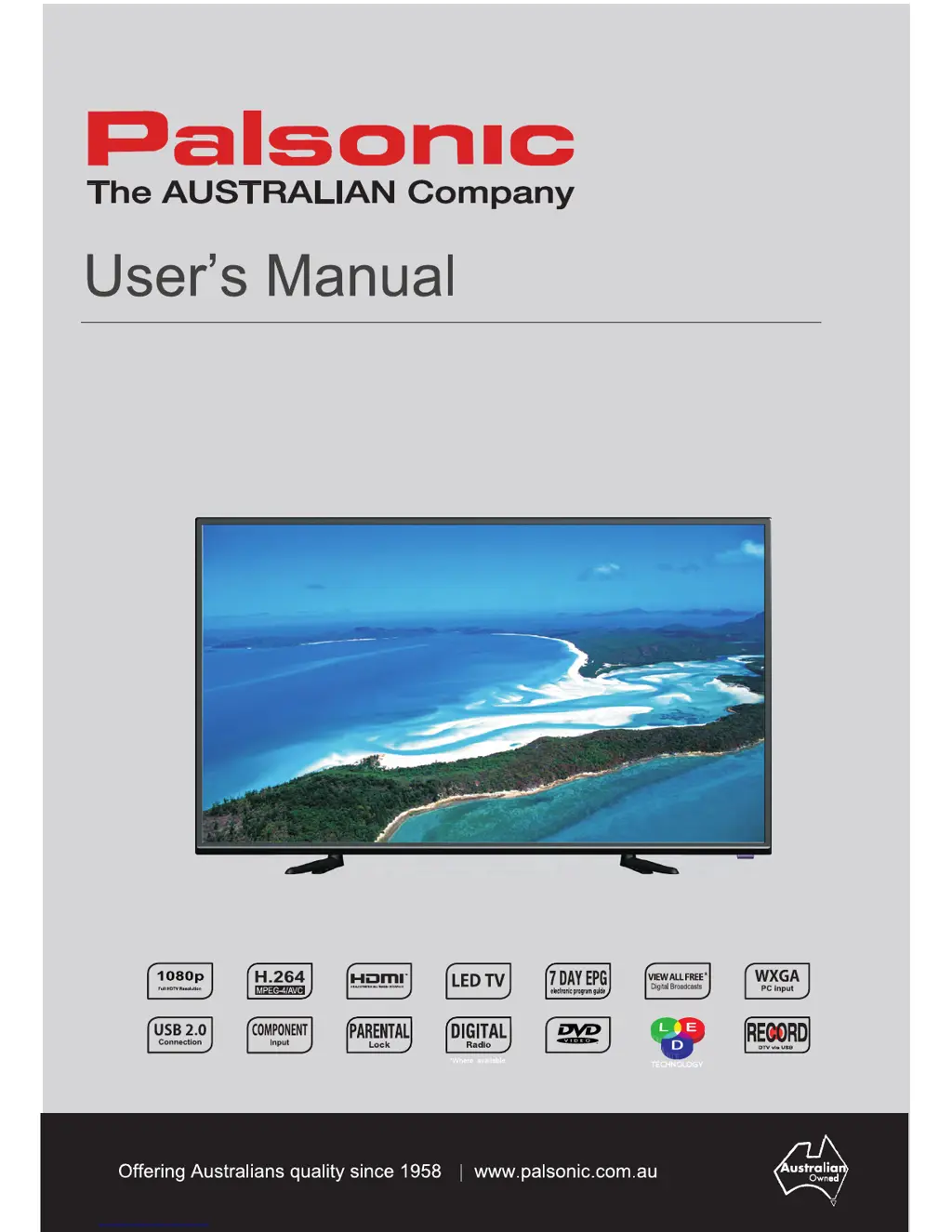
Palsonic TFTV4055FL - User Manual

Palsonic TFTV4055FL
38 pages
Print Icon
To Next Page IconTo Next Page
Loading...
101 (40)/105cm(42) cm LED-LCDTV/DVD Combo
TFTV4055FL/TFTV4055M
TFTV4255FL/TFTV4255M

Questions and Answers

  • S
    Scott NelsonAug 11, 2025
    Why Palsonic TFTV4055FL remote control not working?
    • S
      stewartcoreyAug 11, 2025
      If the remote control for your Palsonic TV Cable is not working, first ensure there are no obstructions between the remote control and the player, and that the remote control is pointing at the player. Next, check that the batteries are inserted correctly with the correct polarity and that the battery is not weak.
  • J
    Jaclyn FarmerAug 22, 2025
    What to do if Palsonic TV Cable player cannot play?
    • H
      Heather CooperAug 22, 2025
      If your Palsonic TV Cable player cannot play, make sure a disc is loaded with the labeled side up. Ensure the disc is clean and not dirty or warped. The region code of the DVD discs should match the region code of the Player. Also, check for water condensation; if present, remove the disc and keep the player power on until the moisture evaporates.
  • J
    Jessica DaySep 1, 2025
    How to troubleshoot Palsonic TFTV4055FL LED with no display?
    • T
      Taylor ChavezSep 1, 2025
      If the LED on your Palsonic TV Cable has no display, ensure the unit is turned on and the connections are correct. Also, make sure the power adapter is correctly connected.

Palsonic TFTV4055FL Specifications

General IconGeneral
Screen Size40 inches
Display TypeLED
HDMI Ports3
USB Ports1
Aspect Ratio16:9
Contrast Ratio3000:1
Resolution1920 x 1080
Viewing Angle178 degrees
InputsHDMI, USB, Component
Power Consumption75W