EasyManua.ls Logo

Panasonic AG-7330 - Page 6

Panasonic AG-7330
50 pages
Print Icon
To Next Page IconTo Next Page
To Previous Page IconTo Previous Page
Loading...
\7)
@@e
6
6
e
Pause/Still
Button/Lamp
If
you
press
this
button,
the
lamp
will
light
and
tape
travel
will
stop.
By
pressing
it
once
again,
the
lamp
will
go
out
and
the
tape
travel
will
start
again.
Use
this
button
to
create
a
still
picture
during
playback
or
to
pause
during
recording.
S-VHS
Lamp
This
lamp
lights
up
when
playing
back
tapes
recorded
on
S-VHS
tapes
or
by
S-VHS
mode.
VIDEO
SENSOR
REC
Lamp
This
lamp
lights
up
when
the
SENSOR
REC
Switch
@
is
“ON”.
This
lamp
will
flash
in
the
following
condition:
@The
SENSOR
REC
Switch
is
set
to
“ON”
when
no
tape
is
inserted
or
tape
with
broken
removable
tab
is
inserted.
eThe
TV
SYSTEM
Selector
@
is
set
to
“NTSC
4.43”.
REV
(rewind)
Search
Lamp
Search
Still
Lamp
FWD
(fast
forward)
Search
Lamp
Audio
(CH1)
Normal
Audio
Level
Control
Adjust
the
recording
level
of
Normal
audio
CH1
by
turning
this
control
while
observing
meter
@.
Audio
(CH1)
Level
Meter
The
meter
indication
can
be
switched
between
Normal/Hi-
Fi
by
means
of
Audio
Monitor
Selector
©.
Audio
(CH1)
Hi-Fi
Sound
Level
Control
Adjust
the
recording
level
of
Hi-Fi
Sound
CH1
by
turning
this
control
while
observing
meter
@.
Audio
(CH2)
Normal
Audio
Level
Control
Adjust
the
recording
level
of
Normal
Audio
CH2
by
turning
this
control
while
observing
meter
@.
Audio
(CH2)
Level
Meter
The
meter
indication
can
be
switched
between
Normal/Hi-
Fi
by
means
of
Audio
Monitor
Selector
@.
If
you
set
Audio
CH2
Selector
to
“TIME
CODE”
(setting
by
ON-SCREEN
mode),
you
cannot
use
normal
audio
CH2.
In
this
case,
if
you
set
Audio
Monitor
Selector
@
to
the
“NORM”
side,
the
audio
(CH2)
level
meter
will
indicate
the
existence
or
otherwise
of
a
time
code
signal.
This
level
meter
can
be
used
as
a
Tracking
Meter
by
setting
the
CH2
Meter
Selector
@
to
“TRACKING”
during
playback.
Adjust
the
Tracking
Control
@
until
the
meter
points
its
maximum
position.
Audio
(CH2)
Hi-Fi
Sound
Level
Control
Adjust
the
recording
level
of
Hi-Fi
Sound
by
turning
this
control
while
observing
meter
@.
CH2
Meter
Selector
This
selector
selects
between
Audio
CH2
Level
Meter
and
TRACKING
Meter
for
Audio
(CH2)
Level
Meter
@.
@)
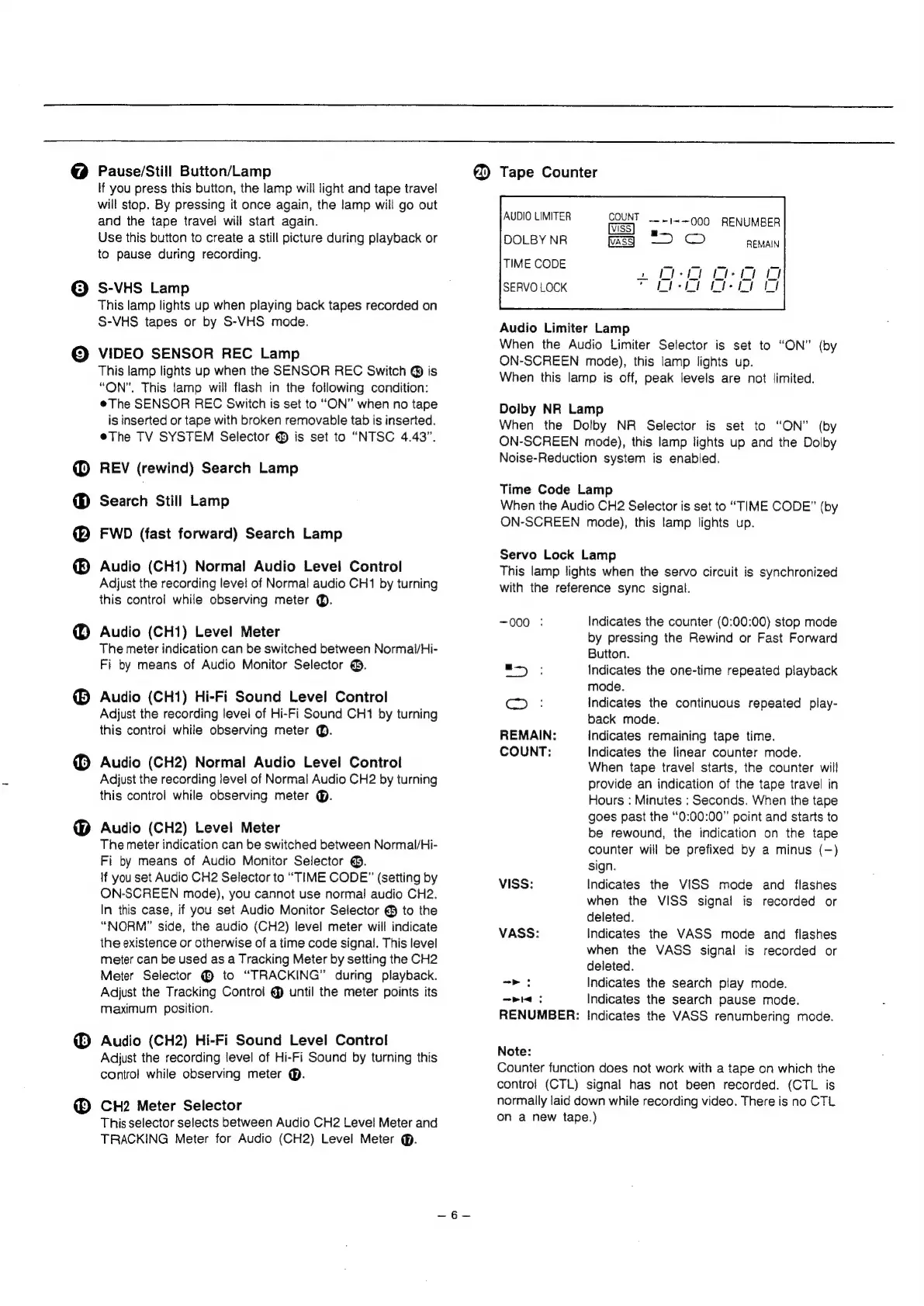
Tape
Counter
COUNT
—~1=-000
RENUMBER
a
TIME
CODE
SERVO
LOCK
Audio
Limiter
Lamp
When
the
Audio
Limiter
Selector
is
set
to
“ON”
(by
ON-SCREEN
mode),
this
lamp
lights
up.
When
this
lamp
is
off,
peak
levels
are
not
limited.
Dolby
NR
Lamp
When
the
Dolby
NR
Selector
is
set
to
“ON”
(by
ON-SCREEN
mode),
this
lamp
lights
up
and
the
Dolby
Noise-Reduction
system
is
enabled.
Time
Code
Lamp
When
the
Audio
CH2
Selector
is
set
to
“TIME
CODE”
(by
ON-SCREEN
mode),
this
lamp
lights
up.
Servo
Lock
Lamp
This
lamp
tights
when
the
servo
circuit
is
synchronized
with
the
reference
sync
signal.
~000
:
Indicates
the
counter
(0:00:00)
stop
mode
by
pressing
the
Rewind
or
Fast
Forward
Button.
Indicates
the
one-time
repeated
playback
mode.
Indicates
the
continuous
repeated
play-
back
mode.
Indicates
remaining
tape
time.
Indicates
the
linear
counter
mode.
When
tape
travel
starts,
the
counter
will
provide
an
indication
of
the
tape
travel
in
Hours
:
Minutes
:
Seconds.
When
the
tape
goes
past
the
“0:00:00”
point
and
starts
to
be
rewound,
the
indication
on
the
tape
counter
will
be
prefixed
by
a
minus
(—)
sign.
Indicates
the
VISS
mode
and
flashes
when
the
VISS
signal
is
recorded
or
deleted.
Indicates
the
VASS
mode
and
flashes
when
the
VASS
signal
is
recorded
or
deleted.
Indicates
the
search
play
mode.
Pie:
Indicates
the
search
pause
mode.
RENUMBER:
Indicates
the
VASS
renumbering
mode.
=)
©
REMAIN:
COUNT:
VISS:
VASS:
—>
:
Note:
Counter
function
does
not
work
with
a
tape
on
which
the
contro!
(CTL)
signal
has
not
been
recorded.
(CTL
is
normally
laid
down
while
recording
video.
There
is
no
CTL
on
a
new
tape.)