46
VQT3Q78
Advanced
Recording
(Advanced)
2
Image stabilizer function
Use the image stabilizer to reduce the effects of shake during recording.
This unit is equipped with HYBRID O.I.S.
HYBRID O.I.S. is a hybrid of optical and electrical image stabilizer.
¬ Change the mode to or .
∫ Motion picture recording mode
≥ When recording with a tripod in motion picture recording mode, we recommend that you
set to [OFF].
(When [O.I.S.] is set to [ON])
When set to [ON], you can further improve image stabilization for recording while walking, or
holding the unit and recording a distant subject with zoom.
≥ This function’s default setting is [ON].
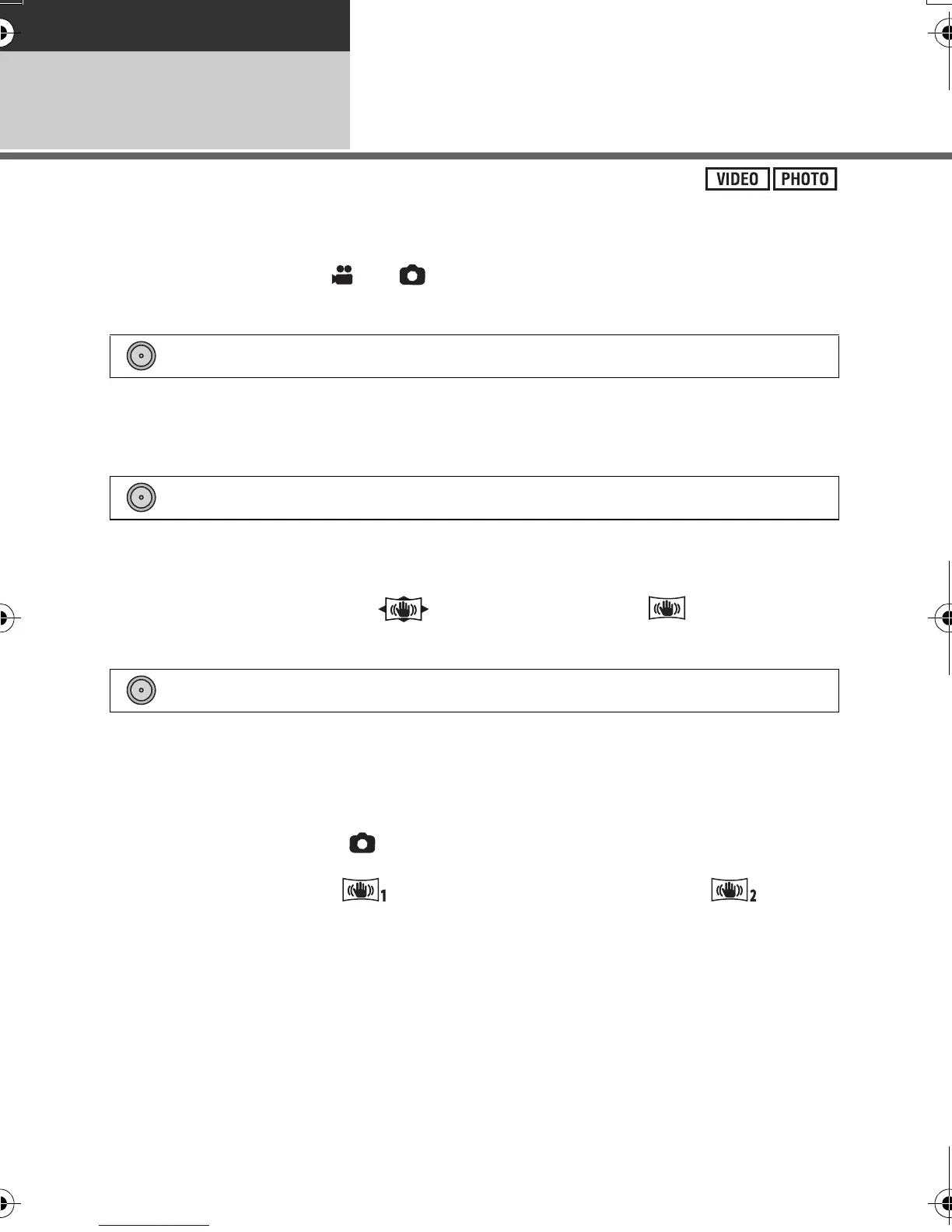
≥ When [HYBRID O.I.S.] is [ON], is displayed. When [OFF], is displayed.
∫ Still picture recording mode
[OFF]:
Cancel the setting.
[MODE1]:
The function works all the time.
[MODE2]:
The function works when the button is pressed. We recommend you are recording
yourself or recording with a tripod in still picture recording mode.
≥ When [O.I.S.] is [MODE1], is displayed. When [O.I.S.] is [MODE2], is
displayed.
: [RECORD SETUP] # [O.I.S.] # [ON] or [OFF]
: [RECORD SETUP] # [HYBRID O.I.S.] # [ON] or [OFF]
: [RECORD SETUP] # [O.I.S.] # [OFF]/[MODE1]/[MODE2]
AG-AC7P-VQT3Q78_mst.book 46 ページ 2011年5月18日 水曜日 午後1時40分






 To Next Page