71
VQT3Q78
Advanced
Playback
(Advanced)
2
Various playback
functions
The scenes or the still pictures recorded on the same day can be played back in succession.
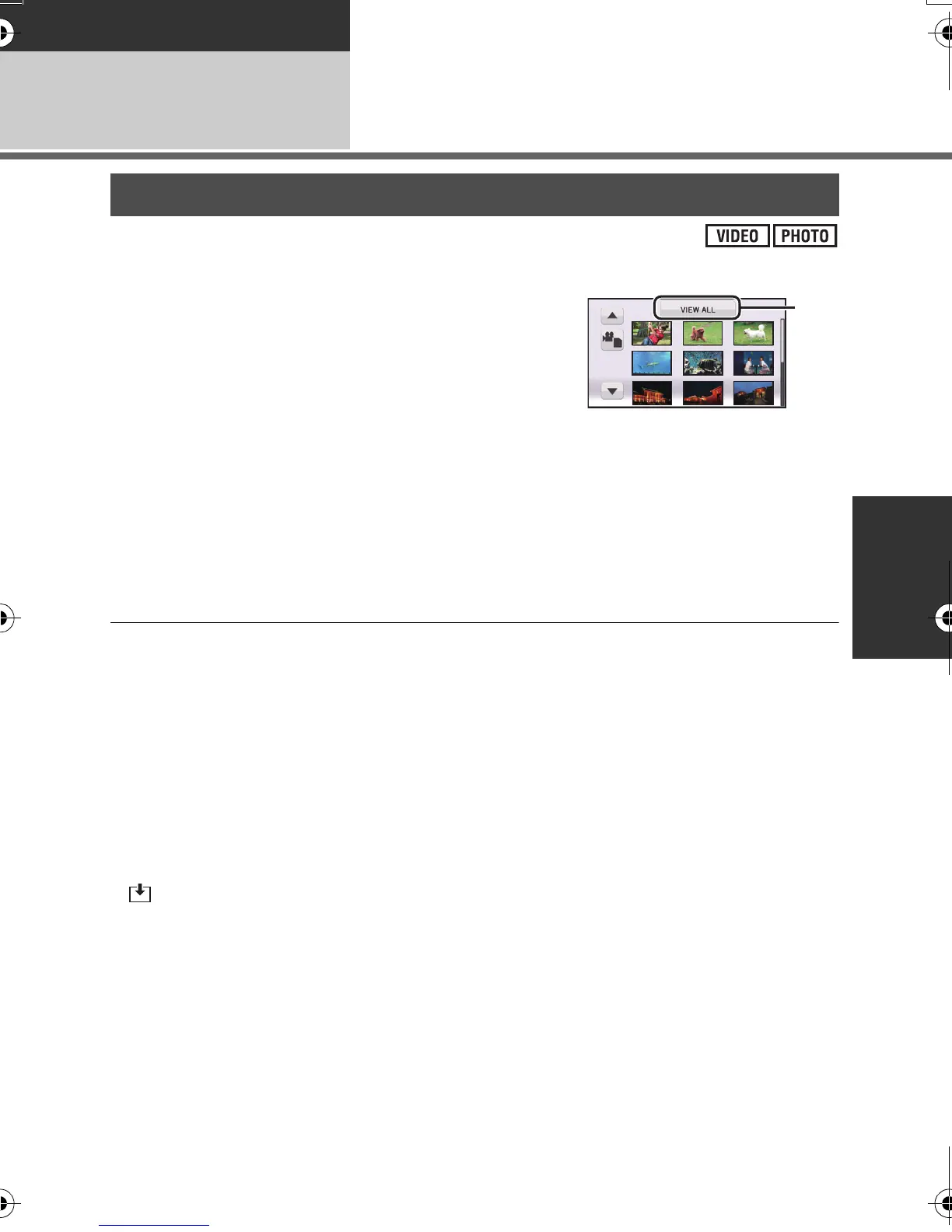
1 Select the date select icon using the
cursor button and press the button in
the center.
2 Select the playback date and press the
button in the center.
The scenes or the still pictures recorded on the date selected are displayed as thumbnails.
3 Select the scene or the still picture to be played back and press the
button in the center.
≥ Playing back of all the scenes or the still pictures returns if the unit is turned off or the mode
is changed.
≥ Even if scenes are recorded on the same day, they are grouped separately in the following
cases. –1, –2... is added after the recording date displayed on the screen.
jWhen the number of scenes exceeds 99
jWhen switching between scenes recorded using [HA], [HG], [HX] or [HE] and scenes
recorded using [SA] or [SX] in playback mode
jWhen the media is repaired
≥ Even if still pictures are recorded on the same day, they are grouped separately in the
following cases.
jWhen the number of still pictures exceeds 999
≥ is displayed after the date in the list by date for the still pictures created from the motion
picture. (l 68)
Playing back motion pictures/still pictures by date
AG-AC7P-VQT3Q78_mst.book 71 ページ 2011年5月18日 水曜日 午後1時40分











 To Next Page