97
VQT3Q78
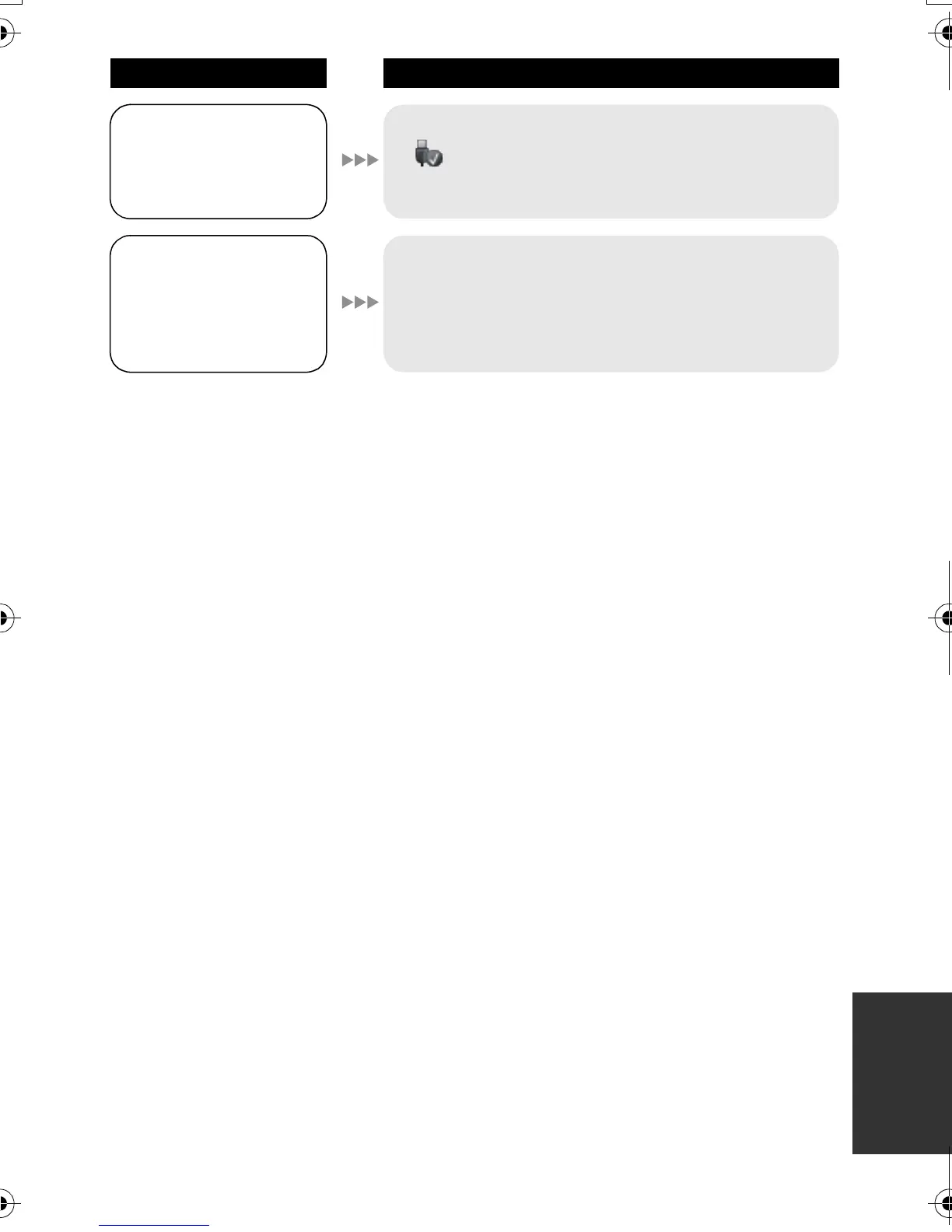
When the USB cable is
disconnected, an error
message will appear
on the PC.
≥ To disconnect the USB cable safely, double-click the
icon in the task tray and follow the instructions
on the screen.
Cannot copy scenes
on the SD card by
connecting to other
equipment with the
USB cable.
≥ Other equipment might have not recognized the SD
card. Unplug the USB cable once, and reconnect it.
Problem Check points
AG-AC7P-VQT3Q78_mst.book 97 ページ 2011年5月18日 水曜日 午後1時40分





 To Next Page