27
Viewfinders
8
Press the MENU button three times to
release the menu mode.
O The setting for the LCD SET item can be
returned to the factory setting by pressing
the COUNTER RESET button when the
item concerned has been selected so that it
is possible to change the setting.
O When closing the LCD monitor, ensure that
it is closed properly.
O When the LCD monitor has been turned
toward the lens (for face-to-face shooting),
both the viewfinder and LCD monitor light
up at the same time.
O When the EVF DTL/END SEARCH button
is pressed, the outlines of the images on
the LCD monitor are accentuated, and
focusing is thereby facilitated.
5
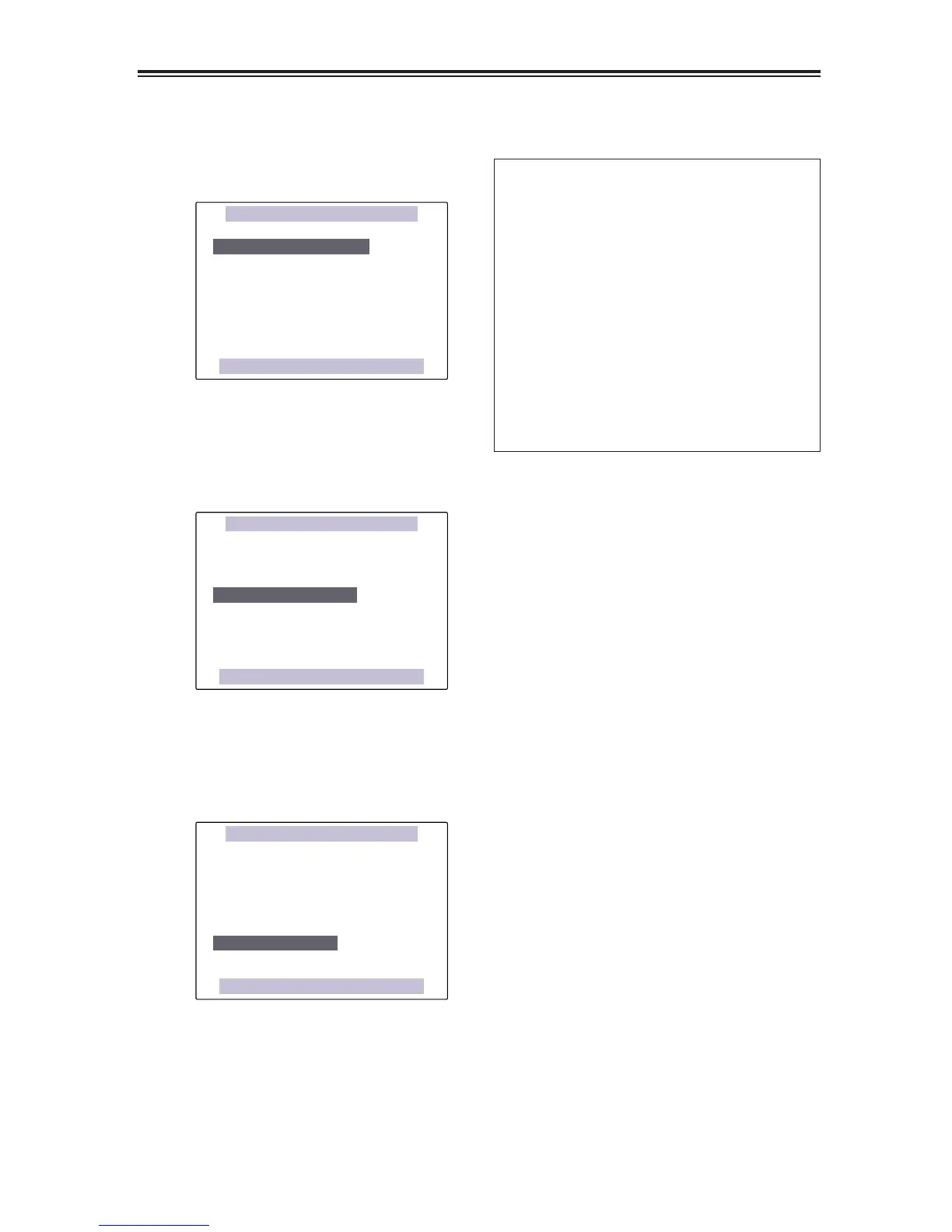
Select the LCD COLOR LEVEL item, and tilt
the OPERATION lever in the 3 or 4
direction to adjust the screen’s color level.
(If the remote control unit is used, press the
“M” button among the SET buttons.)
[–]
?? ?? ?? ??
––––
[+]
LCD BRIGHTNESS
[–]
?? ?? ?? ??
––––
[+]
LCD CONTRAST
[–]
?? ?? ?? ??
––––
[+]
PUSH MENU TO RETURN
LCD COLOR LEVEL
LCD SET
6
Select the LCD BRIGHTNESS item, and tilt
the OPERATION lever in the 3 or 4
direction to adjust the screen’s brightness.
(If the remote control unit is used, press the
“M” button among the SET buttons.)
LCD COLOR LEVEL
[–]
?? ?? ?? ??
––––
[+]
[–]
?? ?? ?? ??
––––
[+]
LCD CONTRAST
[–]
?? ?? ?? ??
––––
[+]
PUSH MENU TO RETURN
LCD BRIGHTNESS
LCD SET
7
Select the LCD CONTRAST item, tilt the
OPERATION lever in 3 or 4 directions, and
adjust the contrast of the screen. (If the
remote control unit is used, press the “M”
button among the SET buttons.)
LCD COLOR LEVEL
[–]
?? ?? ?? ??
––––
[+]
LCD BRIGHTNESS
[–]
?? ?? ?? ??
––––
[+]
[–]
?? ?? ?? ??
––––
[+]
PUSH MENU TO RETURN
LCD CONTRAST
LCD SET













 To Next Page