30
The luminance level of artificial lighting—
particularly that of fluorescent lights and
mercury lamps—changes in synchronization
with the power line frequency. Especially in
areas with a power line frequency of 50 Hz, the
vertical sync frequency (approx. 60 Hz) of the
camera recorder and frequency of the lighting
(50 Hz) will interfere with each other, possibly
causing the white balance to change cyclically.
When shooting under artificial lighting or when
adjusting the white balance, set the shutter
speed as shown below.
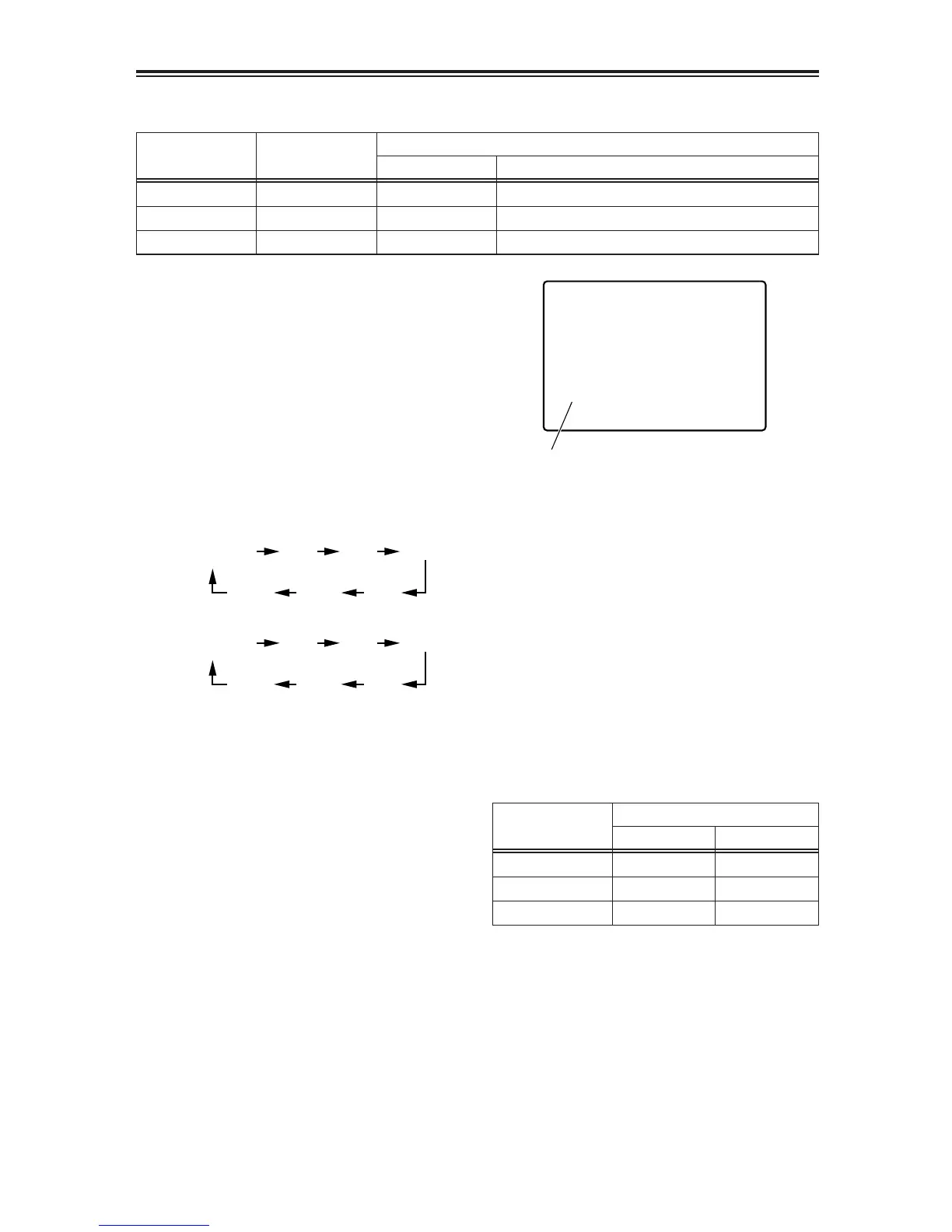
Progressive mode
Shutter speed
60 Hz50 Hz
OFF (60i) 1/100 OFF (1/60)
30P OFF (1/50) 1/60
24P/24PA OFF (1/50) 1/60
Progressive mode
Standard (OFF)
shutter speed
Shutter speeds which can be selected using SPEED SEL button
Shutter speed settingsSYNCHRO SCAN
OFF (60i) 1/60 1/100, 1/120, 1/250, 1/500, 1/1000, 1/20001/60.3 --- 1/250
30P 1/50
1/30, 1/60, 1/120, 1/250, 1/500, 1/1000
1/24, 1/60, 1/120, 1/250, 1/500, 1/1000
1/30.1 --- 1/250.0
24P/24PA 1/50 1/24.1 --- 1/250.0
Setting the electronic shutter
1
Each time the SHUTTER button is pressed,
the standard (OFF) shutter speed and the
shutter speed selected by the SPEED SEL
button are selected alternately.
2
After pressing the SHUTTER button, press
the SPEED SEL button to select the shutter
speed.
Each time the SPEED SEL button is
pressed, the shutter speed changes by one
setting in the following sequence.
When the progressive mode is OFF (60i)
In the progressive mode (30P, 24P or 24PA)
OThe higher the shutter speed, the lower
the sensitivity of the camera.
OWhen the iris is controlled automatically, it
opens more and more and the depth of
focus becomes shallower and shallower
as the shutter speed increases.
OEven when the SHUTTER button is
pressed while the slow shutter mode (see
page 31) is established, “INVALID”
appears in the viewfinder and on the LCD
monitor, and it is not possible to switch to
the above shutter speed.
First, release the slow shutter mode using
the USER button to which SLOWSHUT
was allocated, and then set to the above
shutter speed.













 To Next Page