Wi-Fi/NFC
Operating the camera using a smartphone/tablet
SQW0206
- 214 -
■
Sending a picture each time one is recorded ([Send Images While
Recording])
Select [New Connection] in the [Wi-Fi] menu, and press
[MENU/SET] (→61)
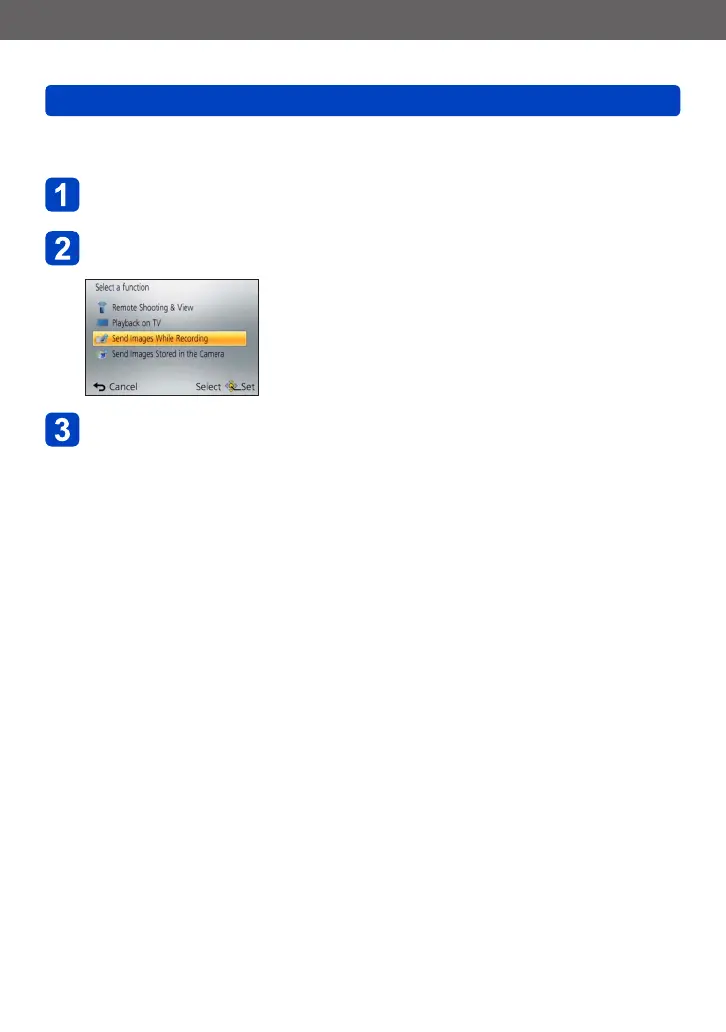
Use cursor button to select [Send Images While Recording]
and press [MENU/SET]
Use cursor button to select [Smartphone] and press
[MENU/SET]
(Continued on the next page)











 To Next Page