4
Getting To Know Your Machine
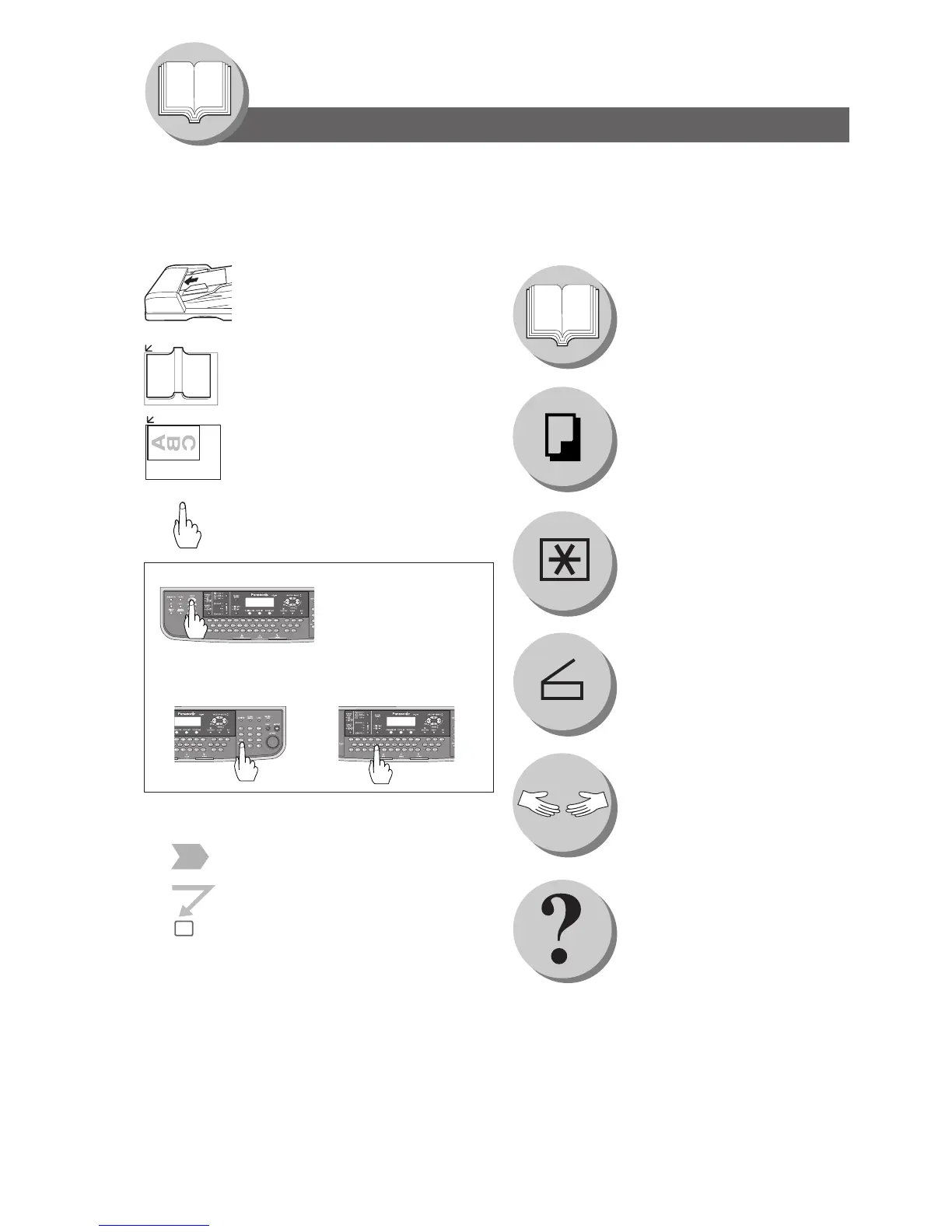
The following Symbols/Icons are used throughout this operating instructions manual.
Place original(s) on the ADF
Place original on the Platen
(Book)
Place original on the Platen
(Sheet)
Press any Hard Key on the
Control Panel
Input text with a keyboard
Input numbers
● Number of Copies, etc.
Go to next step
Go to next step (below)
When making copies
When scanning document(s)
Getting to know your machine
Before starting
Problem solving
Appendix
(Specifications, Index)
When setting the machine
modes
Press Hard Key
A
B
C
Symbols/Icons
5




 To Next Page