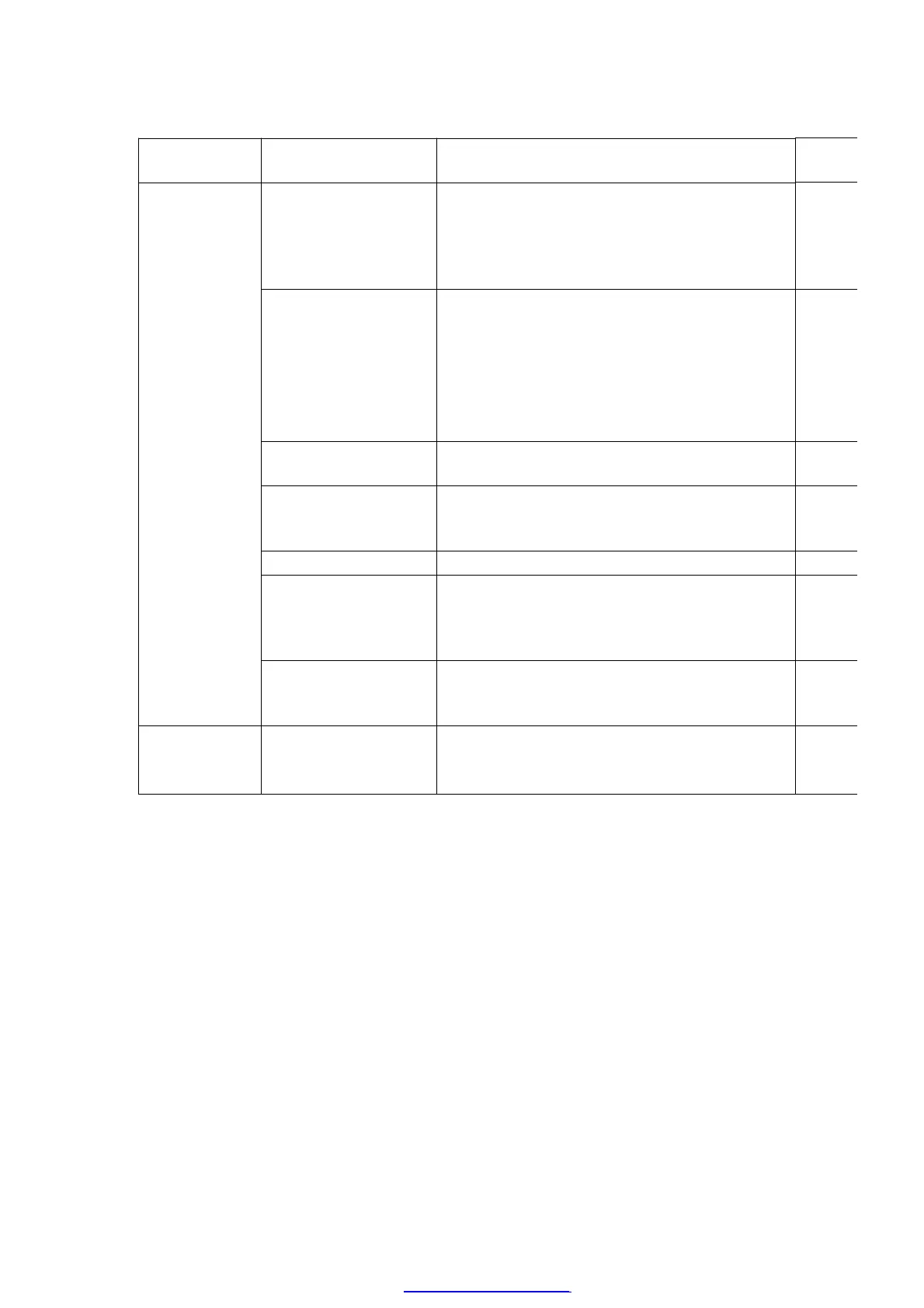
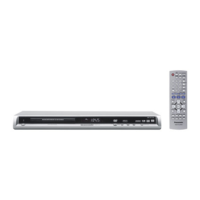
Player buttons Remote control unit
buttons
Application
PAUSE
+
OPEN/CLOSE
0 Displaying the UHF display F_ _ _ Refer
9.3. Self
5 Jitter check, tilt adjustment
*Display shows J_xxx/yyy_zz
"yyy" and "zz" shown to the right have nothing
to do with the jitter value. "yyy" is the error
counter, while "zz" is the focus drive value.
Refer to section 11.4. for Optical Pickup Tilt
Adjustment Procedure.
Refer
11.4.
Pickup
6 Checking the region numbers and broadcast
system
7 Checking the program version Check
FLASH
9 Lighting Confirmation Function of Display Tube
FUNCTION Checking the laser drive current Refer
Optical
PAUSE Writing the laser drive current value after
replacing the optical pickup (do not use for
anything other than optical pickup replacement)
PAUSE
QUICK OSD
OPEN/CLOSE
Initializing the DVD player
(restoring factory preset settings)
Refer
9.5.
DVD
9.3. DVD Self Diagnostic Function-Error Code
34
PDF created with pdfFactory Pro trial version www.pdffactory.com



 To Next Page