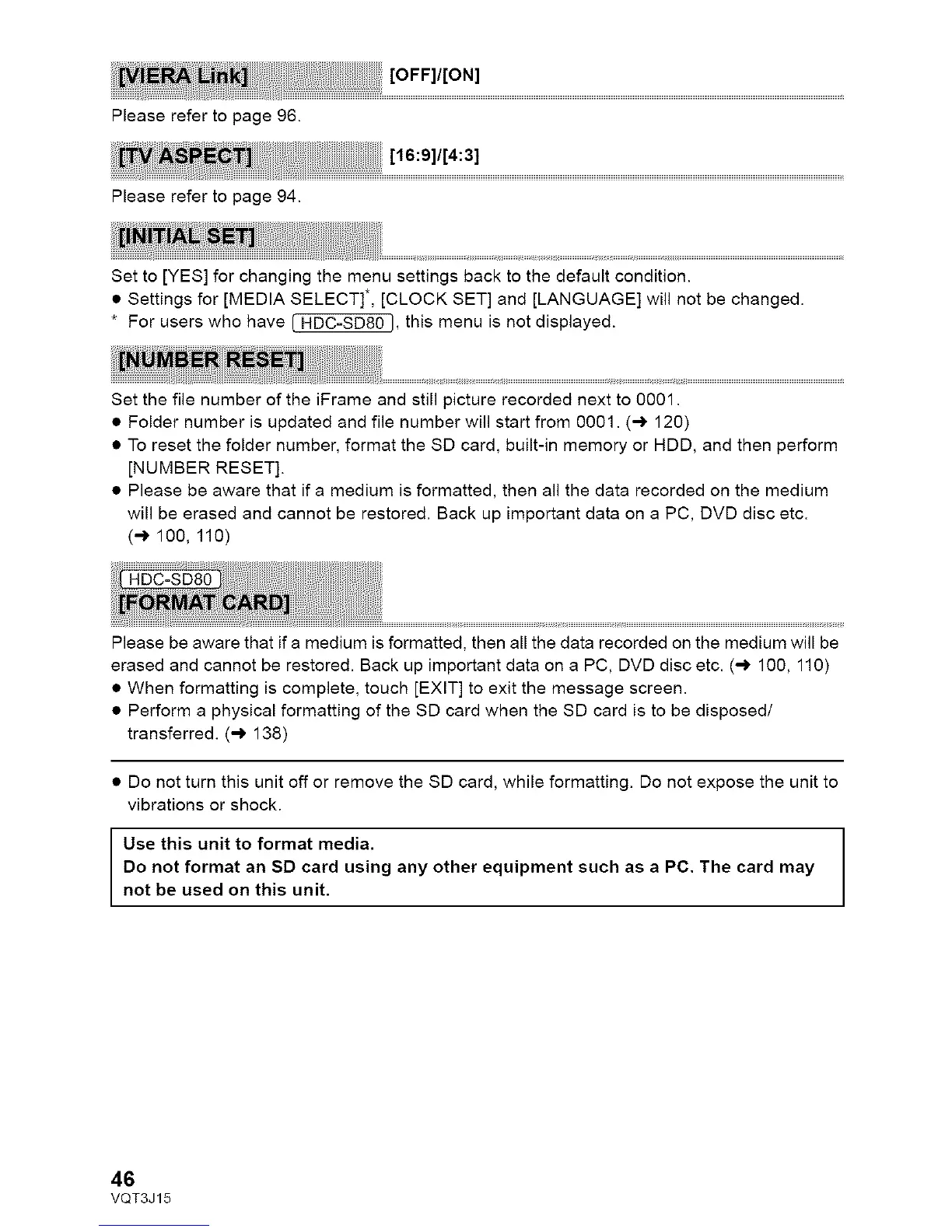
Pleaserefertopage96.
Pleaserefertopage94.
Setto[YES]forchangingthemenusettingsbacktothedefaultcondition.
• Settings for [MEDIA SELECT]*, [CLOCK SET] and [LANGUAGE] will not be changed.
* For users who have [ HDC=SD80 I, this menu is not displayed.
Set the file number of the iFrame and still picture recorded next to 0001.
• Folder number is updated and file number will start from 0001. (_ 120)
• To reset the folder number, format the SD card, built-in memory or HDD, and then perform
[NUMBER RESET].
• Please be aware that if a medium is formatted, then all the data recorded on the medium
will be erased and cannot be restored. Back up important data on a PC, DVD disc etc.
(-* 100, 110)
Please be aware that if a medium is formatted, then all the data recorded on the medium will be
erased and cannot be restored. Back up important data on a PC, DVD disc etc. (_ 100, 110)
• When formatting is complete, touch [EXIT] to exit the message screen.
• Perform a physical formatting of the SD card when the SD card is to be disposed/
transferred. (-_ 138)
• Do not turn this unit off or remove the SD card, while formatting. Do not expose the unit to
vibrations or shock.
Use this unit to format media.
Do not format an SD card using any other equipment such as a PC. The card may
not be used on this unit.
46
VQT3J15



 To Next Page