Resuming the previous playback
If playback of a scene was stopped halfway, the playback can be resumed from where it was stepped.
: [VIDEO SETUP] _ [RESUME PLAY] _ [ON] I
If playback of a motion picture isstopped, _ appears on the thumbnail view of the stopped scene.
• The memorized resume position is cleared if you turn off the unit or change the mode.
(The setting of [RESUME PLAY] does not change.)
Zooming in on a still picture during playback
(Playback zoom)
You can zoom in by touching a still picture during playback.
1 Touch and hold the part you wish to zoom in on during still picture
playback.
• It will display enlarged in order of normal display (× 1) _ × 2 _ ×4. Keep on touching the
screen to enlarge x 1 _ x2. Touch the screen to enlarge ×2 _ ×4.
• The still picture is zoomed in on, centering on the part you touched.
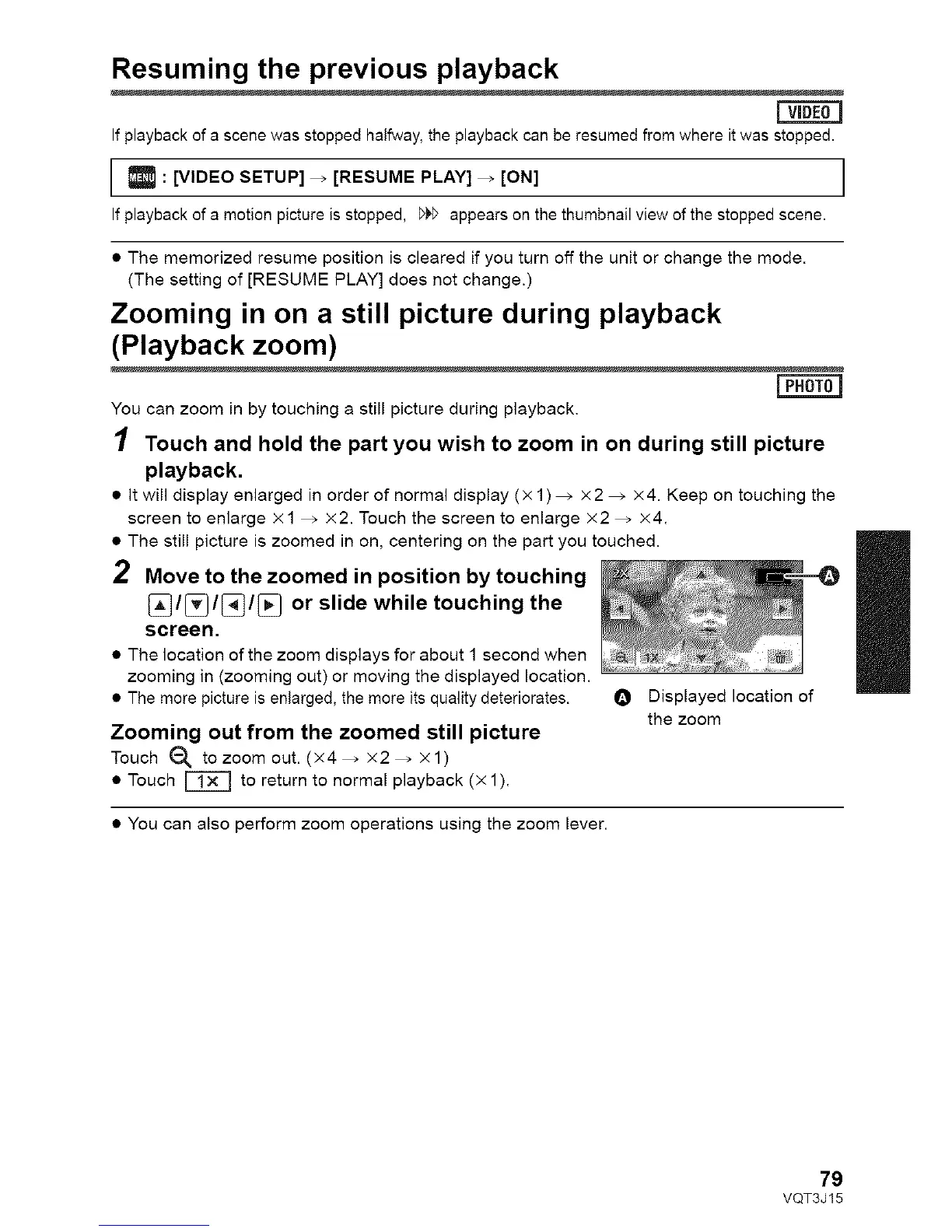
2 Move to the zoomed in position by touching
_/[_/[_/[_ or slide while touching the
screen.
• The location of the zoom displays for about 1 second when
zooming in (zooming out) or moving the displayed location.
• The more picture is enlarged, the more its quality deteriorates. O Displayed location of
the zoom
Zooming out from the zoomed still picture
Touch _)_ tozoom out. (×4_ ×2_ ×1)
• Touch _ to return to normal playback (× 1).
• You can also perform zoom operations using the zoom lever.
II
79
VQT3J15










 To Next Page