EasyManua.ls Logo

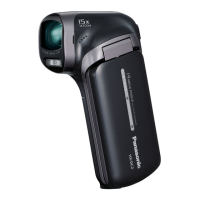
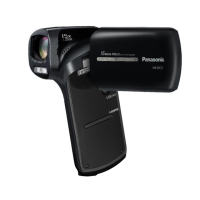
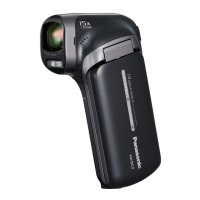
Panasonic HX-WA2 - User Manual

Panasonic HX-WA2
186 pages
Print Icon
To Next Page IconTo Next Page
Loading...
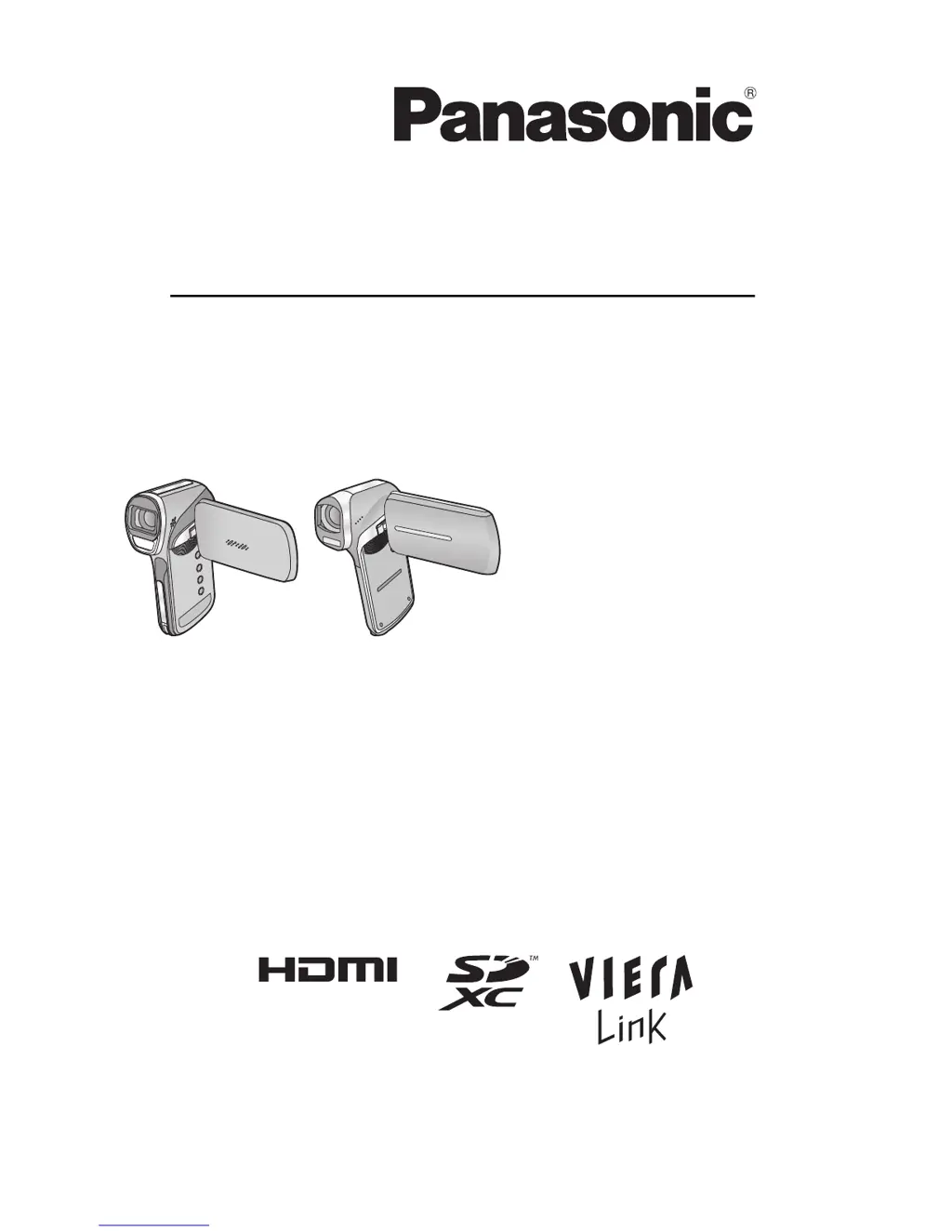
Operating Instructions
Dual Camera
Model No. HX-WA2
HX-DC2
Before use, please read these instructions completely.
VQT4F33
until
2012/2/23

Table of Contents

Other manuals for Panasonic HX-WA2

Questions and Answers

  • K
    Kevin GaySep 23, 2025
    Why I cannot see the PDF operating instructions for HD Writer VE 2.0 or HD Writer Web Uploader?
    • W
      williammillerSep 23, 2025
      You will need Adobe Acrobat Reader 5.0 or later or Adobe Reader 7.0 or later to read the PDF operating instructions for HD Writer VE 2.0 or HD Writer Web Uploader.
  • K
    Kathleen WrightAug 23, 2025
    Why is video or audio not output from my Panasonic HX-WA2 Camcorder even though it is connected to the TV correctly?
    • L
      Laura McdowellAug 23, 2025
      Refer to your TV's operating instructions to select the correct input channel. Adjust the [TV ASPECT] setting to match your TV's aspect ratio. If using an HDMI cable, adjust the [HDMI] setting. Verify the connection status of both the unit and the cable.
  • G
    George NelsonAug 25, 2025
    What to do if my Panasonic Camcorder turns off automatically?
    • E
      Emily PattonAug 26, 2025
      The economy mode function may be activated, which puts the unit into sleep mode after approximately 5 minutes of inactivity. If you are not using VIERA Link, set [VIERA Link] to [OFF] in the settings.
  • M
    Melissa BarberAug 27, 2025
    What to do if my Panasonic HX-WA2 cannot be operated even though it is turned on?
    • M
      Monica SimmonsAug 27, 2025
      Try removing the battery or AC adapter, waiting about 1 minute, and then reconnecting it.
  • M
    Monica Powell MDAug 27, 2025
    What to do if my Panasonic HX-WA2 battery does not charge?
    • J
      James ParkerAug 27, 2025
      Check that the plug of the AC adapter is securely connected and properly aligned.
  • L
    Laura PayneSep 17, 2025
    How to adjust the play volume on my Panasonic HX-WA2 if there is no sound during playback?
    • C
      collinsdanielSep 18, 2025
      Adjust the play volume on the Panasonic Camcorder.
  • J
    Jody SotoSep 14, 2025
    What to do if my Panasonic HX-WA2 Camcorder angle of view changes when recording still pictures?
    • J
      Jennifer RussellSep 14, 2025
      Press the button halfway to switch to photo view. To change the recording standby screen's angle of view to photo view, set [PHOTO VIEW] to (ON).
  • M
    mendeztammySep 15, 2025
    How to safely disconnect the USB cable from my Panasonic Camcorder to avoid PC errors?
    • A
      Anna RobinsonSep 16, 2025
      To safely disconnect the USB cable, double-click the icon in the task tray and follow the on-screen instructions.
  • T
    Todd PeckSep 6, 2025
    Why is there noise in the recording image of my Panasonic HX-WA2 Camcorder?
    • Q
      qfranklinSep 6, 2025
      If the [ISO] setting is too high, noise may appear in the recorded images. Lower the ISO sensitivity setting.
  • G
    gmaySep 3, 2025
    Why does my Panasonic HX-WA2 Camcorder arbitrarily stop recording?
    • J
      johnhillSep 3, 2025
      Ensure you are using an SD card suitable for motion picture recording. The recordable time may have shortened. Format the SD card or built-in memory using the unit.

Summary

Information for Your Safety

Preparation

Waterproof Performance

Details IPX8 rating, depth limits, and underwater usage precautions.

Names and Functions of Main Parts

Identifies and explains the camera's external components and buttons.

Basic

Recording motion pictures

Step-by-step guide for capturing video clips.

Recording still pictures

Procedure for capturing still photographs with focus control.

Advanced (Recording)

Using the zoom

Controls for optical, digital, and double range zoom operations.

Recording underwater [HX-WA2]

Specific settings for optimal underwater color balance and audio.

Others

LCD Display Indications

Explains screen icons, indicators, and symbols.

Troubleshooting

Solutions for common operational problems and error messages.

Cautions for use

Important warnings regarding operation and maintenance.

Panasonic HX-WA2 Specifications

General IconGeneral
Sensor typeMOS
Total megapixels14.4 MP
Optical sensor size1/2.33 \
Effective megapixels (image)11.9 MP
Optical zoom5 x
Image stabilizerYes
Focal length range6.8 - 34 mm
Interchangeable lensNo
Maximum aperture number3.7
Minimum aperture number3.5
Focal length (35mm film equivalent)40 - 240 mm
Maximum focal length (35mm film equiv)199.5 mm
Minimum focal length (35mm film equiv)39.9 mm
Camera file systemDCF 2.0, Exif 2.2
Camcorder media typeMemory card
Compatible memory cardsSD, SDHC, SDXC
Internal storage capacity- GB
Focus adjustmentAuto/Manual
Built-in light-
Shutter speed (photo)1/2 - 1/1500 s
Shutter speed (video)1/30 - 1/10000 s
Display diagonal2.6 \
Display resolution (numeric)230400 pixels
Camcorder typeHandheld camcorder
Minimum illumination3 lx
On Screen Display (OSD) languagesCZE, DEU, DUT, ENG, ESP, ITA, POL, SWE, TUR
Product colorOrange
Video resolutions640 x 480, 960 x 540, 1280 x 720, 1920 x 1080 pixels
Supported video modes1080i, 480p, 540p, 720p
Video formats supportedH.264, MPEG4
Maximum video resolution1920 x 1080 pixels
Image formats supportedJPG
Maximum image resolution4352 x 3264 pixels
Still image resolution(s)640 x 480, 1920 x 1080, 2048 x 1536, 2560 x 1440, 2560 x 1920, 4352 x 2448, 4352 x 3264
Audio formats supportedAAC
USB 2.0 ports quantity1
Component video (YPbPr/YCbCr) out0
Battery voltage3.7 V
Battery life (max)- h
Cables includedAV, USB
Bundled softwareHD Writer VE2.0
Power consumption (typical)4.1 W
Weight and Dimensions IconWeight and Dimensions
Depth44.1 mm
Width93.1 mm
Height125.6 mm
Weight259 g

Related product manuals