Preparation
13
Turning the power on/off
Power on
Press {ih} for about 1 second.
L The display will change to the standby
mode.
Power off
Press {ih} for about 2 seconds.
L The display will go blank.
Setting the date and time
Important:
L Confirm that the AC adaptor is connected.
L Ensure that w is not flashing.
1 Press {j/OK}.
2 Select “Handset Setup”, then press
{>}.
3 Select “Time Settings”, then press
{>}.
4 Select “Set Date & Time”, then press
{>}.
5 Enter the current day, month and year by
selecting 2 digits for each.
Example: 17 May, 2006
Press {1}{7} {0}{5} {0}{6}.
6 Enter the current hour and minute by
selecting 2 digits for each.
L You can select “AM”, “PM” or 24-hour
time entry by pressing {*} repeatedly.
Example: 3:30 PM
Press {0}{3} {3}{0}, then press {*}
repeatedly until “03:30 PM” is
displayed.
7 Press {j/OK}.
8 Press {ih}.
Note:
To correct a digit, press {<} or {>} to move
the cursor, then make the correction.
The date and time may be incorrect after a
power failure. In this case, set the date and
time again.
-2- Base unit number: The left
icon shows base unit 2
example (page 27).
F
New SMS message
received (SMS users only;
page 38)
[IN USE] Line is being used by
another handset.
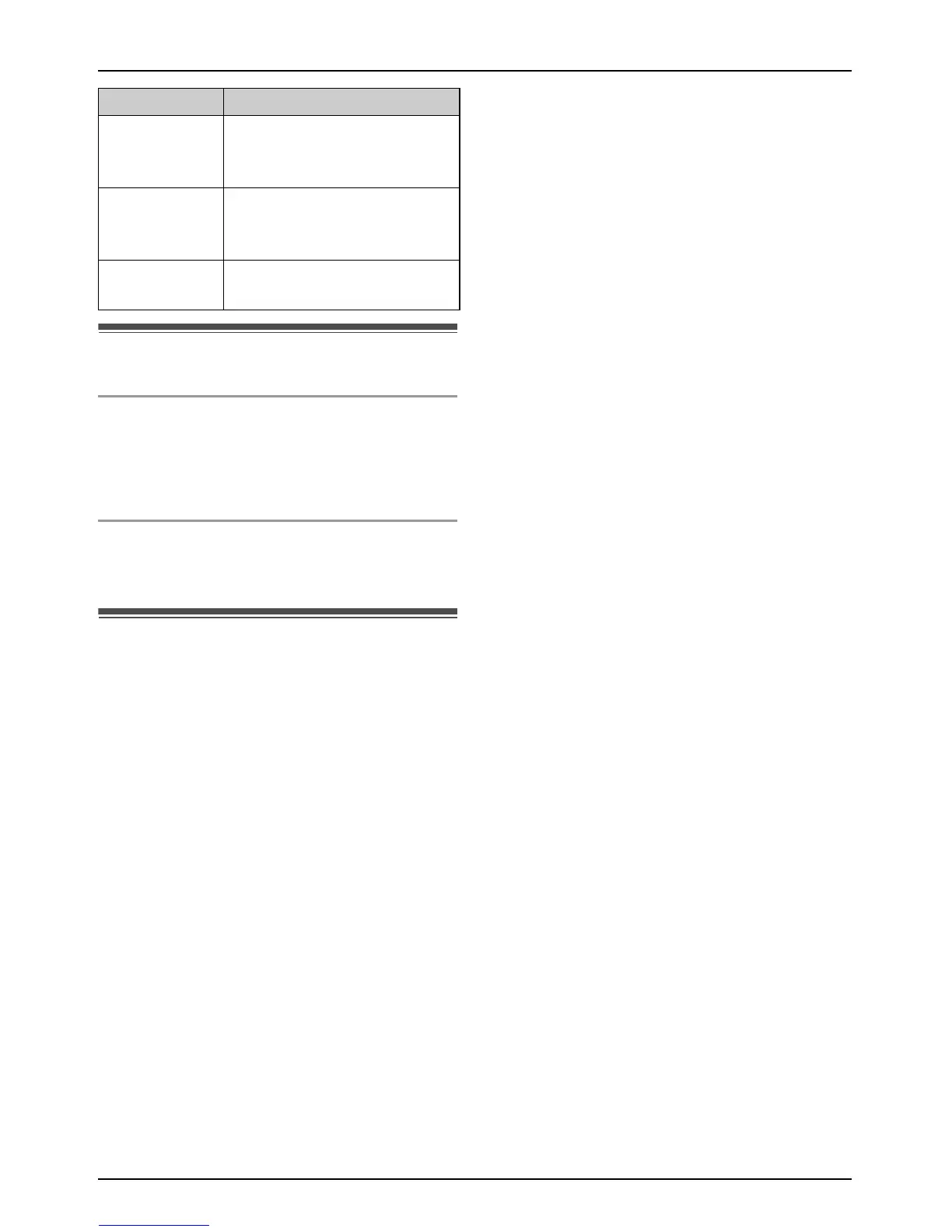
Display icon Meaning



 To Next Page