EasyManua.ls Logo

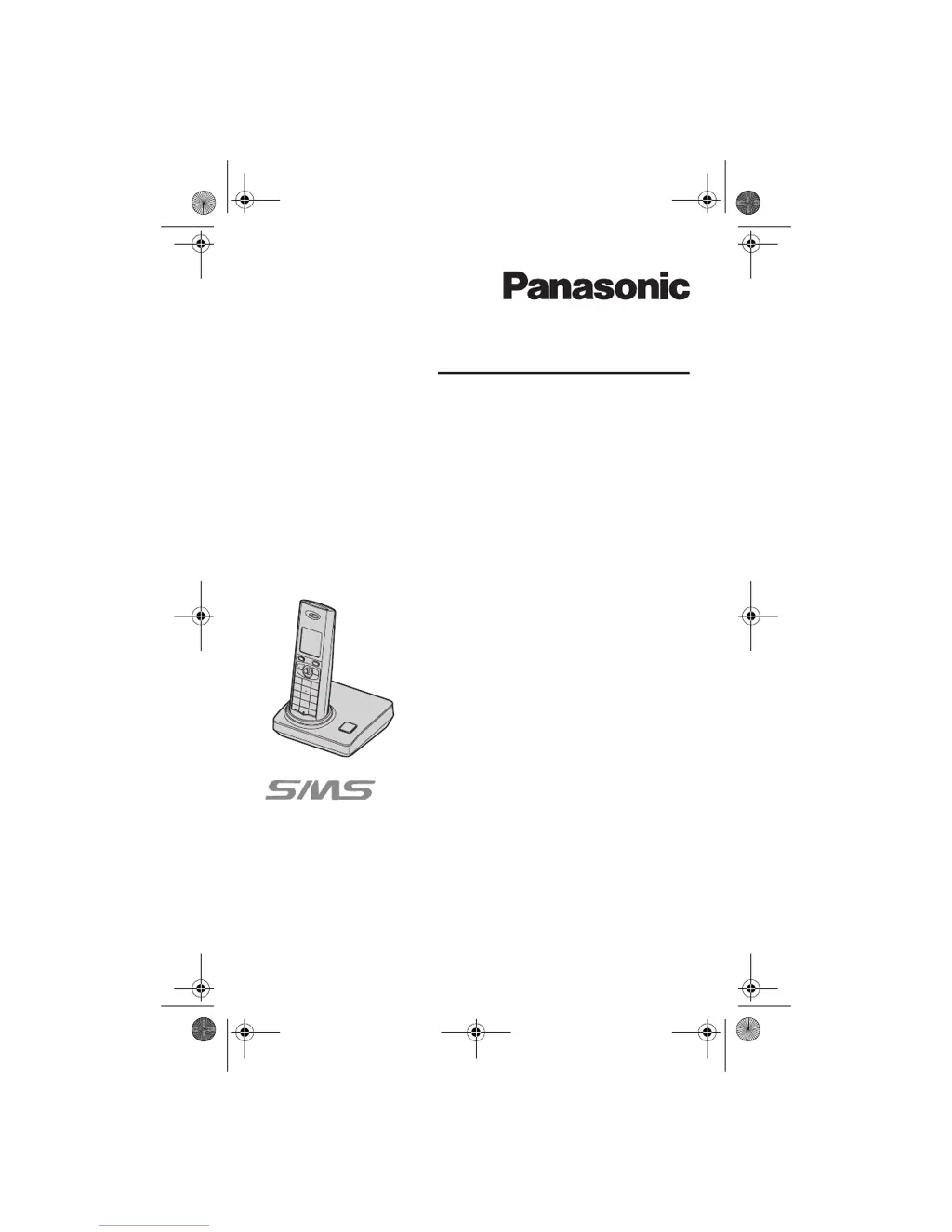
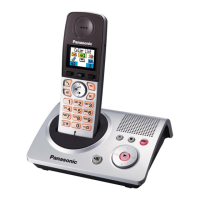
Panasonic KX-TG8200E - User Manual

Panasonic KX-TG8200E
56 pages
Print Icon
To Next Page IconTo Next Page
Loading...
This unit is compatible with Caller ID and SMS. To use
these features, you must subscribe to the appropriate
service of your service provider/telephone company.
Charge the batteries for about 7 hours before initial use.
Please read these operating instructions before using the unit and save
them for future reference.
Operating Instructions
Model No.
KX-TG8220E
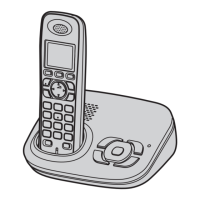
Digital Cordless Answering System
Model No.
KX-TG8200E
Digital Cordless Phone
KX-TG8202E
KX-TG8222E
KX-TG8200
TG8200_20E.book Page 1 Monday, June 18, 2007 9:03 AM

Table of Contents

Questions and Answers

  • S
    Shannon CastroSep 23, 2025
    Why, while recording a greeting message or listening to messages on my Panasonic KX-TG8200E, does the unit rings and recording stops?
    • E
      Eduardo BrownSep 23, 2025
      While recording a greeting message or listening to messages, if the unit rings and recording stops on your Panasonic Cordless Telephone, a call is being received. Answer the call and try again later.
  • A
    Angela BryantAug 25, 2025
    What does it mean when a busy tone is heard when {C} is pressed on my Panasonic KX-TG8200E?
    • E
      Edward DayAug 25, 2025
      If you hear a busy tone when {C} is pressed on your Panasonic Cordless Telephone: * The handset may be too far from the base unit. Move closer and try again. * Another handset might be in use, or the answering system is being used. Wait and try again later.
  • G
    gchurchAug 25, 2025
    What to do if I cannot make or receive calls on my Panasonic KX-TG8200E Cordless Telephone?
    • S
      Sandra GilbertAug 26, 2025
      If you are unable to make or receive calls on your Panasonic Cordless Telephone, consider the following: * Check the base unit AC adaptor and telephone line cord connections. * If using a splitter, remove it and connect the unit directly to the wall socket to test the splitter. * Disconnect the base unit and connect the telephone line to a working telephone to determine if the issue is with the unit or the telephone line. If the working telephone operates properly, contact our service personnel to have the unit repaired. If the working telephone does not operate properly, contact your service provider/telephone company. * Ensure you are not dialling a restricted number. * Check if the key lock feature is turned on, and if so, turn it off.
  • L
    laguirreAug 27, 2025
    What to do if my Panasonic Cordless Telephone handset display is blank?
    • H
      higginsmichaelAug 27, 2025
      If the handset display is blank on your Panasonic Cordless Telephone: * The handset may be in screen saver mode. Press {ih} to activate the display. * The handset might not be turned on. Turn the power on.
  • C
    Connie GonzalezAug 27, 2025
    What to do if my Panasonic KX-TG8200E will not turn on?
    • V
      Veronica FranklinAug 27, 2025
      If your Panasonic Cordless Telephone will not turn on: * Ensure the batteries are installed correctly. * Fully charge the batteries. * Clean the charge contacts and charge again.
  • J
    Jon SchmidtSep 13, 2025
    What does “FE” displayed on my Panasonic KX-TG8200E mean?
    • K
      Kristen JonesSep 14, 2025
      If “FE” is displayed on your Panasonic Cordless Telephone, an error occurred while sending the message. Try again.
  • T
    Tina JohnsonSep 12, 2025
    What to do if the SMS message centre number is logged in the caller list and the message is not received on my Panasonic KX-TG8200E?
    • C
      Christopher WuSep 12, 2025
      If the SMS message centre number is logged in the caller list and the message is not received on your Panasonic Cordless Telephone, someone may have tried to send you a message while SMS was turned off. Turn it on.
  • M
    Miss Mary Crawford MDSep 12, 2025
    What does 'FD' displayed on my Panasonic Cordless Telephone mean?
    • E
      Eric LopezSep 13, 2025
      If “FD” is displayed on your Panasonic Cordless Telephone, the unit could not connect to the SMS message centre. Confirm that the correct SMS message centre numbers are stored and that SMS is turned on.
  • Q
    qmoodySep 4, 2025
    What to do if I cannot register a handset to a base unit on my Panasonic KX-TG8200E?
    • J
      Jeffrey LucasSep 4, 2025
      If you are having trouble registering a handset to a base unit with your Panasonic Cordless Telephone: * The maximum number of base units (4) might already be registered to the handset. Cancel unused base unit registrations from the handset. * The maximum number of handsets (6) might already be registered to the base unit. Cancel unused handset registrations from the base unit. * You may have entered the wrong PIN. If you forget your PIN, see 'I cannot remember the PIN.' * Place the handset and the base unit away from other electrical appliances.
  • K
    Katherine LopezSep 2, 2025
    Why is the 'w' flashing on my Panasonic KX-TG8200E Cordless Telephone?
    • M
      Michael HammondSep 2, 2025
      The 'w' flashing on your Panasonic Cordless Telephone indicates a few potential issues: * The handset might not be registered to the base unit. Register it. * The handset could be too far from the base unit. Move closer. * The base unit AC adaptor may not be connected. Check the connections. * There might be electrical interference. Move the handset and base unit away from sources like antennas and mobile phones.

Panasonic KX-TG8200E Specifications

General IconGeneral
BrandPanasonic
ModelKX-TG8200E
CategoryCordless Telephone
LanguageEnglish

Related product manuals