EasyManua.ls Logo

Panasonic KX-TGD310NZ - User Manual

Panasonic KX-TGD310NZ
56 pages
Print Icon
To Next Page IconTo Next Page
Loading...
Operating Instructions
Digital Cordless Phone
Model No.
KX-TGD310NZ
KX-TGD312NZ
Digital Cordless Answering System
Model No.
KX-TGD320NZ
KX-TGD322NZ
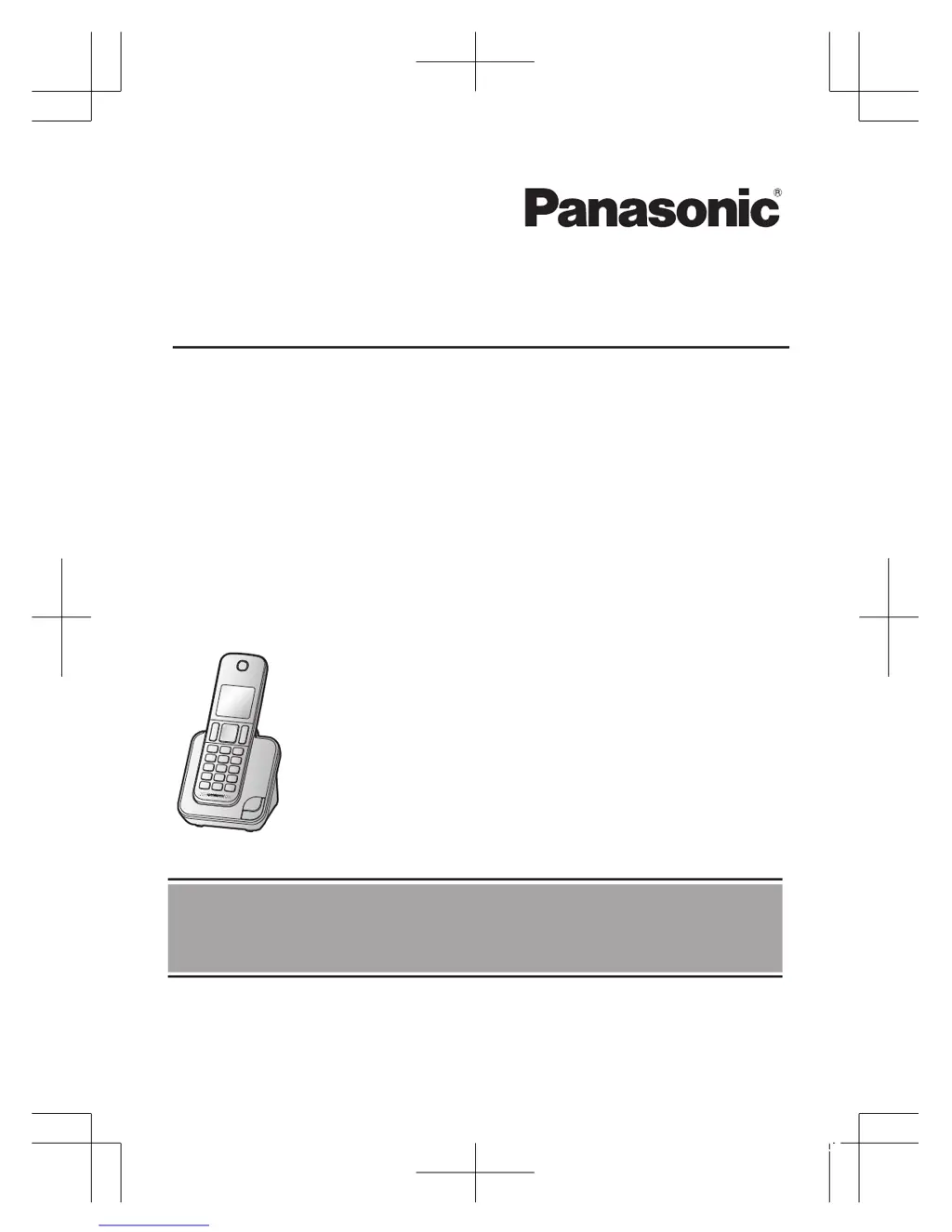
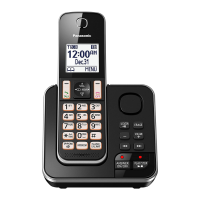
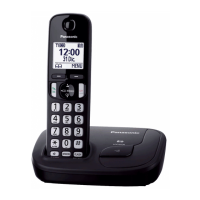
Model shown is KX-TGD310.
Before initial use, see “Getting Started”
on page 9.
Thank you for purchasing a Panasonic product.
Please read these operating instructions before using the unit and save them for
future reference.
0303_TGD3xxNZ(en-en)_ver002.pdf 1 2015/03/03 10:28:02

Questions and Answers

  • S
    Sheila SalasSep 10, 2025
    Why is my Panasonic KX-TGD310NZ Cordless Telephone base unit not ringing?
    • M
      mporterSep 10, 2025
      If the base unit of your Panasonic Cordless Telephone does not ring, the ringer volume might be turned off. Adjust the ringer volume.
  • J
    Jonathan LarsenAug 22, 2025
    Why I cannot hear a dial tone on my Panasonic Cordless Telephone?
    • J
      Jack BryantAug 23, 2025
      If you cannot hear a dial tone on your Panasonic Cordless Telephone, ensure that you are using the supplied telephone line cord and check the connections. You can also disconnect the base unit from the telephone line and connect the line to a known working telephone. If the working telephone operates properly, contact our service personnel to have the unit repaired. If the working telephone does not operate properly, contact your phone service provider.
  • A
    Albert AndersonAug 25, 2025
    How to fix a Panasonic Cordless Telephone handset that does not ring?
    • A
      Adrian CardenasAug 25, 2025
      If the handset of your Panasonic Cordless Telephone does not ring, make sure the ringer volume is not turned off by adjusting the ringer volume. Also, check if the 'Do not disturb' mode is turned on and turn it off if it is.
  • N
    Natalie WashingtonAug 26, 2025
    Why does my Panasonic Cordless Telephone have noise and sound cutting in and out?
    • P
      petercolemanAug 27, 2025
      If you experience noise or sound cutting in and out on your Panasonic Cordless Telephone, it might be due to electrical interference. Try re-positioning the base unit and use the handset away from sources of interference. Moving closer to the base unit can also help. If you use a DSL/ADSL (JetStream) service, consider having a DSL/ADSL Splitter installed by your service provider.
  • S
    Stephanie LoveAug 27, 2025
    Why do the batteries on my Panasonic Cordless Telephone still flash after being fully charged, or why is the operating time shorter?
    • A
      Ashley RojasAug 27, 2025
      If you have fully charged the batteries of your Panasonic Cordless Telephone, but the handset still flashes or the operating time seems shorter, clean the battery ends and the charge contacts with a dry cloth and charge again. It may also be time to replace the batteries.
  • A
    annabrownAug 29, 2025
    What to do if I cannot register a handset to a base unit on my Panasonic KX-TGD310NZ?
    • T
      thorntontiffanyAug 29, 2025
      If you cannot register a handset to a base unit of your Panasonic Cordless Telephone, it may be because the maximum number of base units (4) is already registered to the handset. Cancel unused base unit registrations from the handset. Alternatively, the maximum number of handsets (6) may already be registered to the base unit; in this case, cancel unused handset registrations from the base unit. Also, ensure that you entered the correct PIN. If you forget your PIN, contact an authorised service centre.
  • J
    Joshua SparksSep 18, 2025
    What to do if liquid entered my Panasonic KX-TGD310NZ handset/base unit?
    • R
      Robert SmithSep 19, 2025
      If liquid or other form of moisture has entered the handset/base unit of your Panasonic Cordless Telephone, disconnect the AC adaptor and telephone line cord from the base unit. Remove the batteries from the handset and leave to dry for at least 3 days. After the handset/base unit are completely dry, reconnect the AC adaptor and telephone line cord. Insert the batteries and charge fully before use. If the unit does not work properly, contact an authorised service centre.
  • S
    simpsoncraigSep 12, 2025
    Why is caller information slow to display on my Panasonic KX-TGD310NZ Cordless Telephone?
    • D
      Diana WolfeSep 12, 2025
      If caller information is slow to display on your Panasonic Cordless Telephone, depending on your phone service provider, the unit may display the caller’s information at the 2nd ring or later. Set the first ring to 'Off'. Moving closer to the base unit may also help.
  • D
    dickersonheatherSep 8, 2025
    Why is my Panasonic KX-TGD310NZ not recording new messages?
    • V
      Vanessa MorrisSep 8, 2025
      If your Panasonic Cordless Telephone does not record new messages, verify the following: the answering system is turned on; the message memory is not full (erase unwanted messages if it is); the recording time is not set to 'Greeting Only' (change the setting if it is); your phone service provider’s voicemail service may be answering your calls before the unit’s answering system can answer your calls (change the unit’s number of rings setting to a lower value, or contact your phone service provider); the answering system will not answer incoming calls while the other devices such as handsets are engaged in a call.
  • J
    jeremy52Sep 5, 2025
    Why is caller information not displayed on my Panasonic Cordless Telephone?
    • H
      hartpaulSep 5, 2025
      If caller information is not displayed on your Panasonic Cordless Telephone, first ensure that you subscribe to a Caller ID service. If your unit is connected to any additional telephone equipment, remove it and plug the unit directly into the wall socket. If you use a DSL/ADSL (JetStream) service, we recommend that you contact your DSL/ADSL service provider to have a DSL/ADSL Splitter installed. Other telephone equipment such as a monitored Burglar Alarm or the modem in the SKY Digital decoder may be interfering with this unit. Disconnect the other equipment and try again.

Panasonic KX-TGD310NZ Specifications

General IconGeneral
BrandPanasonic
ModelKX-TGD310NZ
CategoryCordless Telephone
LanguageEnglish

Related product manuals