EasyManua.ls Logo

Panasonic KX-TGD432 - User Manual

Panasonic KX-TGD432
52 pages
Print Icon
To Next Page IconTo Next Page
Loading...
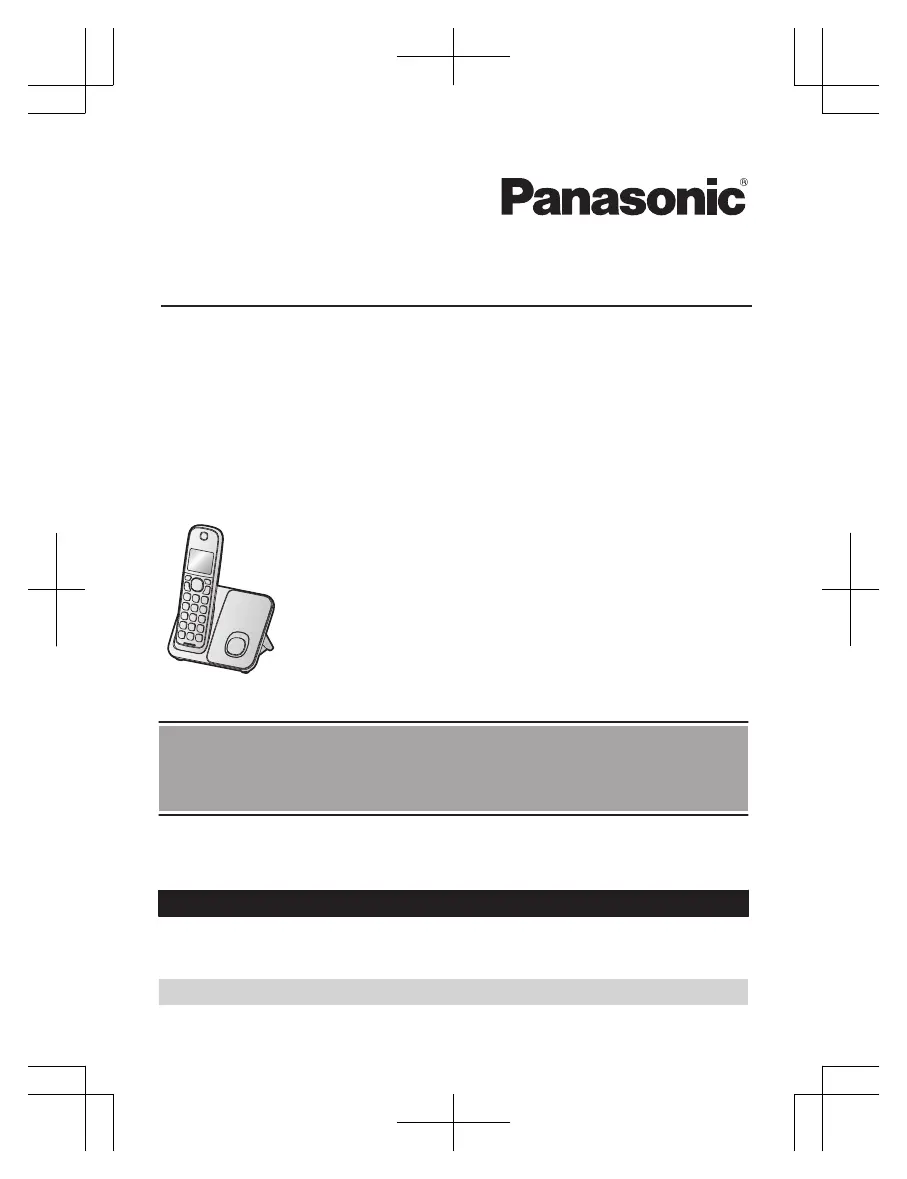
Operating Instructions
Cordless Telephone
Model No.
KX-TGD510
KX-TGD512/KX-TG3712
KX-TGD513
Cordless Telephone with Digital Answering Machine
Model No.
KX-TGD530
KX-TGD432/KX-TGD532
KX-TG3722/KX-TG732SK
KX-TGD433/KX-TGD533
KX-TG3723/KX-TG733SK
KX-TGD534/KX-TG734SK
KX-TGD535
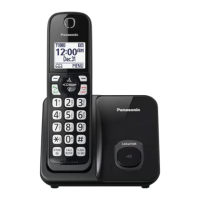
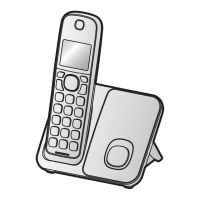
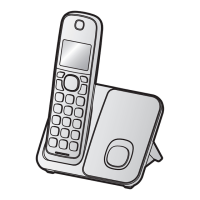
Model shown is KX-TGD510.
Before initial use, see “Getting Started”
on page 9.
Thank you for purchasing a Panasonic product.
Please read these operating instructions before using the unit and save them for
future reference.
Consulte “Guía Rápida Española”, página 42.
For assistance, visit our Web site: http://shop.panasonic.com/support for
customers in the U.S.A.
Please register your product: http://shop.panasonic.com/support
TGD43x(en-en)0222ver004.pdf1 2018/02/228:14:41

Questions and Answers

  • J
    Jerry JonesSep 23, 2025
    What to do if liquid gets into my Panasonic KX-TGD432?
    • C
      cannonbrandonSep 23, 2025
      If liquid or moisture has entered your Panasonic Cordless Telephone handset or base unit, disconnect the AC adapter and telephone line cord from the base unit. Remove the batteries from the handset and leave to dry for at least 3 days. Reconnect the AC adapter and telephone line cord. Insert the batteries and charge fully before use. If the issue persists, contact an authorized service center.
  • C
    Christine DicksonAug 25, 2025
    Why I cannot hear a dial tone on my Panasonic Cordless Telephone?
    • M
      Michelle GordonAug 25, 2025
      If you cannot hear a dial tone on your Panasonic Cordless Telephone, it might be because the base unit’s AC adaptor or telephone line cord is not connected properly. Check the connections to ensure they are secure.
  • N
    Nicholas FosterAug 25, 2025
    What to do if Panasonic KX-TGD432 Cordless Telephone handset does not ring?
    • N
      newmankariAug 26, 2025
      If the handset of your Panasonic Cordless Telephone does not ring, ensure that the ringer volume is not turned off. Adjust the ringer volume as needed. Also, check if silent mode is turned on and turn it off if it is. Additionally, pressing and holding 0 can toggle the ringer on or off, so ensure it is turned on this way as well.
  • A
    Ashley CowanAug 27, 2025
    Why is my Panasonic Cordless Telephone battery not charging properly?
    • D
      Dawn GibsonAug 27, 2025
      If you fully charged the batteries of your Panasonic Cordless Telephone, but the battery icon still flashes, displays a low battery symbol, or the operating time seems shorter, clean the battery ends and the charge contacts with a dry cloth and charge again. It may also be time to replace the batteries.
  • N
    Nathan RomanAug 27, 2025
    What to do if my Panasonic KX-TGD432 Cordless Telephone does not work?
    • E
      Emma MichaelAug 27, 2025
      If your Panasonic Cordless Telephone isn't working, there are several things to try: * Ensure the batteries are correctly installed. * Fully charge the batteries. * Check all connections. * Unplug the base unit’s AC adapter to reset the unit. * Register the handset.
  • L
    lisa27Sep 14, 2025
    What to do if liquid entered my Panasonic KX-TGD432?
    • J
      Jacob JohnstonSep 14, 2025
      If liquid or other moisture has entered your Panasonic Cordless Telephone handset or base unit, disconnect the AC adaptor and telephone line cord from the base unit. Remove the batteries from the handset and let it dry for at least 3 days. After it is completely dry, reconnect the AC adaptor and telephone line cord. Insert the batteries and charge fully before use.
  • L
    Lynn GarciaSep 12, 2025
    Why is caller information late on Panasonic KX-TGD432 Cordless Telephone?
    • S
      shahangelaSep 12, 2025
      If caller information is displayed or announced late on your Panasonic Cordless Telephone, it may be due to your phone service provider. The unit may display or announce the caller’s information at the 2nd ring or later, depending on the provider.
  • K
    Krystal ClaytonSep 13, 2025
    Why is caller information not announced on my Panasonic KX-TGD432?
    • J
      Jacob BrownSep 13, 2025
      If caller information is not announced on your Panasonic Cordless Telephone, ensure that the handset or base unit’s ringer volume is not turned off by adjusting it. Also, confirm that the Talking Caller ID feature is turned on. Finally, check that the number of rings for the answering system is not set to “2 rings” or “Toll saver”; select a different setting if it is.
  • C
    Colleen RossSep 5, 2025
    How to fix Panasonic Cordless Telephone when I cannot make a call?
    • D
      Deborah Faulkner DVMSep 5, 2025
      If you cannot make a call on your Panasonic Cordless Telephone, try changing the dialing mode setting.
  • P
    Paul ParksSep 2, 2025
    Why does my Panasonic KX-TGD432 have static and cut out?
    • M
      melissa98Sep 2, 2025
      If you're experiencing noise or sound cutting in and out on your Panasonic Cordless Telephone: * The handset or base unit might be in an area with high electrical interference. Try re-positioning the base unit and using the handset away from sources of interference. * Move closer to the base unit. * You may need to contact your DSL/ADSL provider for details.

Panasonic KX-TGD432 Specifications

General IconGeneral
Caller IDYes
Answering MachineYes
DECT 6.0 TechnologyYes
KeypadYes
Power Failure Talk SystemNo
Call WaitingYes
Power SourceAC adapter
TypeCordless Telephone
DisplayLCD
Call BlockYes
SpeakerphoneYes
Battery TypeNi-MH
IntercomYes

Related product manuals