EasyManua.ls Logo

Panasonic KX-TGD530 - User Manual

Panasonic KX-TGD530
64 pages
Print Icon
To Next Page IconTo Next Page
Loading...
Operating Instructions
Cordless Telephone
Model No.
KX-TGD510
KX-TGD512
KX-TGD513
Cordless Telephone with
Digital Answering Machine
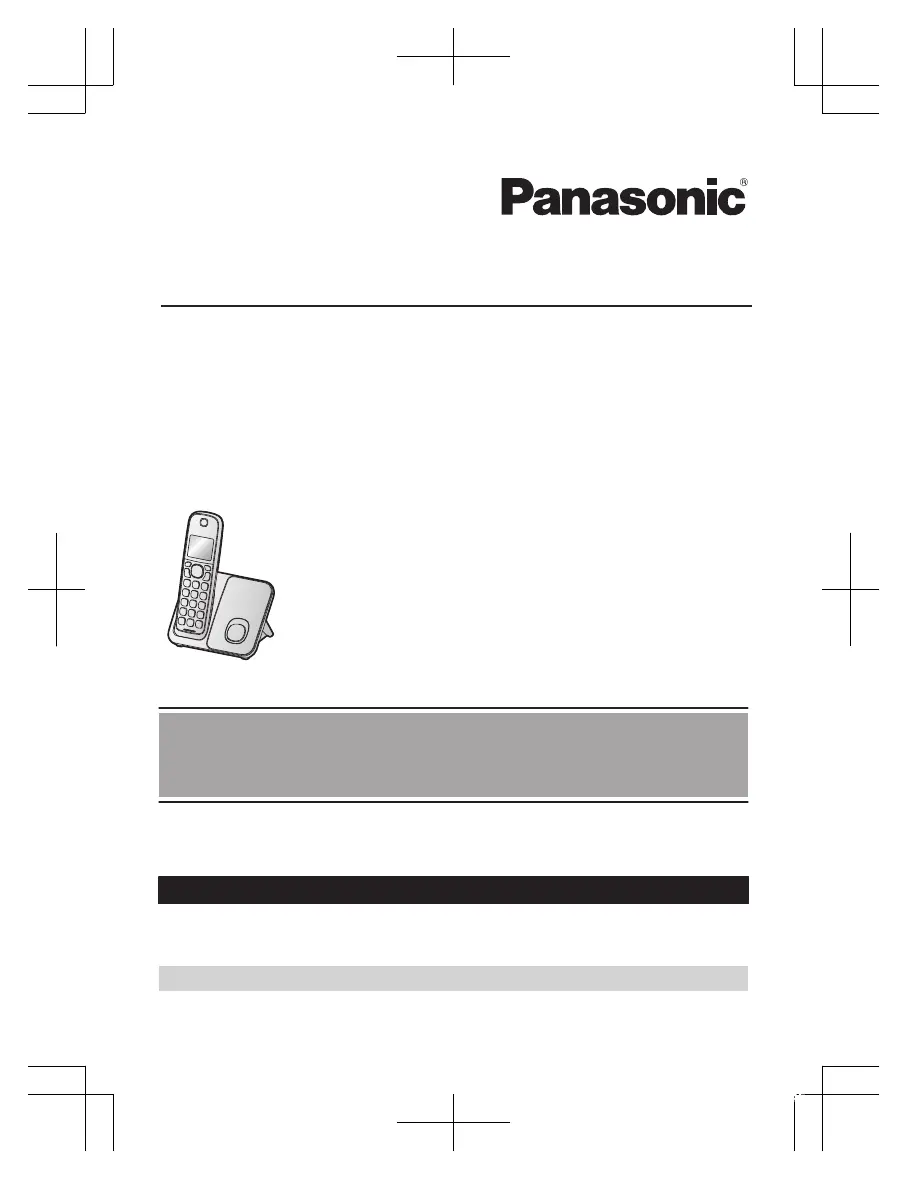
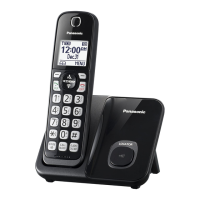
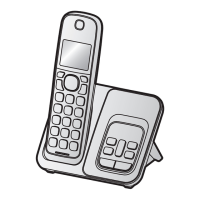
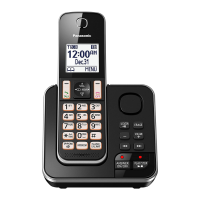
Model shown is KX-TGD510.
Model No.
KX-TGD530
KX-TGD532
KX-TGD533
KX-TGD534
KX-TGD535
Before initial use, see “Getting Started”
on page 10.
Thank you for purchasing a Panasonic product.
Please read these operating instructions before using the unit and save them for
future reference.
Consulte “Guía Rápida Española”, página 52.
For assistance, visit our Web site: http://shop.panasonic.com/support for
customers in the U.S.A.
Please register your product: http://shop.panasonic.com/support
TGD51x_OI(en)_1007_ver002.pdf 1 2016/10/07 10:05:45

Questions and Answers

Summary

Introduction

For your safety

Power connection

Guidelines for safe power connection and handling.

Installation

Warnings and precautions related to product installation.

Operating safeguards

Precautions for safe operation and preventing misuse.

Important safety instructions

Battery

Guidelines for battery usage, charging, and handling.

Specifications

Getting Started

Setting up

Step-by-step instructions for connecting the base unit and charger.

Battery installation

Instructions for correctly installing handset batteries.

Controls

Making calls

Answering calls

Useful features during a call

Call block

Phonebook

Speed dial

Programming

Main menu: Settings

Registration

Alarm

Silent mode

Registering a unit

Registering a handset to the base unit

Steps to pair a handset with the base unit.

Deregistering a handset

Using Caller ID service

Talking Caller ID

Caller list

Answering system

Turning the answering system on;off

How to activate/deactivate the answering system.

Listening to messages

Remote operation

Using the answering system remotely

Steps to operate the system from a remote phone.

Answering system settings

Voicemail service

Storing the voicemail (VM) access number

Wall mounting

Base unit

Steps for wall mounting the base unit.

Base unit

Error messages

Troubleshooting

General use

Issues related to handset and unit not working.

Battery recharge

Troubleshooting low battery indication.

Making;answering calls, intercom

Caller ID;Talking Caller ID

Answering system

Limited Warranty (ONLY FOR U.S.A.)

Limited Warranty Limits and Exclusions

IMPORTANT!

Summary

Introduction

For your safety

Power connection

Guidelines for safe power connection and handling.

Installation

Warnings and precautions related to product installation.

Operating safeguards

Precautions for safe operation and preventing misuse.

Important safety instructions

Battery

Guidelines for battery usage, charging, and handling.

Specifications

Getting Started

Setting up

Step-by-step instructions for connecting the base unit and charger.

Battery installation

Instructions for correctly installing handset batteries.

Controls

Making calls

Answering calls

Useful features during a call

Call block

Phonebook

Speed dial

Programming

Main menu: Settings

Registration

Alarm

Silent mode

Registering a unit

Registering a handset to the base unit

Steps to pair a handset with the base unit.

Deregistering a handset

Using Caller ID service

Talking Caller ID

Caller list

Answering system

Turning the answering system on;off

How to activate/deactivate the answering system.

Listening to messages

Remote operation

Using the answering system remotely

Steps to operate the system from a remote phone.

Answering system settings

Voicemail service

Storing the voicemail (VM) access number

Wall mounting

Base unit

Steps for wall mounting the base unit.

Base unit

Error messages

Troubleshooting

General use

Issues related to handset and unit not working.

Battery recharge

Troubleshooting low battery indication.

Making;answering calls, intercom

Caller ID;Talking Caller ID

Answering system

Limited Warranty (ONLY FOR U.S.A.)

Limited Warranty Limits and Exclusions

IMPORTANT!

Panasonic KX-TGD530 Specifications

General IconGeneral
TypeCordless Phone
ExpandableUp to 6 handsets
Answering SystemYes
Caller IDYes
DECT 6.0Yes
SpeakerphoneYes
Frequency Range1.9 GHz
Number of Channels60
Handset LocatorYes
Talking Caller IDYes
Call BlockYes
Keypad LockYes
Ringer Volume ControlYes
Headset JackNo
Number of Handsets Included1
Call WaitingYes
Answering MachineYes
IntercomYes
Backlit DisplayYes
Power SourceAC Adapter
Battery TypeNi-MH
Answering System Recording Time18 minutes
Battery LifeUp to 10 hours talk time
DisplayLCD

Videos

How to Enable the Ringer on Panasonic KX-TGD530

Related product manuals