R is not shown if the noise reduction feature was turned off before you turned on the
v
olume booster.
R If the auto boost feature is turned on (page 28), volume booster turns on automatically when
you make or answer a call. If the auto boost feature is turned off, volume booster turns off
automatically at the end of each call.
Turning on auto boost
If the auto boost feature is turned on, volume booster turns on
automatically when you make or answer a call. This feature is
useful if the unit is used mainly by a user who is hard of hearing.
1 MMENUN#782
2 MbN: Select the desired setting. a MSAVEN a MOFFN
R If the volume booster is turned on, the BOOST indicator lights in red during a call.
Note:
R While on a call, you can temporarily turn the volume booster off by pressing MBOOSTN, and
adjust the volume by pressing MjN or MkN on the side repeatedly.
Adjusting the volume
While on a call, you can adjust the volume by pressing MjN or MkN
on the side repeatedly.
R The selected volume setting is shown on the handset display.
R The selected volume setting is applied immediately and is also used for future calls. A
separate setting is used for when volume booster is on and when it is off.
Available volume settings
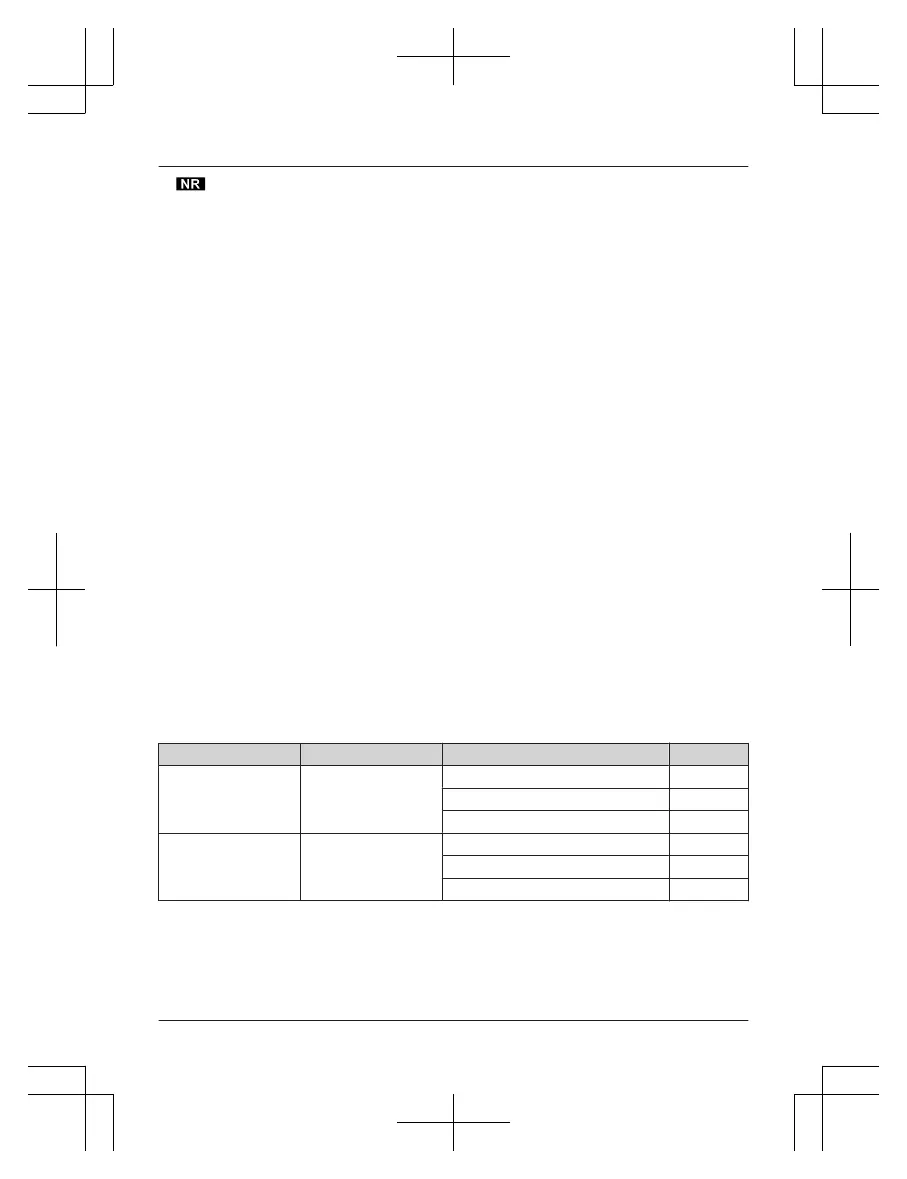
The available settings vary whether volume booster is turned on or
off.
BOOST indicator Volume booster Available volume settings Default
Light off Turned off Receiver: 1–15 15
Speakerphone: 1–21 15
Headset: 1–15 15
Light in red Turned on Receiver: 12–40 15
Speakerphone: 18–30 21
Headset: 12–40 15
28
For assistance, please visit http://shop.panasonic.com/support
Accessibility














 To Next Page