EasyManua.ls Logo

Panasonic KX-TGM430 - Page 58

Panasonic KX-TGM430
112 pages
Print Icon
To Next Page IconTo Next Page
To Previous Page IconTo Previous Page
Loading...
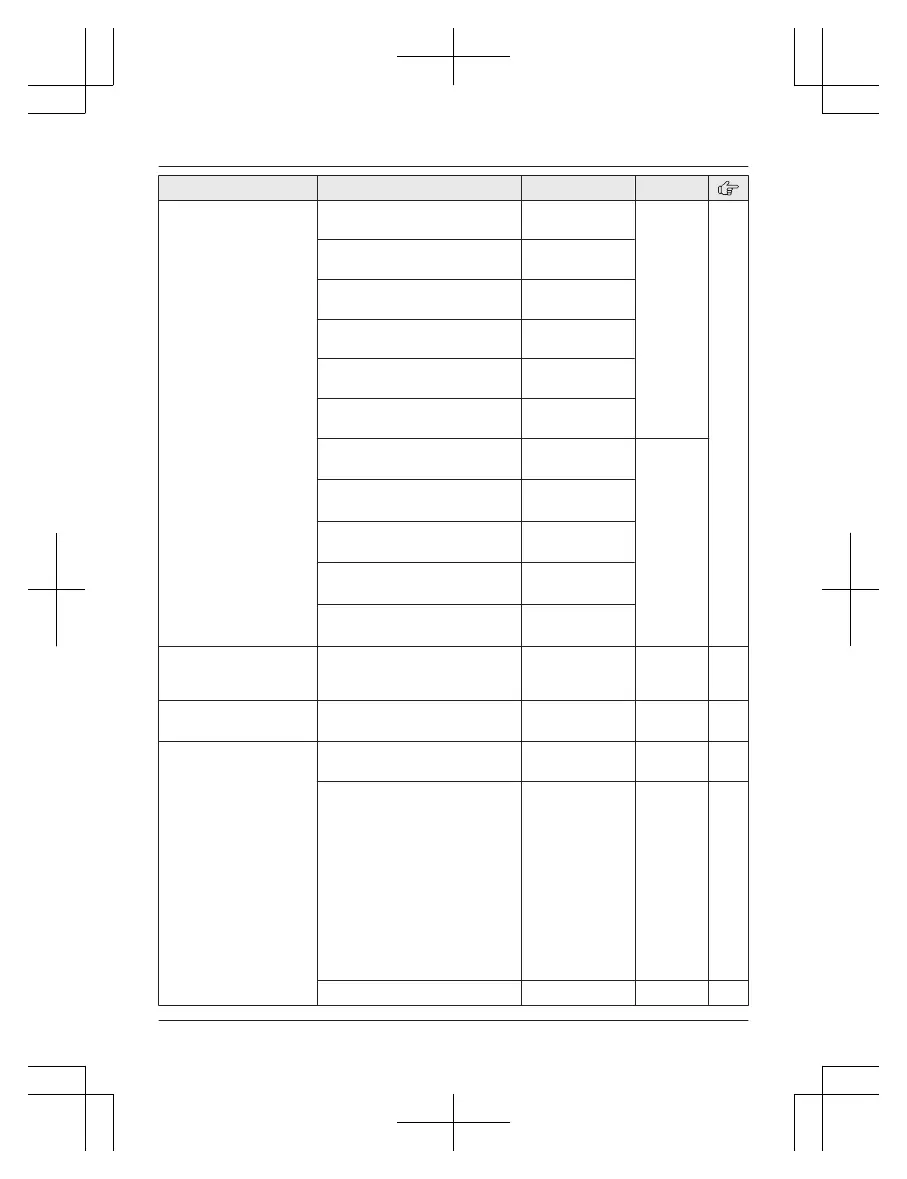
Sub-menu 1 Sub-menu 2 Settings Code
Message indicator Handset
Incoming call
<On>
Off
#278 31
Handset
N
ew message
<On>
Off
Handset
N
ew VM
<On>
Off
Handset
M
issed call
On
<Off>
Handset
A
larm
<On>
Off
Handset
A
pplication alert
<On>
Off
Base unit
*
1
Incoming call
<On>
O
ff
#G278
Base unit
*
1
New message
<On>
O
ff
Base unit
*
1
New VM
<On>
O
ff
Base unit
*
1
Missed call
On
<
Off>
Base unit
*
1
Application alert
<On>
O
ff
Caller ID edit
(
Caller ID number auto
edit)
<On>
Off
#214 64
Auto talk
*
15
On
<O
ff>
#200 39
Set tel line
Set dial mode
*
1
<T
one>
Pulse
#120 25
Set flash time
*
1, *16
80 ms
9
0 ms
100 ms
110 ms
160 ms
200 ms
250 ms
300 ms
400 ms
600 ms
<700 ms>
900 ms
#121 41
Set line mode
*
1, *17
A
<B> #122
58
For assistance, please visit http://shop.panasonic.com/support
Programming
TGM43x(en)_0426_ver031.pdf 58 2016/04/26 10:55:19

Table of Contents

Other manuals for Panasonic KX-TGM430

Related product manuals