59
Playback/Editing
(ENG) VQT5B20
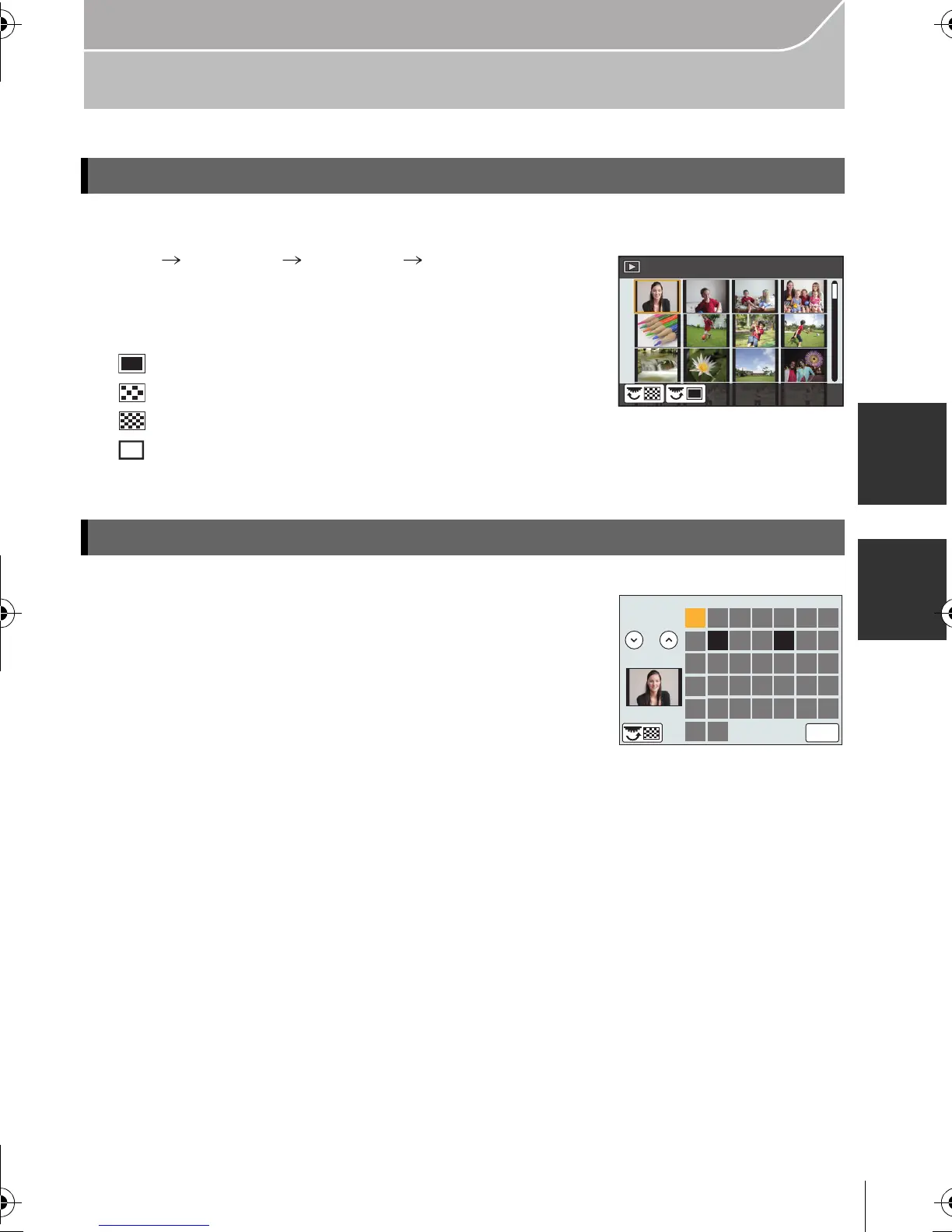
Switching the Playback Method
Rotate the rear dial left.
1 screen 12 screens 30 screens Calendar screen
display
•
It is possible to switch the playback screen by touching the
following icons.
– [ ]: 1 screen
– [ ]: 12 screens
– [ ]: 30 screens
– [ ]: Calendar screen display
• The screen can be switched gradually by dragging the screen up or down.
1 Rotate the rear dial left to display the Calendar screen.
2 Press 3/4/2/1 to select the date to be played back.
•
If there were no pictures recorded during a month, that
month is not displayed.
3 Press [MENU/SET] to display the images that are
recorded in selected date.
4 Press 3/4/2/1 to select a picture and then press [MENU/SET].
Displaying multiple screens (Multi Playback)
Displaying Pictures by Recording Date (Calendar Playback)
1/98
CAL
2013
SUN MON TUE WED THU FRI SAT
11 12
20 21
25 26 27 28
10
17
24
31
13
18
16
23
30
9
14
19
15
22
29
8
45362 71
12
6HW
DMC-GX7K&GX7GN-VQT5B20_eng.book 59 ページ 2013年7月22日 月曜日 午後2時50分


 To Next Page
 Loading...