12
SQT0375 (ENG)
Preparations
35343331 32
27
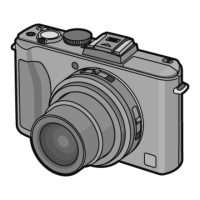
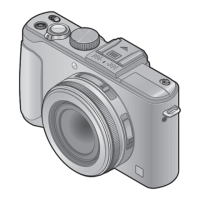
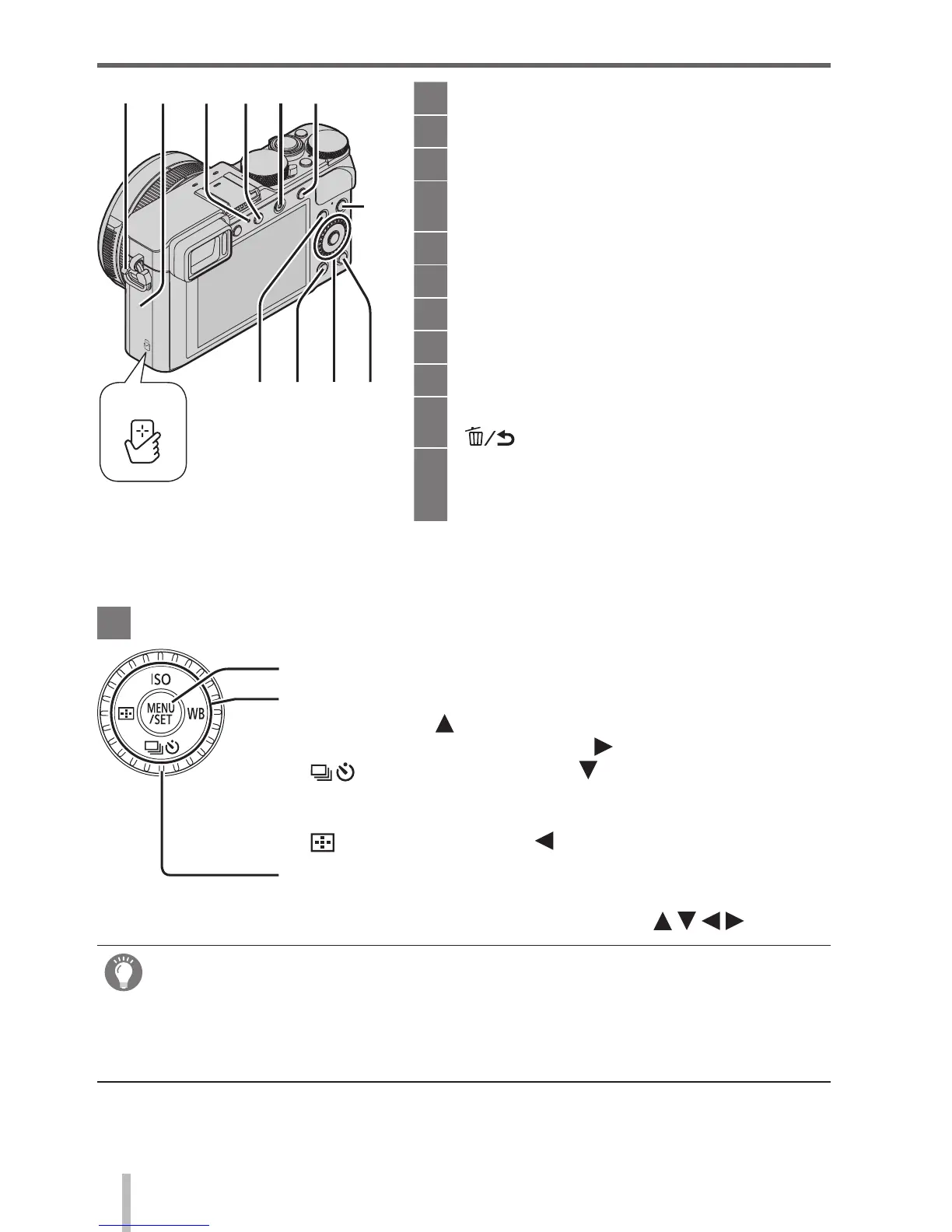
Strap eyelet (→13)
31
Wi-Fi
®
antenna
32
Wi-Fi connection lamp (→60)
33
[Wi-Fi] button (→60) /
[Fn2] button (→21)
34
Motion picture button (→37)
35
[AF/AE LOCK] button (→47)
36
NFC antenna (→63)
37
[Q.MENU] button (→21)
38
Playback button
39
[Fn1] button (→21) /
[
] (Delete/Cancel) button (→36)
40
[DISP.] button (→35)
Each time this is pressed, the display
on the screen is switched.
41
[MENU/SET] button / Cursor button / Control dial
[MENU/SET] button (→20)
Cursor button
[ISO] button (
) (→48)
[WB] (White Balance) button (
) (→42)
[
] (Drive Mode) button ( ) (→51)
Single, Burst, Auto Bracket, Aspect Bracket, Self-timer,
Panorama
[
] (AF Mode) button ( ) (→45)
Control dial (→20)
●
In this manual, the button that is to be used is indicated by .
Disabling the button and dial operation (while recording)
When the [Cursor Button Lock] is assigned to the function button, operation of
the [MENU/SET] button, cursor button, and control dial is disabled. For details,
refer to “Operating Instructions for advanced features (PDF format)”.
27
36
37
38
4139 40


 To Next Page
 Loading...