1
»
BLC
1
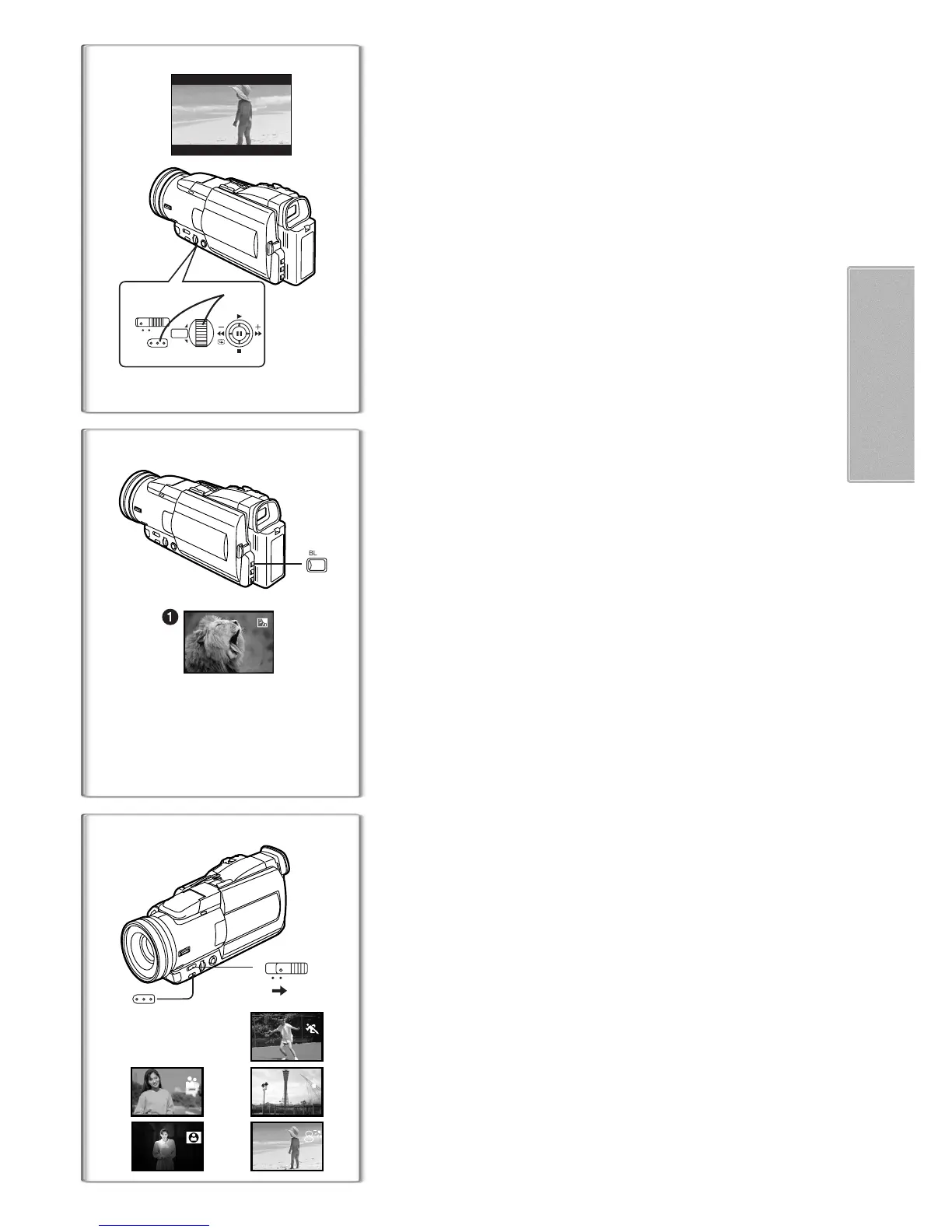
Cinema Function
This function is for recording in a cinema-like wide screen.
1
Set [CAMERA FUNCTIONS] >> [CAMERA SETUP] >>
[CINEMA] >> [ON].
≥Black bars appear at the top and bottom of the screen.
1
To Cancel the Cinema Mode
Set [CAMERA FUNCTIONS] >> [CAMERA SETUP] >> [CINEMA] >> [OFF].
≥For other notes concerning this item, see page 47.
~~~~~~~~~~~~~~~~~~~~~~~~~
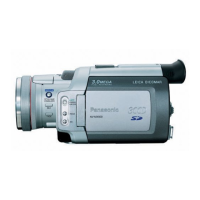
Backlight Compensation Function
This prevents a recording subject from being recorded darker in backlight.
(Backlight is the light that shines from behind a recording subject.)
1
Press the [BLC] Button.
≥The [ª] Indication
1
flashes and then is displayed.
To Resume Normal Recording
Press the [BLC] Button.
≥When the [BLC] Button is pressed, the entire screen becomes brighter.
≥By operating the [OFF/ON] Switch, the Backlight Compensation Function is
cancelled.
~~~~~~~~~~~~~~~~~~~~~~~~~
Recording in Special Situations
(Programme AE)
You can select optimal automatic exposures under specific recording
1
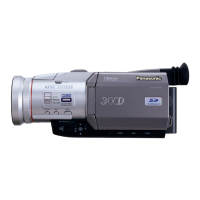
Slide the Mode Selector Switch to [MNL].
2
Select the [CAMERA SETUP] on the [CAMERA FUNCTIONS]
Main-Menu, and press the [PUSH] Dial to select the desired
mode( [5], [7], [4], [Ω] or [º]).
≥The [MNL] indication appears.
[5] Sports Mode
1
For recording scenes involving quick movements, such as sports scenes.
[7] Portrait Mode
2
For bringing up people clearly from the background.
[4] Low Light Mode
3
For recording a dark scene brighter.
[Ω] Spotlight Mode
4
For recording a subject under spotlight in a party, theatre, etc.
[º] Surf & Snow Mode
5
For recording in a glaring surrounding, such as skiing grounds, beaches, etc.
To Cancel the Programme AE Function
Set the [PROG.AE] on the [CAMERA SETUP] sub-menu to [OFF]. Or, set
the Mode Selector Switch to [AUTO].
≥For other notes concerning this item, see page 47.
1
CINEMA
AUTO
MNL
PUSH
MENU
1
W.B/SHUTTER/IRIS/
VOL/JOG
1
3
2
4
5
AUTO
MNL
1
MENU






 To Next Page