[NETWORK] menu
ENGLISH - 81
Settings
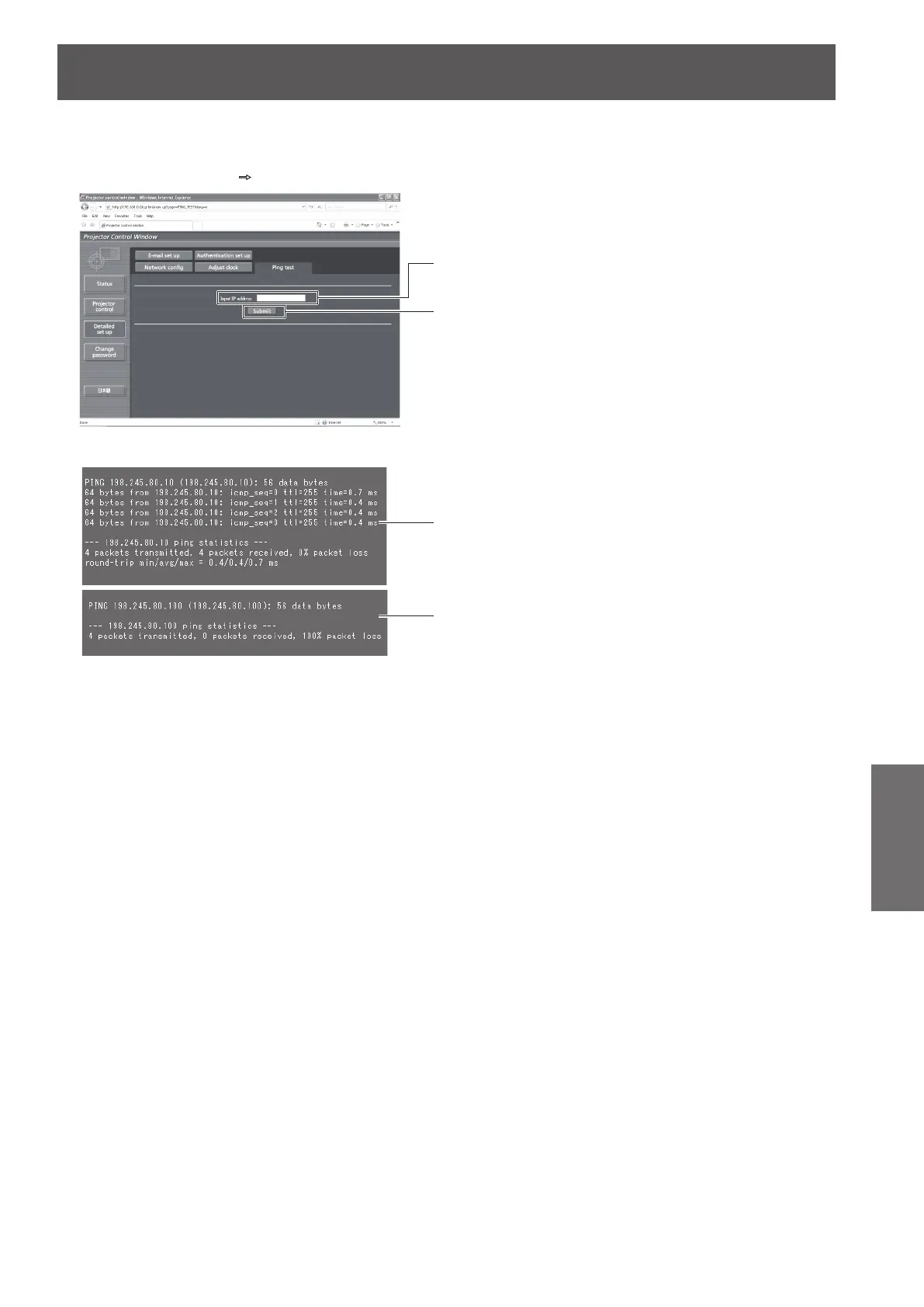
■[Ping test] page
You can check whether the network is connected to the E-mail server, POP server, DNS server, etc.
Click [Detailed set up]
[Ping test].
(1)
(2)
(3)
(4)
(1) [Input IP address]
Enter the IP address of the server to be tested.
(2) [Submit]
Executes the connection test.
(3) Example of display when the connection has
succeeded
(4) Example of display when the connection has
failed









 To Next Page