EasyManua.ls Logo

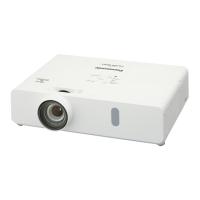
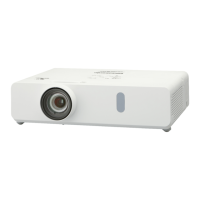
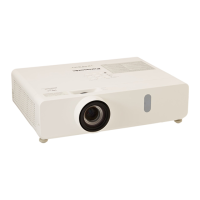
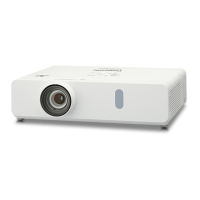
Panasonic PT-VW330 - User Manual

Panasonic PT-VW330
94 pages
Print Icon
To Next Page IconTo Next Page
Loading...
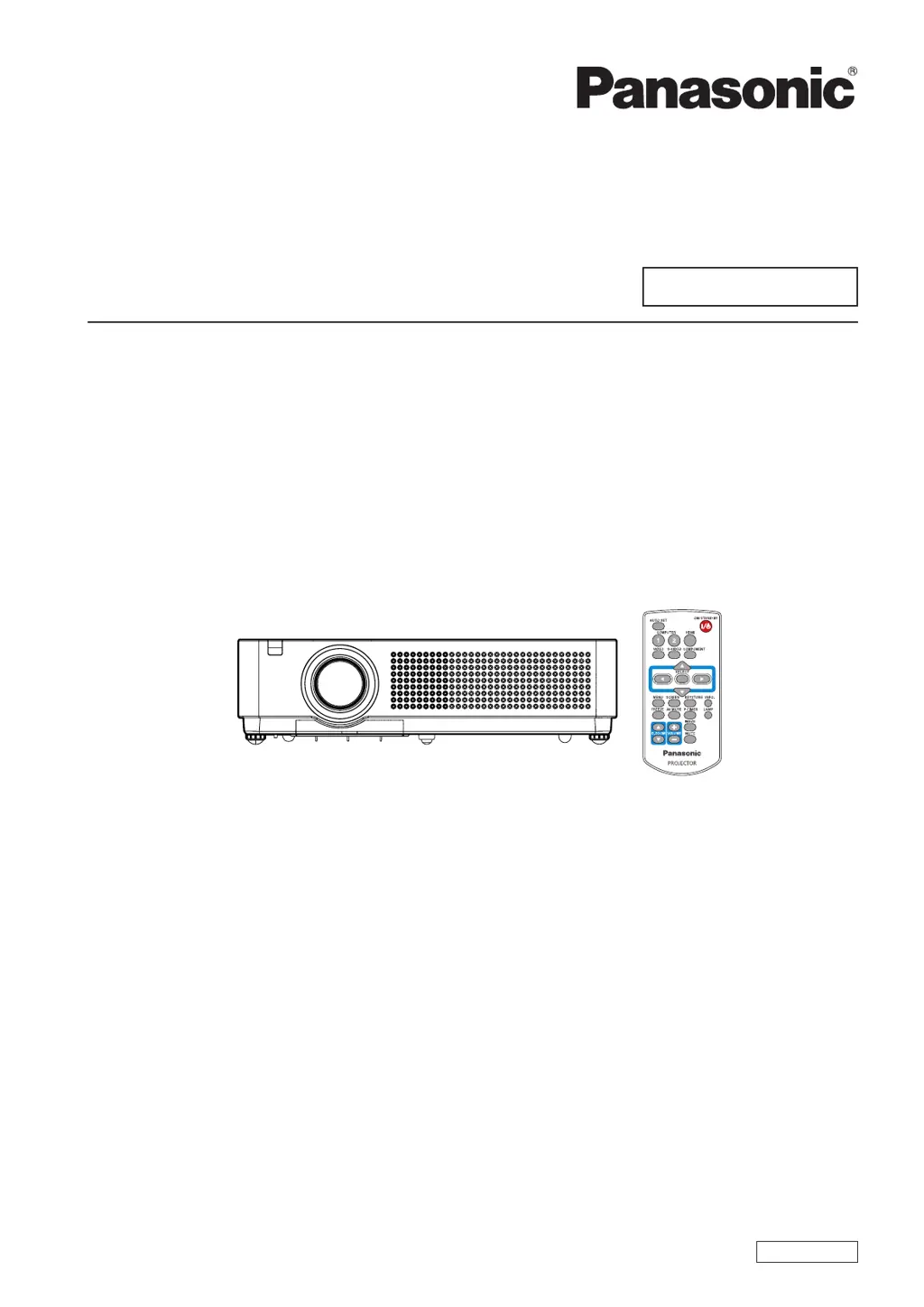
Operating Instructions
Functional Manual
LCD Projector
Commercial Use
Thank you for purchasing this Panasonic Product.
Before operating this product, please read the instructions carefully, and save this manual
J
for future use.
Before using your projector, be sure to read “Read this rst!” (
J
Æ
pages 2 to 6).
Model No.
PT-VX41E
ENGLISH
PR2AC

Table of Contents

Other manuals for Panasonic PT-VW330

Questions and Answers

  • P
    pbullockAug 15, 2025
    How to fix a Panasonic PT-VW330 that won't turn on?
    • S
      sotokimberlyAug 15, 2025
      If your Panasonic Projector isn't turning on, start by checking the power cord to ensure it's properly connected. Next, verify that the wall outlet has an electric supply. Also, check if the circuit breakers have tripped and reset them if necessary. Check if the indicator, indicator, or indicator is lit or blinking. Finally, make sure the lamp cover is securely installed.
  • D
    Diana WheelerAug 18, 2025
    Why does the Panasonic Projector remote control not operate?
    • S
      Steven LewisAug 18, 2025
      If the remote control for your Panasonic Projector isn't working, try replacing the batteries first, ensuring they are inserted correctly. Then, check for any obstructions between the remote control and the projector's signal receiver. Make sure you're within the remote control's operational range. Avoid strong light shining directly onto the signal receptor. Finally, verify that the codes on the projector and remote control are synchronized.
  • J
    Joseph LyonsAug 22, 2025
    What to do if HDMI picture is unstable on Panasonic PT-VW330 Projector?
    • D
      danielgarciaAug 22, 2025
      If the picture from an HDMI device doesn't appear or is unstable on your Panasonic Projector, ensure the HDMI cable is securely connected. Turn off the power of the projector and the connected devices, then turn them back on. Also, check if the connected signal cable is supported.
  • S
    scottvalerieAug 26, 2025
    Why don't the control buttons on my Panasonic Projector operate?
    • E
      Elizabeth TurnerAug 26, 2025
      If the control buttons on your Panasonic Projector aren't working, the control panel may be locked. Unlock the control panel from the [Key lock] setting, which can be found under [Security] in the [Setting] section.
  • S
    samanthajohnsonAug 28, 2025
    What to do if my Panasonic PT-VW330 has no picture?
    • S
      shannonhuberAug 28, 2025
      If no picture is showing on your Panasonic Projector, first ensure the video signal input source is correctly connected to the appropriate terminal. Next, verify that the input selection setting is correct. Check the [Brightness] setting and adjust it if it's at the minimum. Also, make sure the input source connected to the projector is working correctly. Finally, confirm that the [AV mute] function is disabled.
  • V
    victoria37Aug 31, 2025
    How to fix a fuzzy picture on a Panasonic Projector?
    • H
      huangjennaAug 31, 2025
      If the picture on your Panasonic Projector is fuzzy, begin by setting the lens focus correctly. Ensure the projector is at the correct distance from the screen. If the issue persists, clean the lens. Adjust the tilt of the projector if it's tilted too much. Also, remember to remove the lens cap.
  • T
    Tonya GriffinSep 4, 2025
    Why is there no sound from the internal speaker of my Panasonic Projector?
    • T
      Tyler DavisSep 4, 2025
      If there's no sound from the internal speaker of your Panasonic Projector, check the connections to the input terminals. Increase the volume level to ensure it's not set too low. Turn off the [AV mute] function if it's enabled. Unplug the AUDIO OUT to enable the internal speaker. Also, ensure the [Mute] function is turned off.
  • L
    Lisa TranSep 7, 2025
    Why is the color pale on my Panasonic Projector?
    • B
      Brian LoweSep 7, 2025
      If the color on your Panasonic Projector appears pale or grayish, start by adjusting the [Color] or [Tint] settings. Next, adjust the connected input source. If you're using an RGB cable, replace it if it's damaged. Check other settings.
  • A
    Allen BurkeSep 12, 2025
    What to do if the image is distorted on Panasonic PT-VW330 Projector?
    • J
      Joshua RoseSep 12, 2025
      If the image on your Panasonic Projector is distorted or runs off, check [PC adj.] or [Screen] and adjust them.

Panasonic PT-VW330 Specifications

General IconGeneral
Brightness3, 300 lumens
Contrast Ratio10, 000:1
Display Technology3LCD
Aspect Ratio16:10
Zoom Ratio1.2x
ResolutionWXGA (1280 x 800)
Weight2.9 kg
Projection Size30 to 300 inches
InputsHDMI, VGA, Video
OutputsVGA (D-sub 15-pin) x1, Audio (Stereo mini jack) x1
Noise Level29 dB (Eco)

Related product manuals