EasyManua.ls Logo

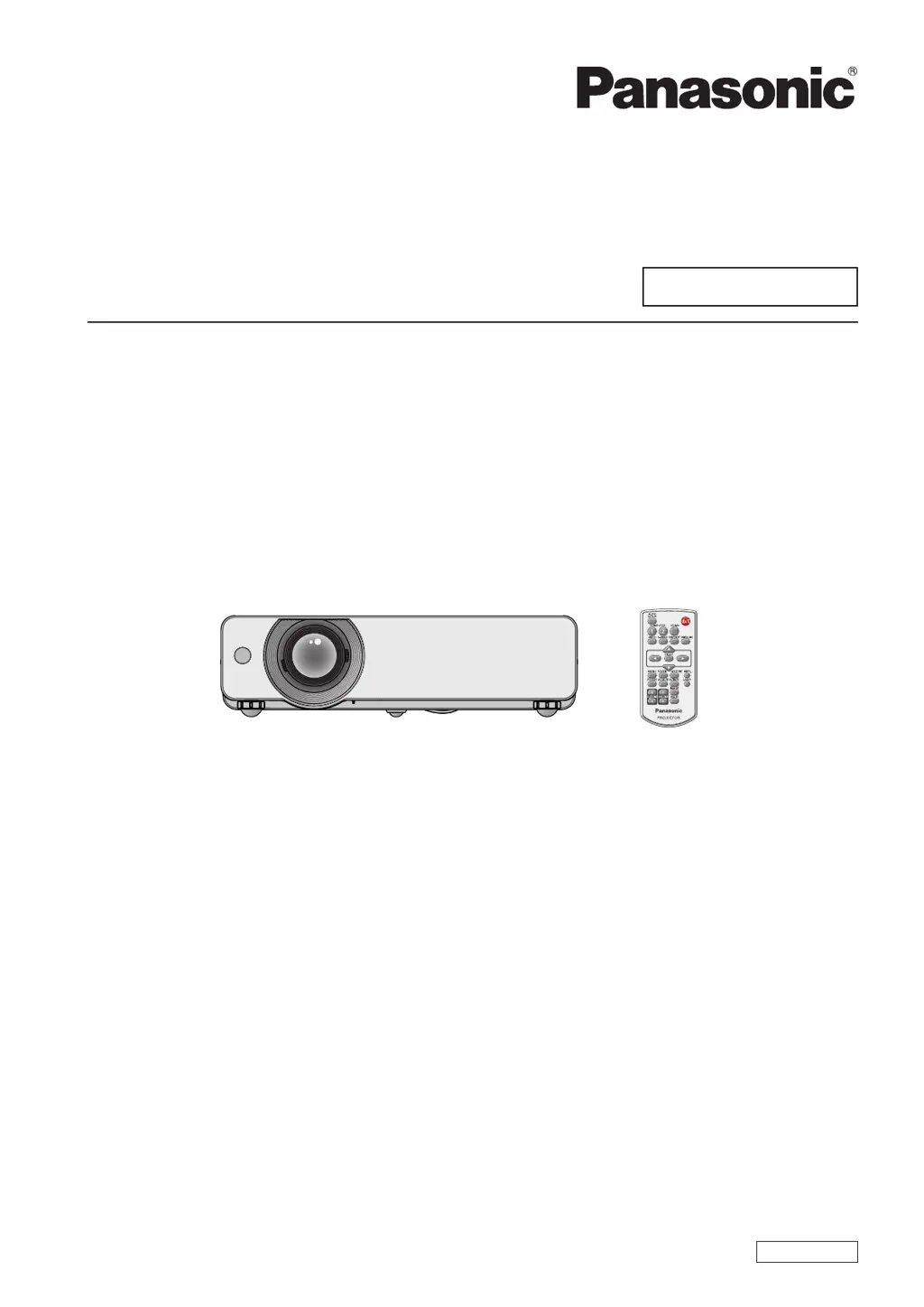
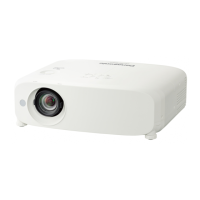
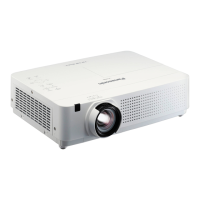
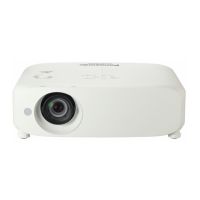
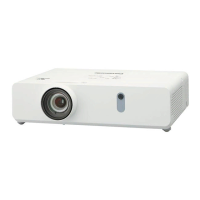
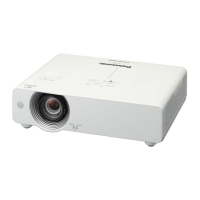
Panasonic PT-VW431DEA - User Manual

Panasonic PT-VW431DEA
100 pages
Print Icon
To Next Page IconTo Next Page
Loading...
Operating Instructions
Functional Manual
LCD Projector
Commercial Use
Thank you for purchasing this Panasonic Product.
Before operating this product, please read the instructions carefully, and save this manual
J
for future use.
Before using your projector, be sure to read “Read this rst!” (
J
Æ
pages 2 to 6).
Model No.
PT-VW431DE
ENGLISH
LL4AC

Table of Contents

Questions and Answers

  • J
    Jeffrey RuizAug 20, 2025
    Why Panasonic PT-VW431DEA Projector power does not turn on?
    • R
      reillysabrinaAug 20, 2025
      Your Panasonic Projector might not be turning on due to several reasons. First, check if the power cord is properly connected to both the projector and the wall outlet. Ensure that the wall outlet has electric supply and that the circuit breakers have not tripped; if they have, reset them. Also, check the , , or indicators for any lights. Finally, make sure the lamp cover is securely installed.
  • R
    Russell GutierrezAug 21, 2025
    What to do if Panasonic PT-VW431DEA Projector has no picture?
    • C
      Christina EspinozaAug 22, 2025
      If your Panasonic Projector is displaying no picture, there could be a few reasons. Start by checking the video signal input source connection to ensure it's properly connected to a terminal. Verify that the input selection setting is correct. Increase the [Brightness] adjustment, as it may be at the minimum setting. Check the connected input source for any issues. Also, make sure the AV mute function is turned off.
  • M
    Mary MurphyAug 25, 2025
    Why Panasonic Projector remote control does not operate?
    • B
      Bradley HillAug 25, 2025
      If your Panasonic Projector's remote control isn't working, start by replacing the batteries, as they may be weak. Ensure the batteries are inserted correctly, paying attention to the orientation. Remove any obstructions from the signal receptor on the projector. Try moving closer to the projector, as the remote may be out of range. Avoid strong light exposure to the signal receptor. Also, ensure the codes set on both the projector and the remote control match.
  • P
    Patricia BrownAug 26, 2025
    Why Panasonic PT-VW431DEA Projector picture from a HDMI device does not appear or is not stable?
    • D
      Devin ReynoldsAug 27, 2025
      If the picture from a HDMI device does not appear or is unstable on your Panasonic Projector, ensure the HDMI cable is securely connected. Power cycle the projector and connected devices by turning them off and then back on. Also, verify that a supported signal cable is connected.
  • J
    Jared MosleyAug 28, 2025
    How to fix Panasonic Projector control buttons that do not operate?
    • J
      Jamie JacobsonAug 28, 2025
      If the control buttons on your Panasonic Projector are not working, the control panel may be locked. To unlock it, go to [Key lock] under [Security] in the [Setting] section and unlock the control panel.
  • S
    simsnicoleAug 30, 2025
    Why Panasonic Projector picture from a computer does not appear?
    • N
      Nicole SmithAug 30, 2025
      If a picture from a computer does not appear on your Panasonic Projector, the cable may be longer than the optional cable, so try using a shorter cable. Also, the external video output settings from your laptop computer may not be correct, so check those settings.
  • V
    vicki82Sep 1, 2025
    What to do if Panasonic Projector picture does not display correctly?
    • M
      mtorresSep 1, 2025
      If the picture on your Panasonic Projector is not displaying correctly, check the VCR or signal source for any issues. Also, ensure that you are using a signal input that is compatible with the projector.
  • M
    Michael LeSep 3, 2025
    How to fix fuzzy picture on Panasonic PT-VW431DEA Projector?
    • E
      Edgar MurraySep 3, 2025
      If the picture on your Panasonic Projector is fuzzy, try these solutions: Adjust the lens focus to ensure it is set correctly. Make sure the projector is at the correct distance from the screen. Clean the lens if it is dirty. Adjust the projector's tilt if it is tilted too much. Also, ensure that the lens cap is removed from the lens.
  • P
    Phyllis MendozaSep 5, 2025
    What to do if Panasonic PT-VW431DEA Projector has no sound from the internal speaker?
    • R
      Robert TurnerSep 5, 2025
      If there is no sound coming from the internal speaker of your Panasonic Projector, check the connections to the input terminals to make sure they are correctly connected. Increase the volume level, as it may be set to the minimum. Ensure the AV mute function and the Mute function are both turned off. If a VARIABLE AUDIO OUT is plugged in, unplug it, as the projector's built-in speaker is not available when it's in use.
  • V
    Vincent WalkerSep 7, 2025
    Why is the color pale or grayish on my Panasonic Projector?
    • P
      Preston CollinsSep 7, 2025
      If the color on your Panasonic Projector appears pale or grayish, the [Color] or [Tint] adjustment may be incorrect, so adjust those settings. The input source connected to the projector may also need adjustment. If you are using an RGB cable, it may be damaged and need replacement.

Panasonic PT-VW431DEA Specifications

General IconGeneral
ResolutionWXGA (1280 x 800)
Contrast Ratio10, 000:1
Display TechnologyLCD
Projection Size30 - 300 inches
Power Consumption (Normal Mode)320 W
Power Consumption (Standby)0.5 W
Speakers10W mono

Related product manuals