EasyManua.ls Logo

Panasonic PT-VW360D - User Manual

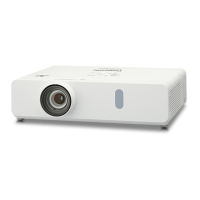
Panasonic PT-VW360D
133 pages
Print Icon
To Next Page IconTo Next Page
Loading...
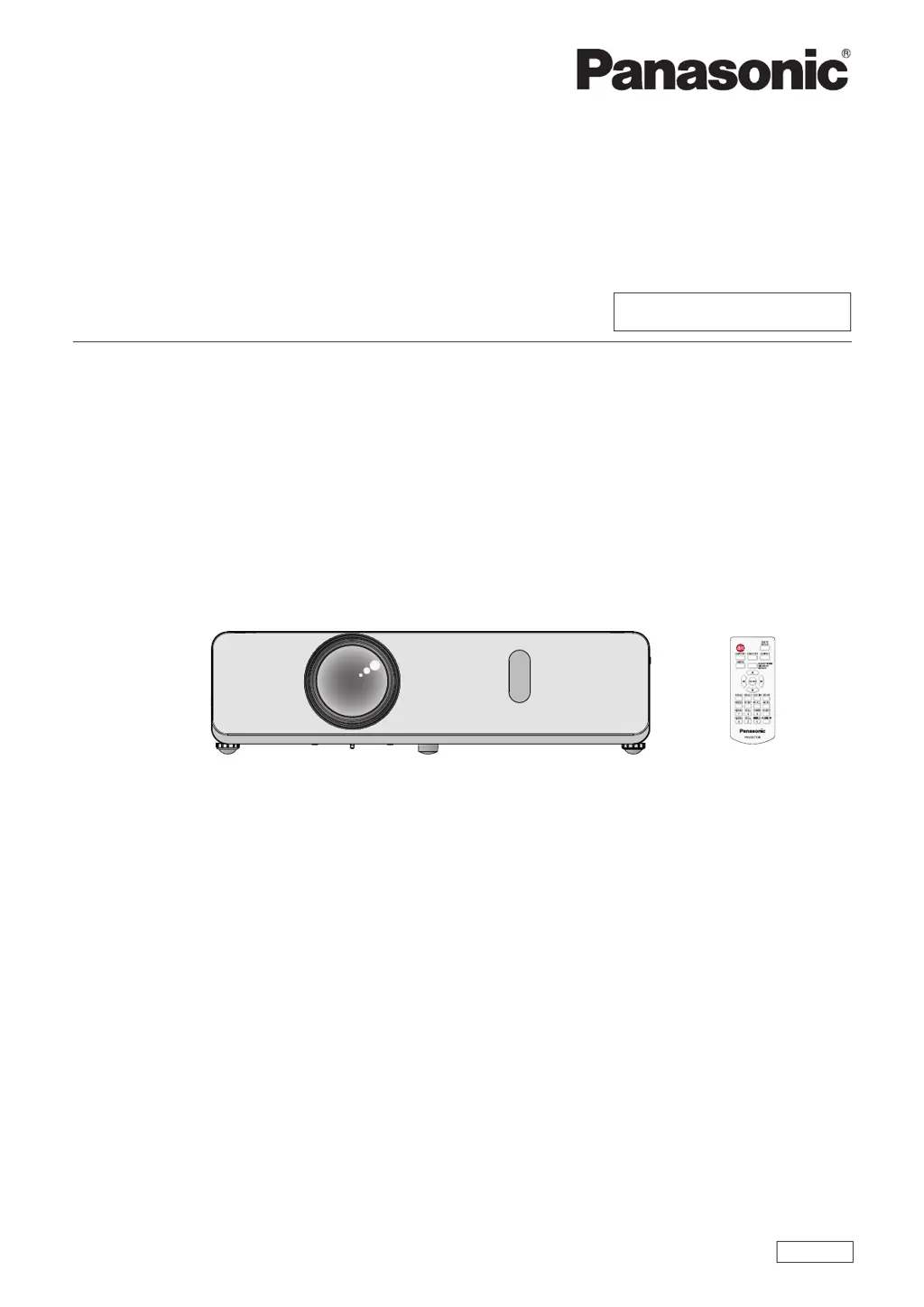
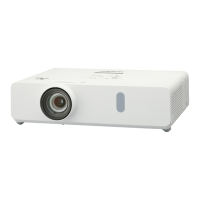
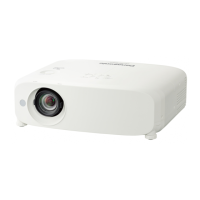
LCD Projector
Commercial Use
Operating Instructions
Functional Manual
DPQP1212ZB/X1
ENGLISH
Model No.
PT-VW360
PT-VX430
Thank you for purchasing this Panasonic product.
This manual is intended for products manufactured from Aug. 2018 and beyond.
This manual is common to all the models regardless of sufxes of the Model No.
f for India
PT-VW360D / PT-VX430D
f for Taiwan
PT-VW360T / PT-VX430T
Before operating this product, please read the instructions carefully, and save this manual for
future use.
Before using your projector, be sure to read “Read this rst!” (
Æ
pages 4 to 9).

Table of Contents

Questions and Answers

  • D
    Deborah PonceSep 18, 2025
    Why is there no sound from my Panasonic PT-VW360D Projector's speaker?
    • J
      Julie NielsenSep 22, 2025
      If there is no sound coming from the internal speaker of your Panasonic Projector, please check the following: * Ensure the input terminals are correctly connected. * Increase the volume level, as it may be set to the minimum. * Check if the AV MUTE function is active and turn it off. * Unplug the VARIABLE AUDIO OUT, as this disables the built-in speaker. * Verify that the MUTE function is not turned on. * Confirm that the audio input selection in [AUDIO SETTING] is correctly set.
  • K
    Karen CarrollAug 25, 2025
    How to fix a Panasonic PT-VW360D that won't turn on?
    • E
      esmallAug 25, 2025
      If your Panasonic Projector isn't turning on, there are several things to check: * First, ensure the power cord is securely connected. * Next, verify that the wall outlet has an electric supply. * Also, check and reset the circuit breakers if they have tripped. * Inspect the lamp and warning indicators for any alerts. * Finally, make sure the lamp cover is securely installed.
  • O
    oyorkAug 25, 2025
    What to do if no picture appears on my Panasonic PT-VW360D?
    • L
      lee75Aug 26, 2025
      If you're not getting any picture on your Panasonic Projector, first, make sure the video signal input source is correctly connected to the appropriate terminal. Next, check the video input selection setting and adjust it if necessary. Also, increase the [BRIGHTNESS] setting. Ensure that the connected input source is working correctly, and the AV MUTE function is disabled.
  • B
    Bob PhelpsAug 27, 2025
    Why is the remote control not operating my Panasonic PT-VW360D?
    • D
      douglasvazquezAug 27, 2025
      If your Panasonic Projector's remote control isn't working, try replacing the batteries. Make sure the batteries are correctly inserted. Remove any obstructions from the signal receptor. Ensure the remote control is within the operational range. Reduce any strong light affecting the signal receptor. Check that the [REMOTE CONTROLLER] setting is set to [ENABLE] in [CONTROL DEVICE SETUP] and verify the ID number setting operation.
  • C
    Chris DukeSep 23, 2025
    What to do if HDMI picture is unstable on Panasonic PT-VW360D?
    • D
      Daniel MillerSep 23, 2025
      If the picture from your HDMI device does not appear, or is unstable on your Panasonic Projector, you should: * Ensure the HDMI cable is securely connected. * Power off the projector and connected devices, then turn them back on. * Make sure you are using a supported signal cable.
  • W
    williamsanfordSep 23, 2025
    How to troubleshoot a Panasonic Projector picture that doesn't display correctly?
    • T
      Tracey MasonSep 23, 2025
      If the picture on your Panasonic Projector is not displaying correctly, please check: * If the [TV-SYSTEM], [RGB/YC C ]/[RGB/YP P ] selection is set correctly. * The VCR or other signal source for problems. * That a compatible signal is being input to the projector.
  • D
    Darius MolinaSep 10, 2025
    Why doesn't the picture from my computer appear on my Panasonic PT-VW360D?
    • M
      Matthew RochaSep 10, 2025
      If the picture from a computer does not appear on your Panasonic Projector: * Ensure the cable length is within the recommended limit (10 m (32'10") or shorter for D-Sub cables). * Set the external video output on the laptop correctly.
  • D
    danielconnerSep 12, 2025
    How to troubleshoot power issues with my Panasonic PT-VW360D?
    • A
      amanda98Sep 12, 2025
      If your Panasonic Projector isn't turning on, start by checking the power cord to ensure it's properly connected. Also, verify that the wall outlet has an electric supply and that the circuit breakers haven't tripped. Finally, check the lamp and warning indicators and make sure the lamp cover is securely installed.
  • B
    Benjamin CastroSep 4, 2025
    What to do if Panasonic Projector picture from a HDMI device does not appear or picture is not stable?
    • K
      Kevin MooreSep 4, 2025
      If the picture from a HDMI device doesn't appear or is unstable on your Panasonic Projector: Ensure the HDMI cable is securely connected. Try power cycling the projector and the connected devices by turning them off and then on again. Use a supported signal cable.
  • L
    lamangelaSep 1, 2025
    Why Panasonic PT-VW360D remote control does not operate?
    • D
      david83Sep 1, 2025
      If the Panasonic Projector's remote control isn't working, consider these potential causes: the batteries may be weak (replace them) or not inserted correctly (reinsert them correctly). There might be an obstruction blocking the signal receptor on the projector (remove it). The remote control may be out of range (move closer). Strong light may be interfering with the signal receptor (avoid strong light). Check if the [REMOTE CONTROLLER] setting is set to [DISABLE] in [CONTROL DEVICE SETUP] and change it to [ENABLE] if needed. Also, verify that the ID number setting operation is correct.

Panasonic PT-VW360D Specifications

General IconGeneral
BrandPanasonic
ModelPT-VW360D
CategoryProjector
LanguageEnglish

Related product manuals