EasyManua.ls Logo

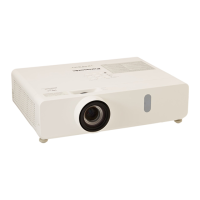
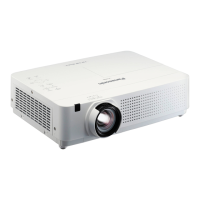
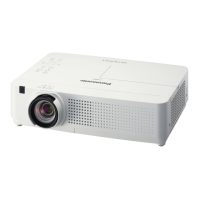
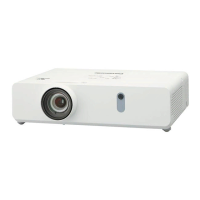
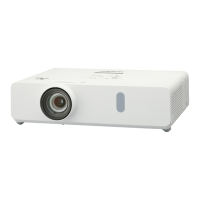
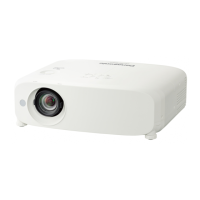
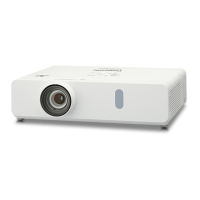
Panasonic PT-VW360D - User Manual

Panasonic PT-VW360D
133 pages
Print Icon
To Next Page IconTo Next Page
Loading...
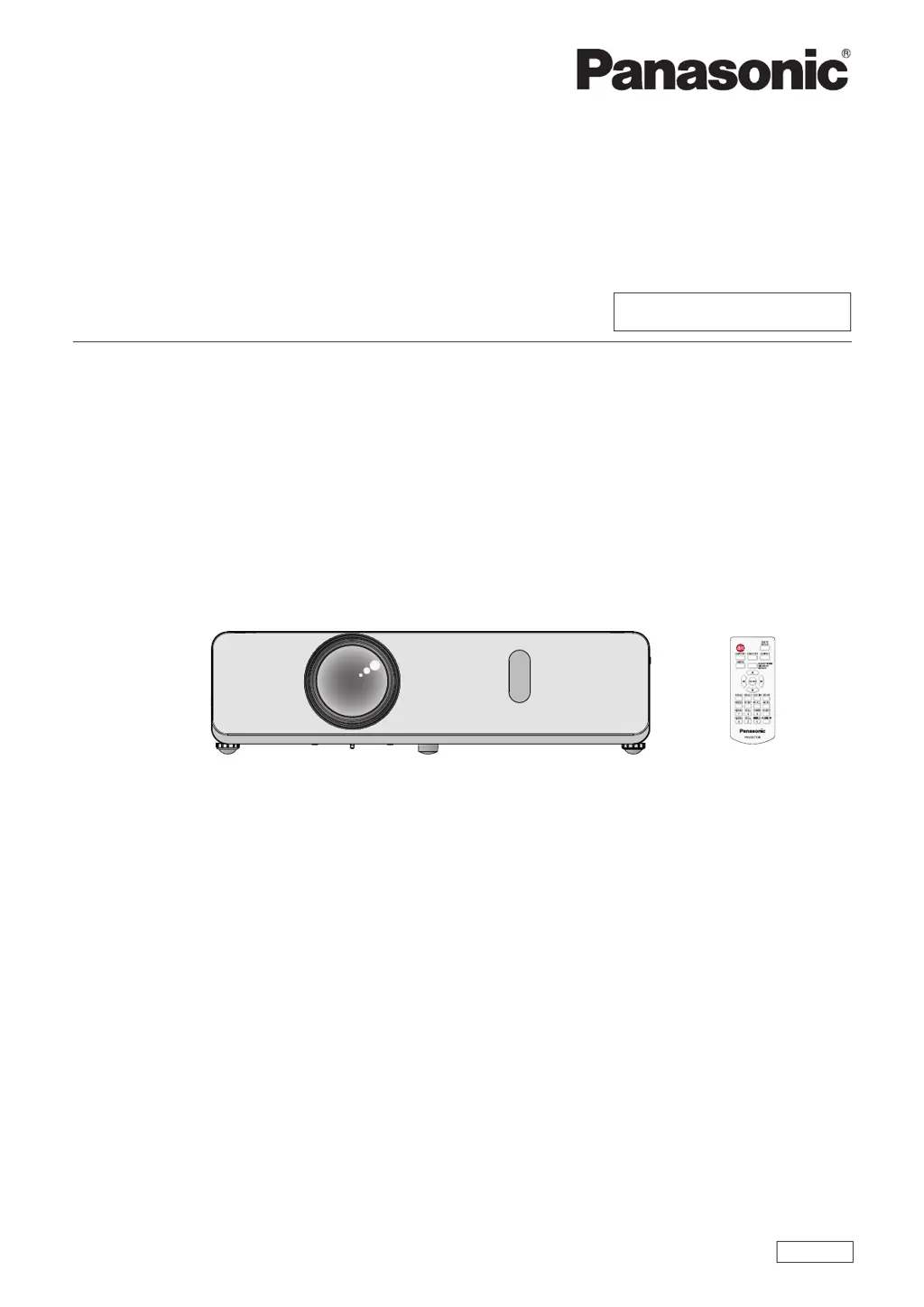
LCD Projector
Commercial Use
Operating Instructions
Functional Manual
DPQP1212ZB/X1
ENGLISH
Model No.
PT-VW360
PT-VX430
Thank you for purchasing this Panasonic product.
■ This manual is intended for products manufactured from Aug. 2018 and beyond.
■ This manual is common to all the models regardless of sufxes of the Model No.
f for India
PT-VW360D / PT-VX430D
f for Taiwan
PT-VW360T / PT-VX430T
■ Before operating this product, please read the instructions carefully, and save this manual for
future use.
■ Before using your projector, be sure to read “Read this rst!” (
Æ
pages 4 to 9).

Table of Contents

Questions and Answers

  • D
    danielconnerSep 12, 2025
    How to troubleshoot power issues with my Panasonic PT-VW360D?
    • A
      amanda98Sep 12, 2025
      If your Panasonic Projector isn't turning on, start by checking the power cord to ensure it's properly connected. Also, verify that the wall outlet has an electric supply and that the circuit breakers haven't tripped. Finally, check the lamp and warning indicators and make sure the lamp cover is securely installed.
  • D
    Darius MolinaSep 10, 2025
    Why doesn't the picture from my computer appear on my Panasonic PT-VW360D?
    • M
      Matthew RochaSep 10, 2025
      If the picture from a computer does not appear on your Panasonic Projector: * Ensure the cable length is within the recommended limit (10 m (32'10") or shorter for D-Sub cables). * Set the external video output on the laptop correctly.
  • J
    James RossSep 9, 2025
    What to do if the Panasonic Projector remote control is not working?
    • G
      Gary WillisSep 9, 2025
      If the remote control for your Panasonic Projector isn't working, consider these steps: * Replace the batteries, as they may be weak. * Ensure the batteries are inserted correctly. * Remove any obstructions blocking the signal receptor on the projector. * Make sure you're using the remote within its operational range. * Reduce strong light that may be shining onto the signal receptor. * Check that the [REMOTE CONTROLLER] setting is set to [ENABLE] in the [CONTROL DEVICE SETUP]. * Verify that the ID number setting operation is correct.
  • D
    Debbie HansonSep 8, 2025
    Why does my Panasonic PT-VW360D have no picture?
    • E
      Eric LangSep 8, 2025
      If no picture is appearing on your Panasonic Projector, try the following: * Ensure the video signal input source is properly connected to the correct terminal. * Check that the video input selection setting is correct. * Verify that the brightness isn't set to the minimum. * Confirm that the connected input source isn't faulty. * Also, ensure the AV MUTE function is not active.
  • S
    Sylvia HoltAug 23, 2025
    Why Panasonic PT-VW360D Projector power does not turn on?
    • V
      vlewisAug 23, 2025
      If your Panasonic Projector isn't powering on, there are several things to check: First, ensure the power cord is properly connected. Then, verify that the wall outlet has power. Also, check your circuit breakers and reset them if they've tripped. Finally, make sure the lamp cover is securely installed.
  • A
    ashley43Sep 6, 2025
    Why Panasonic PT-VW360D picture does not display correctly?
    • J
      Julie WilliamsSep 6, 2025
      If the picture on your Panasonic Projector isn't displaying correctly, check the [TV-SYSTEM], [RGB/YC C ]/[RGB/YP P ] selection to ensure it's set correctly. Resolve any issues with the VCR or other signal source. Ensure that you are using a signal compatible with the projector.
  • J
    John KennedySep 4, 2025
    Why Panasonic PT-VW360D control buttons do not operate?
    • D
      David ChaseSep 5, 2025
      If the control buttons on your Panasonic Projector aren't working, check if the [CONTROL PANEL] setting is set to [DISABLE] in [CONTROL DEVICE SETUP]. If so, change it to [ENABLE].
  • B
    Benjamin CastroSep 4, 2025
    What to do if Panasonic Projector picture from a HDMI device does not appear or picture is not stable?
    • K
      Kevin MooreSep 4, 2025
      If the picture from a HDMI device doesn't appear or is unstable on your Panasonic Projector: Ensure the HDMI cable is securely connected. Try power cycling the projector and the connected devices by turning them off and then on again. Use a supported signal cable.
  • L
    leslieaguilarSep 2, 2025
    How to fix fuzzy picture on Panasonic PT-VW360D Projector?
    • J
      Jessica LunaSep 3, 2025
      If the picture on your Panasonic Projector is fuzzy, try the following: Remove the lens cap if it's still attached. Adjust the lens focus to ensure it's set correctly. Adjust the distance of the projector from the screen to the correct one. Clean the lens if it's dirty. Adjust the tilt of the projector if it's tilted too much.
  • L
    lamangelaSep 1, 2025
    Why Panasonic PT-VW360D remote control does not operate?
    • D
      david83Sep 1, 2025
      If the Panasonic Projector's remote control isn't working, consider these potential causes: the batteries may be weak (replace them) or not inserted correctly (reinsert them correctly). There might be an obstruction blocking the signal receptor on the projector (remove it). The remote control may be out of range (move closer). Strong light may be interfering with the signal receptor (avoid strong light). Check if the [REMOTE CONTROLLER] setting is set to [DISABLE] in [CONTROL DEVICE SETUP] and change it to [ENABLE] if needed. Also, verify that the ID number setting operation is correct.

Panasonic PT-VW360D Specifications

General IconGeneral
BrandPanasonic
ModelPT-VW360D
CategoryProjector
LanguageEnglish

Related product manuals