EasyManua.ls Logo

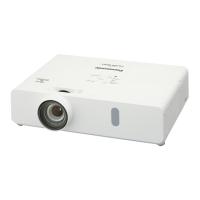
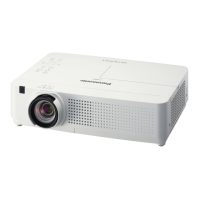
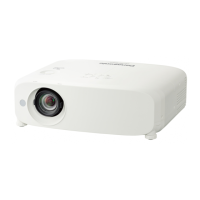
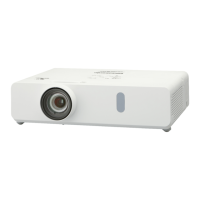
Panasonic PT-VW340Z - User Manual

Panasonic PT-VW340Z
115 pages
Print Icon
To Next Page IconTo Next Page
Loading...
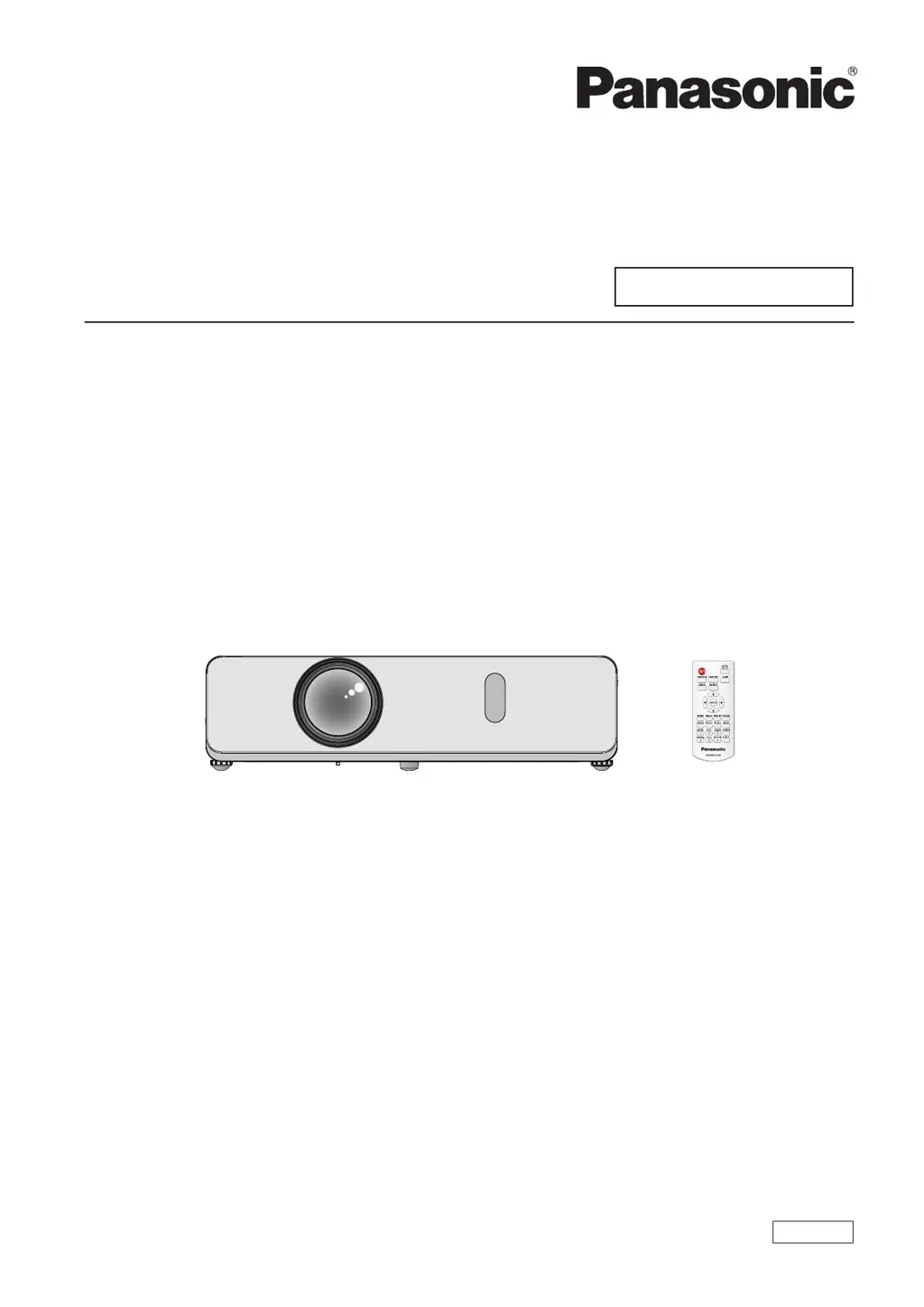
Operating Instructions
Functional Manual
LCD Projector
Commercial Use
Thank you for purchasing this Panasonic Product.
Before operating this product, please read the instructions carefully, and save this manual
for future use.
Before using your projector, be sure to read “Read this rst!” (
Æ
pages 2 to 9).
Model No.
PT-VW340Z
PT-VX410Z
ENGLISH
TQBJ0593

Table of Contents

Other manuals for Panasonic PT-VW340Z

Questions and Answers

  • A
    Anna HortonAug 16, 2025
    Why Panasonic PT-VW340Z power does not turn on?
    • A
      April FergusonAug 16, 2025
      If your Panasonic Projector isn't powering on, there could be several reasons. First, ensure the power cord is properly connected and that the wall outlet has electricity. Also, check the circuit breakers and reset them if they've tripped. Inspect the or indicators. Lastly, make sure the lamp cover is securely installed. Please check the power cord connection.
  • D
    Deanna SalasAug 19, 2025
    What to do if Panasonic Projector remote control does not operate?
    • R
      Richard PattonAug 19, 2025
      If the remote control for your Panasonic Projector isn't working, try these steps: * Replace the batteries. * Ensure the batteries are correctly inserted. * Make sure nothing is blocking the signal receptor on the projector. * Move closer to the projector. * Remove any strong light shining on the signal receptor. * Synchronize the codes on the projector and remote control, if applicable. * In the [CONTROL DEVICE SETUP], ensure that the [REMOTE CONTROLLER] setting is set to [ENABLE].
  • A
    Allison BowenAug 22, 2025
    Why Panasonic Projector has no picture?
    • A
      Ashley LawrenceAug 22, 2025
      If your Panasonic Projector displays no picture, several factors could be the cause. Ensure the video signal input source is properly connected to the correct terminal. Check that the input selection setting is correct. Verify that the [BRIGHTNESS] adjustment is not at its minimum. Also, check the input source connected to the projector for any issues. Finally, confirm that the AV MUTE function is turned off.
  • N
    Nicholas GrayAug 26, 2025
    Why Panasonic PT-VW340Z picture is fuzzy?
    • L
      Leah ColonAug 26, 2025
      If the picture on your Panasonic Projector appears fuzzy, try the following: Remove the lens cap. Adjust the lens focus. Ensure the projector is positioned at the correct distance from the screen. Clean the lens. Reduce the projector's tilt.
  • B
    bowerscarolAug 28, 2025
    What to do if Panasonic PT-VW340Z Projector picture from a HDMI device does not appear or picture is not stable?
    • C
      Christopher WestAug 28, 2025
      If the picture from your HDMI device isn't appearing or is unstable on your Panasonic Projector, check the HDMI cable connection to ensure it's secure. Power cycle the projector and the connected devices by turning them off and then back on. Also, make sure that only supported signal cables are connected.
  • T
    Taylor DennisAug 31, 2025
    What to do if Panasonic PT-VW340Z picture does not display correctly?
    • E
      Elizabeth BarnesAug 31, 2025
      If the picture on your Panasonic Projector isn't displaying correctly, check the VCR or other signal source for issues. Also, ensure that a compatible signal is being input to the projector.
  • R
    Robin MartinSep 3, 2025
    Why Panasonic PT-VW340Z picture from a computer does not appear?
    • M
      Ms. Lindsey CurrySep 3, 2025
      If you're not seeing a picture from your computer on the Panasonic Projector, it could be due to the cable length exceeding the optional cable limit; try using a compatible cable. Also, check the external video output settings on your laptop to ensure they are correct.
  • A
    alexander66Sep 6, 2025
    Why Panasonic PT-VW340Z has no sound from the internal speaker?
    • R
      robertfisherSep 6, 2025
      If you're not getting any sound from the internal speaker of your Panasonic Projector, check these things. Make sure the input terminals are correctly connected. Increase the volume. Ensure the AV MUTE function is off. Unplug the VARIABLE AUDIO OUT, if plugged in. Also, verify that the MUTE function is disabled.
  • T
    Tracy McdanielSep 9, 2025
    Why Panasonic Projector color is pale or grayish?
    • A
      Angela Mcintyre DVMSep 9, 2025
      If the color on your Panasonic Projector appears pale or grayish, check and adjust the [COLOR] and [TINT] settings. Ensure the input source connected to the projector is correctly adjusted. If you're using an RGB cable, replace it if it's damaged.
  • J
    Jimmy WelchSep 12, 2025
    How to fix Panasonic Projector control buttons that do not operate?
    • C
      Cynthia MasonSep 12, 2025
      If the control buttons on your Panasonic Projector aren't working, go to the [CONTROL DEVICE SETUP] and change the [CONTROL PANEL] setting to [ENABLE].

Summary

Read This First! Safety and Precautions

Electrical Safety and Grounding

Essential information on proper grounding, plug safety, and avoiding electrical hazards.

General Usage Warnings and Compliance

Warnings against moisture, improper use, and notes on compliance with regulations.

Important Handling and Installation Guidance

UK Plug Safety and Mains Wiring

Specific instructions for the UK mains plug, fuse, and wire color coding.

Projector Features and Initial Setup

Key Projector Features Overview

Highlights Auto Setup, LAN functionality, and presentation tools.

Quick Steps for Projector Setup

Step-by-step guide for initial setup, connections, and basic operation.

Chapter 1: Preparation

Cautions and Precautions for Use

Covers safe transport, installation, usage, security, and disposal guidelines.

Accessories and Initial Setup Procedures

Lists included accessories, CD-ROM contents, and initial setup guidance.

Remote Control and Projector Body Details

Explains remote control functions and identifies projector components.

Chapter 2: Getting Started

Projector Installation and Setup Modes

Details on mounting options, installation modes, and ceiling bracket requirements.

Screen Size, Throw Distance, and Connections

Guidance on projector placement, cable connections for AV, PC, and audio.

Chapter 3: Basic Operations

Powering On;Off and Indicators

Procedures for connecting power, understanding status indicators, and turning the projector on/off.

Image Adjustment and Input Selection

Steps for selecting input signals and adjusting image focus, zoom, and angle.

Remote Control Operations

Explains functions like Auto Setup, Keystone, Freeze, AV Mute, and Zoom.

Chapter 4: Settings and Configuration

Menu Navigation and Factory Defaults

How to navigate menus, adjust settings, and reset to factory defaults.

Picture, Display, and Language Settings

Adjustments for image quality, screen display, aspect ratio, and language.

Projector, Security, and Network Setup

Configuration for projector ID, security passwords, and network connectivity.

Chapter 5: Maintenance and Troubleshooting

Indicator Lights and Problem Management

Interpreting indicator lights and addressing common projector issues.

Replacing Air Filter and Lamp Unit

Procedures for replacing the air filter and the lamp unit, including safety.

Troubleshooting Common Problems

Solutions for issues like no picture, fuzzy images, or remote control malfunctions.

Chapter 6: Appendix

Technical Information and Protocols

Details on PJLink, control commands, and serial terminal communication.

Signal Compatibility and Specifications

Lists compatible signals, resolutions, and projector technical specifications.

Dimensions and Mounting Safeguards

Physical dimensions and safety guidelines for ceiling mount installation.

Panasonic PT-VW340Z Specifications

General IconGeneral
BrandPanasonic
ModelPT-VW340Z
CategoryProjector
LanguageEnglish

Related product manuals