•
MENU/
REPEAT
* Press
STOP
to stop the setting process midway.
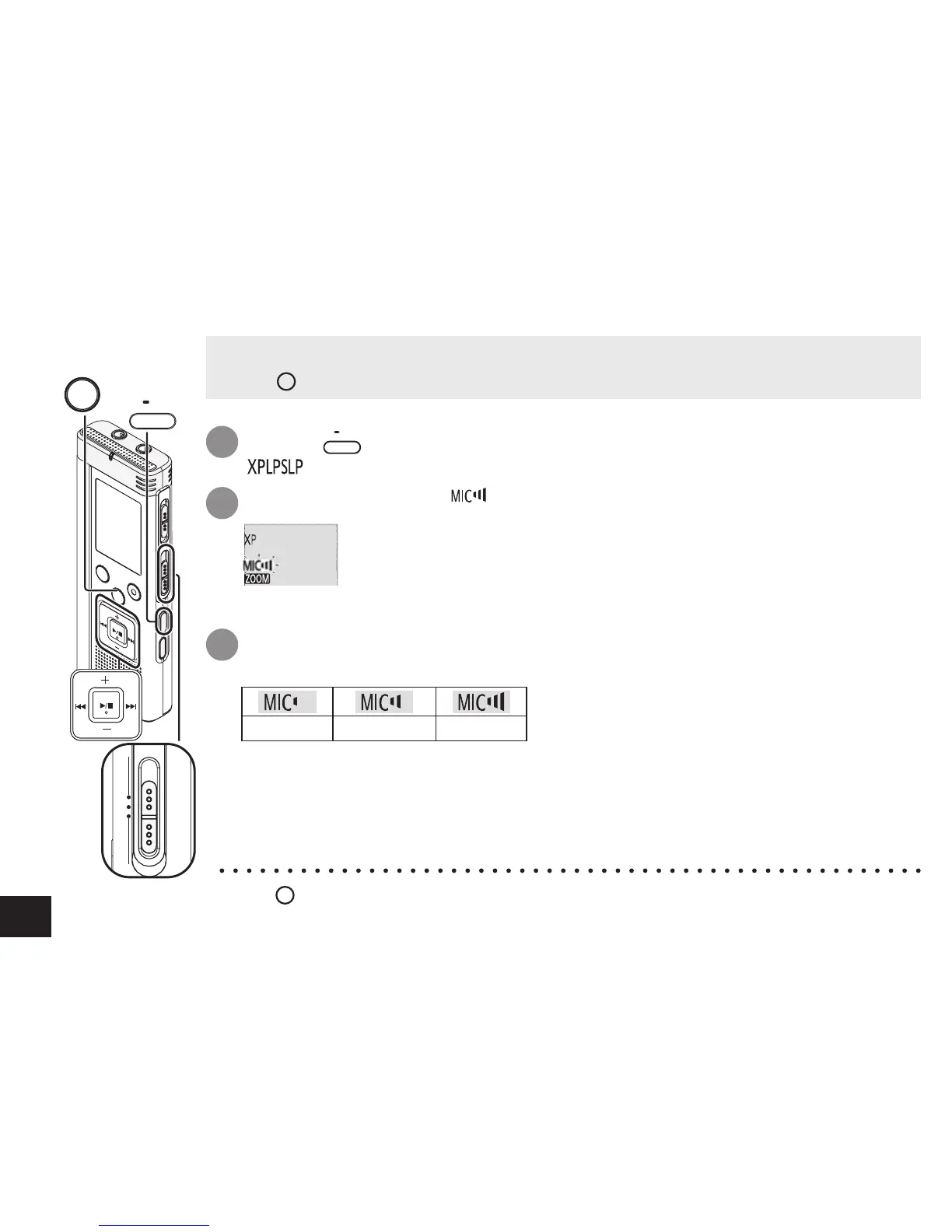
1
Press
•
MENU/
REPEAT
.
“ ” (blinking) is displayed.
Press +, – to select “ ” and press
q
/
g
to enter.
2
Press
u
,
i
to select microphone sensitivity and press
q
/
g
to
enter.
3
Low Normal High
Changing recording settings (Microphone sensitivity)
• Set the Recording position switch to [MANUAL] (
➜
page 8).
• Press
STOP
to stop the unit.



 To Next Page