EasyManua.ls Logo

Panasonic RX-C52 - Page 20

Panasonic RX-C52
20 pages
Print Icon
To Previous Page IconTo Previous Page
Loading...
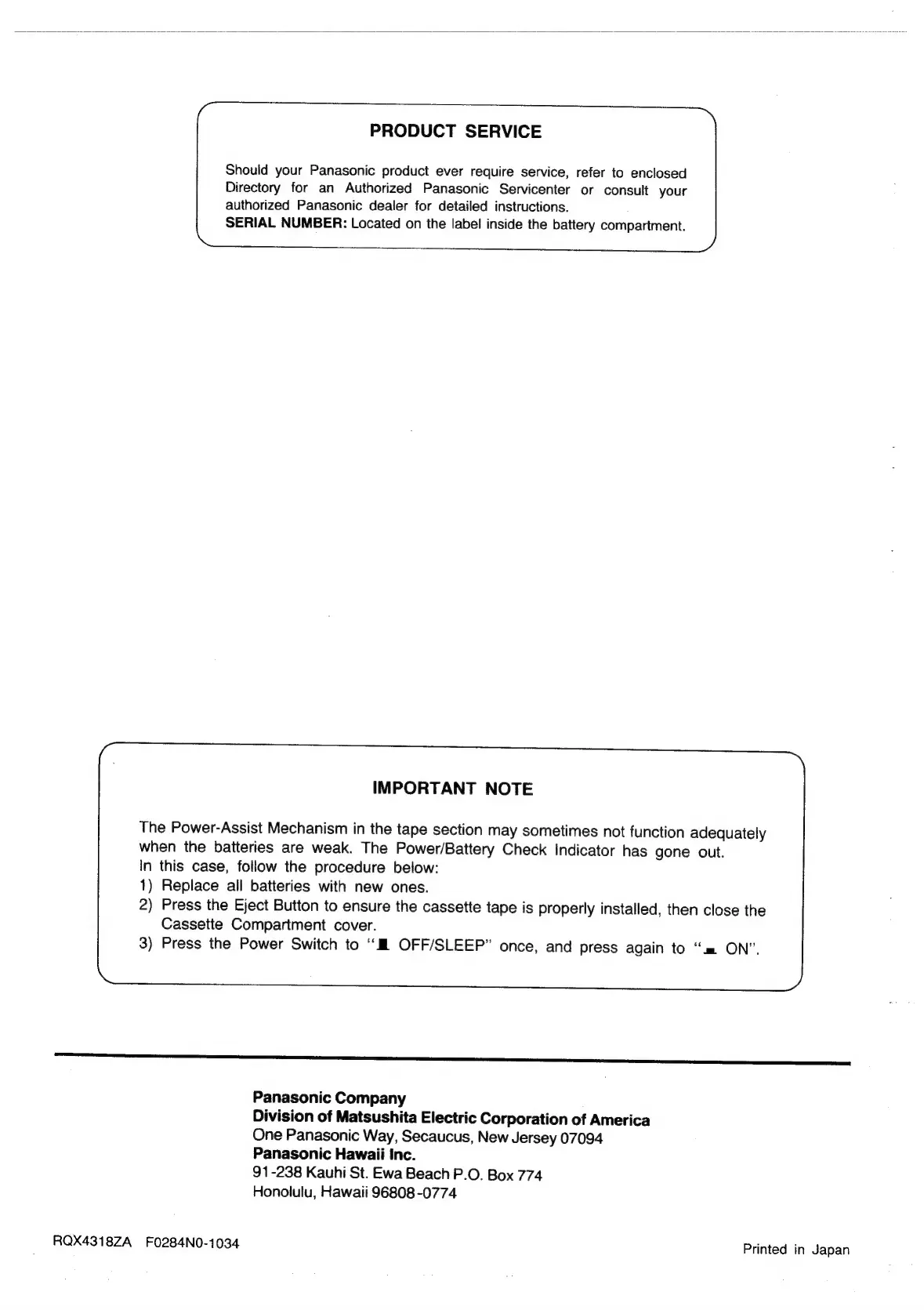
PRODUCT
SERVICE
Should
your
Panasonic
product
ever
require
service,
refer
to
enclosed
Directory
for
an
Authorized
Panasonic
Servicenter
or
consult
your
authorized
Panasonic
dealer
for
detailed
instructions.
SERIAL
NUMBER:
Located
on
the
label
inside
the
battery
compartment.
IMPORTANT
NOTE
The
Power-Assist
Mechanism
in
the
tape
section
may
sometimes
not
function
adequately
when
the
batteries
are
weak.
The
Power/Battery
Check
indicator
has
gone
out.
In
this
case,
follow
the
procedure
below:
1)
Replace
all
batteries
with
new
ones.
2)
Press
the
Eject
Button
to
ensure
the
cassette
tape
is
properly
installed,
then
close
the
Cassette
Compartment
cover.
3)
Press
the
Power
Switch
to
‘““M
OFF/SLEEP”
once,
and
press
again
to
“=
ON”.
LL
Panasonic
Company
Division
of
Matsushita
Electric
Corporation
of
America
One
Panasonic
Way,
Secaucus,
New
Jersey
07094
Panasonic
Hawaii
inc.
91-238
Kauhi
St.
Ewa
Beach
P.O.
Box
774
Honolulu,
Hawaii
96808
-0774
RQX4318ZA
F0284N0-1034
Printed
in
Japan

Related product manuals