EasyManua.ls Logo

Panasonic SA-HE7 - User Manual

Panasonic SA-HE7
26 pages
Print Icon
To Next Page IconTo Next Page
Loading...
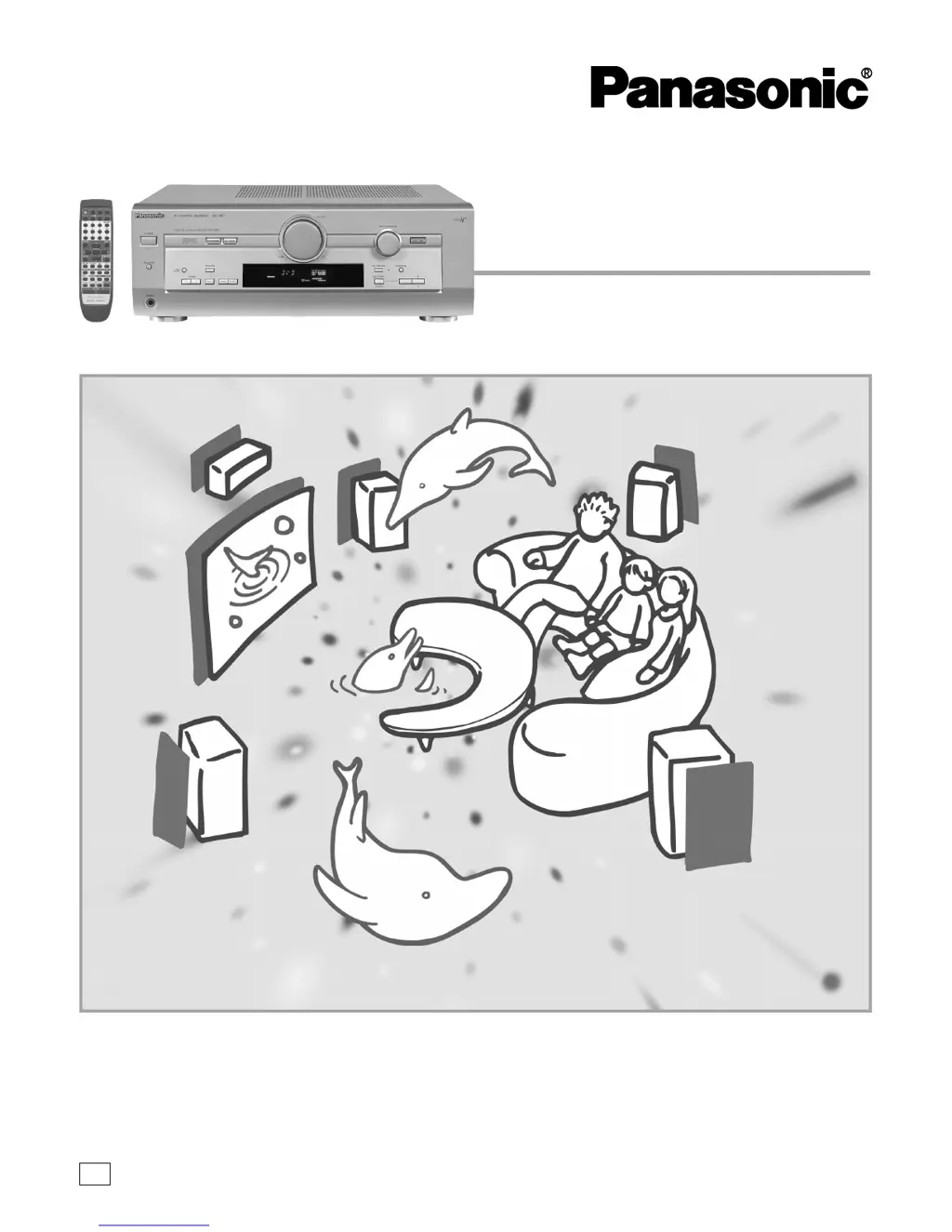
AV Control Receiver
Operating Instructions
Model No. SA-HE7
Before connecting, operating or adjusting this product, please read
these instructions completely.
Please keep this manual for future reference.
RQT5908-Y
PP

Questions and Answers

  • M
    Morgan StokesAug 7, 2025
    Why is my Panasonic SA-HE7 radio not tuning in properly?
    • M
      montgomeryjimmyAug 8, 2025
      If your Panasonic Receiver radio is experiencing tuning issues, noise, or interference, try the following: * Adjust the position of the FM or AM antenna. * Reduce the treble. * Select “DSP DEFEAT”. * Turn off nearby televisions, video decks, DVD players, and satellite receivers. * Consider using an outdoor antenna or an antenna with more elements. * Separate the antenna from other cables, leads, and appliances.
  • E
    Evelyn TerrellAug 15, 2025
    What to do if sound is not heard from center, surround, or subwoofer speakers on Panasonic SA-HE7 Receiver?
    • A
      Andrew FieldsAug 15, 2025
      If you're not hearing sound from the center, surround, or subwoofer speakers on your Panasonic Receiver, try the following: * Ensure the size settings for your speakers are correct. * Check the DSP sound mode. * Cancel “DSP DEFEAT”.
  • C
    Chase RiceAug 22, 2025
    How to fix DSP sound modes that cannot be selected on Panasonic SA-HE7 Receiver?
    • M
      Mark NicholsonAug 23, 2025
      If you cannot select DSP sound modes on your Panasonic Receiver, try to cancel “DSP DEFEAT”.
  • J
    John NormanOct 30, 2025
    How to fix no sound on my Panasonic SA-HE7 Receiver?
    • D
      daniellecohenOct 30, 2025
      If your Panasonic Receiver has no sound, try these steps: * Ensure the power cord is connected. * Turn the volume up. * Turn muting off. * Check connections to speakers and other equipment. * Turn on the speakers. * Turn off the tape monitor. * Select the correct source. * Change the DIGITAL input setting to suit the type of connection you have made. * Check that the digital signals can be decoded by this unit. * Turn PCM FIX off. * Cancel “DSP DEFEAT”. * If the positive and negative speaker wires are shorting, or if you are using speakers with an impedance lower than rated for this unit, or if the speakers are straining through excessive volume or power, or if the unit is in a hot environment, switch off the unit, determine and correct the cause, then switch the u...

Summary

Listening Caution and Safety

Fire and Electric Shock Prevention

Warnings to reduce risk of fire, electric shock, or product damage from water exposure.

Electric Shock Prevention Plug

Instructions for preventing electric shock by matching plug blades to slots.

Internal Hazard Warning

Warning regarding risk of electric shock from internal components and user servicing.

Precautions and Safety Guidelines

Safety Precautions

Guidelines for power source, plug polarization, cord handling, and unit storage.

Connecting Audio and Digital Equipment

Audio Equipment Connections

Diagrams and notes for connecting audio devices like CD players and tape decks.

Digital Equipment Connections

Instructions for connecting digital sources via optical or coaxial cables.

Speaker Connections and Placement

Speaker Placement Guide

Diagram illustrating optimal placement for front, center, surround, and subwoofer speakers.

Connecting Front Speakers

Instructions and diagrams for connecting front speakers, including impedance details.

Center, Surround, and Subwoofer Connections

Center Speaker Connection

Diagram and impedance information for connecting the center speaker.

Customizing Receiver Settings

Basic Customization Steps

Step-by-Step Settings Adjustment

A guide to navigating and changing receiver settings like SIZE, DISTANCE, and INPUT.

Adjusting Speaker Output Levels

Speaker Level Calibration Guide

Using the test signal to adjust individual speaker output levels for balanced sound.

DSP Sound Modes Explained

Sound Field Control (SFC) Modes

Enjoying Sound Sources

Step-by-Step Sound Playback

Guide to selecting sources, DSP modes, and adjusting volume for playback.

Radio Tuning and Reception

Manual Radio Tuning

Step-by-step guide for manually tuning FM and AM radio stations.

Radio Preset Tuning and Selection

Presetting Radio Stations

Methods for automatic and manual presetting of FM and AM radio stations.

Troubleshooting Common Issues

General Troubleshooting

Solutions for common operational problems like no power, no sound, or display errors.

DSP Sound Mode Troubleshooting

Resolving issues with sound not being heard from surround speakers or modes not selecting.

Radio Troubleshooting

Solutions for radio tuning problems, noise, and interference.

Panasonic SA-HE7 Specifications

General IconGeneral
TypeAV Receiver
Channels5.1
Total Harmonic Distortion0.08%
Input Sensitivity200 mV
Signal-to-Noise Ratio100 dB
Digital inputsOptical, Coaxial
Power Output100 W per channel (8 ohms)
Video InputsComposite, S-Video
Video Outputs1 x Composite, 1 x S-Video
Dimensions430 x 160 x 350 mm

Related product manuals