EasyManua.ls Logo

Panasonic SA-PM11 - Tuner Section Alignment

Panasonic SA-PM11
110 pages
Print Icon
To Next Page IconTo Next Page
To Previous Page IconTo Previous Page
Loading...
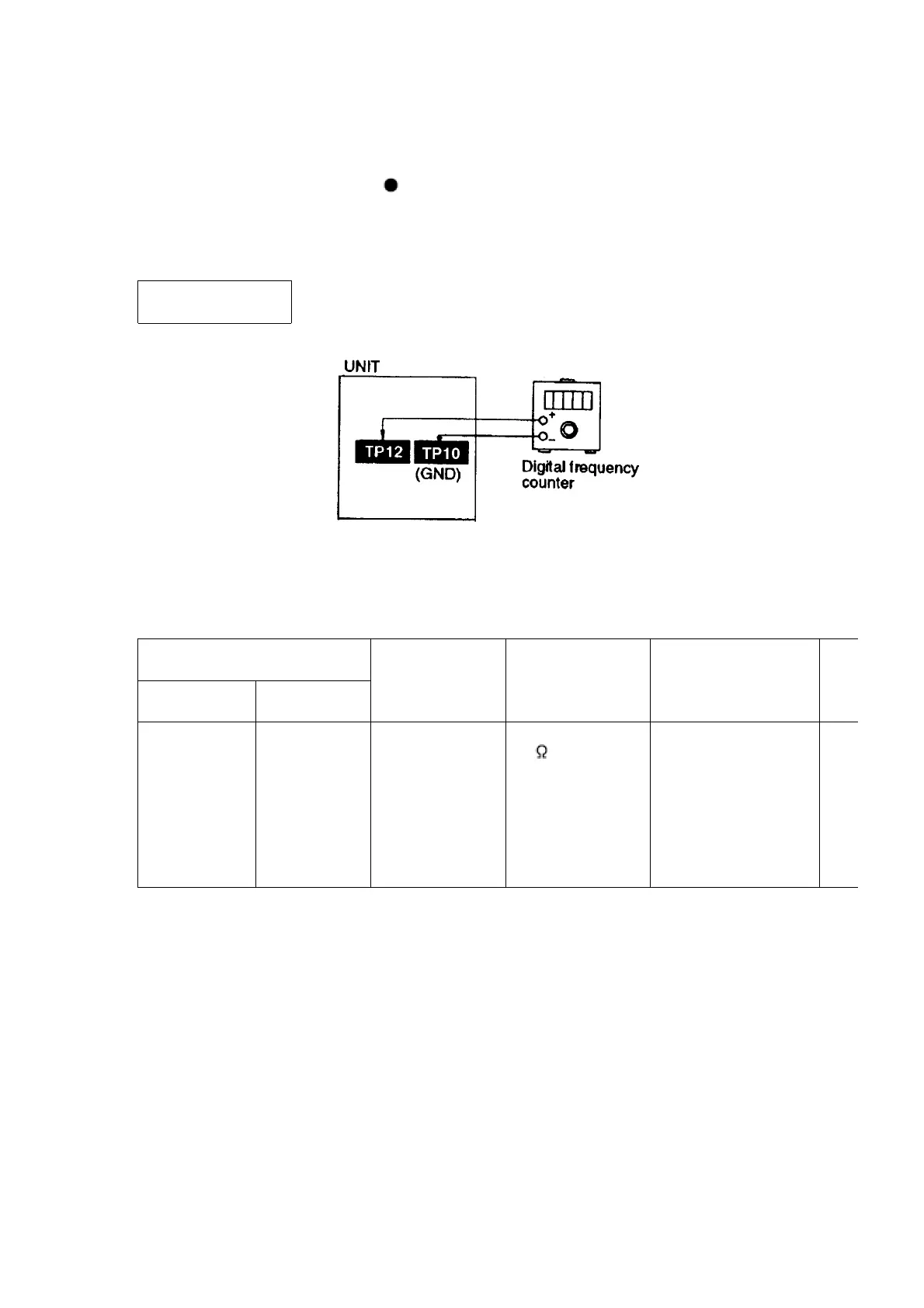
2. Insert the Normal blank tape (QZZCRA) into DECK 2 and set the
unit to REC mode ( use REC/PAUSE key).
3. Adjust L1301 so that the output frequency is within the standard
value.
Standard Value: 97
±8 kHz
11.2. Tuner Section
11.2.1. AM-IF Alignment
- AM-IF ALIGNMENT
SIGNAL GENERATOR OR
SWEEP GENERATOR
RADIO DIAL
SETTING
INDICATOR
(ELECTRONIC
VOLTMETER
OSCILLOSCOPE)
ADJUSTMENT(Shown
in Fig.3)
REMARKS
CONNECTIONS FREQUENCY
Fashion a loop
of several
turns of wire
and radiate
signal into
loop of
receiver.
450 kHz 30%
Mod. at 400Hz.
Point of non-
interference (on/
about 600 kHz)
Headphone Jack
(32 ) Fabricate
the plug as shown
in Fig. 2 and then
connect the lead
wires of the plug
to the measuring
instrument.
Z102 (AM IFT)
Adjust
maximum
output.
- AM-RF ALIGNMENT
31

Related product manuals