12
VQT3Z79
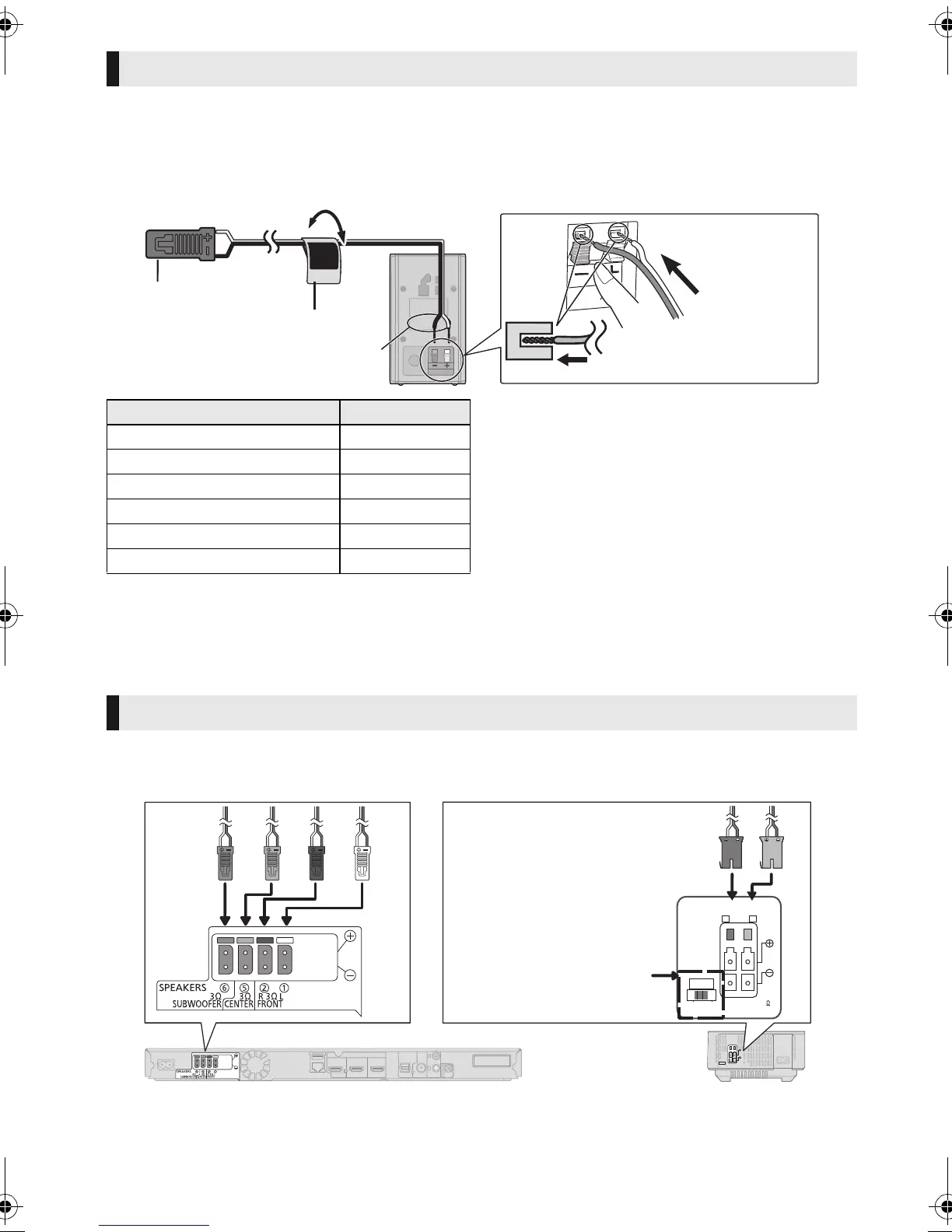
Attach the speaker cable sticker (supplied) and connect the speaker cables to the speakers.
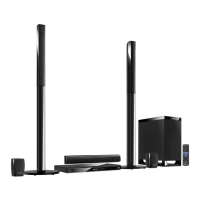
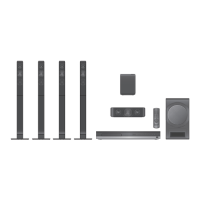
[BT T 583] [BTT490]
≥ When connecting speakers with the optional wireless system SH-FX71 (> 10), use the supplied
speaker cables of SH-FX71.
e.g., [B TT583] [BTT490] Surround speaker
STEP 3: Connections
Turn off all equipment before connection and read the appropriate operating instructions.
Do not connect the AC mains lead until all other connections are complete.
Connect the speaker cables to the terminals of the same colour.
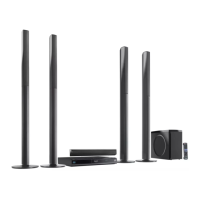
[BT T 790]
Connecting the speaker cables
Push
r: White
s: Blue line
Speaker cable sticker (supplied)
Connector
Speaker indication
Speaker cable sticker Connector
1 FRONT Lch 1 WHITE
2 FRONT Rch 2 RED
3 SURROUND Lch 3 BLUE
4 SURROUND Rch 4 GREY
5 CENTER 5 GREEN
6 SUBWOOFER 6 PURPLE
Speaker connection
LS / RB LB / RS
SPEAKERS
ENCEINTES
SURROUND (3 - 6
)
AMBIOPHONIQUES
SURR
L
SIDE
R
SIDE
Wireless
system
Surround selector
Set in the centre position.
SC-BTT790&583&490GNGSGA-VQT3Z79_mst.book 12 ページ 2012年1月19日 木曜日 午前10時34分





 To Next Page