13
Getting started
VQT3Z79
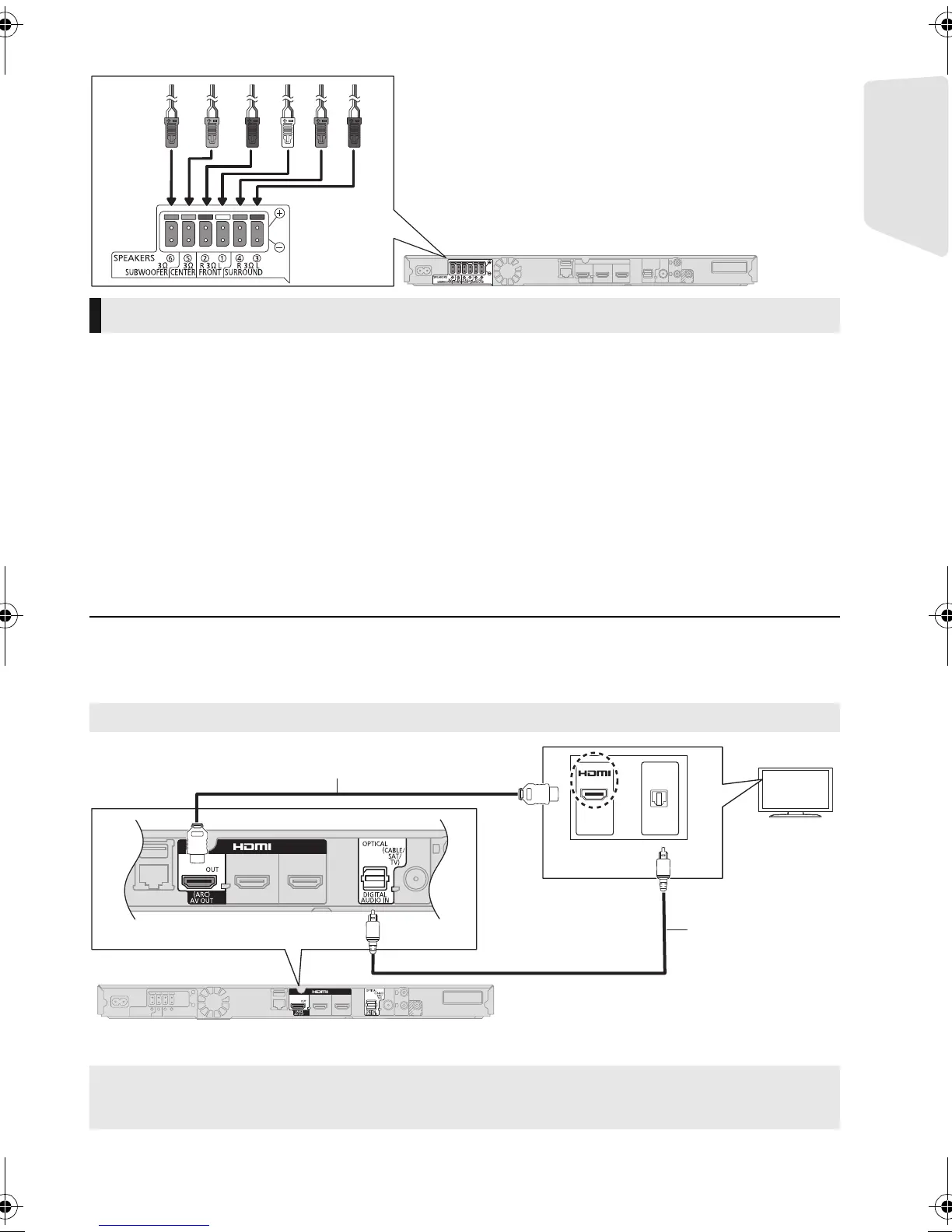
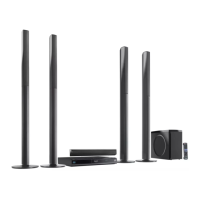
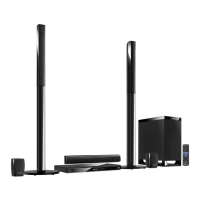
[BT T 583] [BTT490]
∫ HDMI
≥ Use the High Speed HDMI cables. Non-HDMI-compliant cables cannot be utilized.
It is recommended that you use Panasonic’s HDMI cable. When outputting 1080p signal, please use
HDMI cables 5.0 meters or less.
Recommended part number (High Speed HDMI Cable):
RP-CDHS15 (1.5 m), RP-CDHS30 (3.0 m), RP-CDHS50 (5.0 m), etc.
≥
Audio will be output through the system’s speakers when “Off” is selected in “HDMI Audio Output”. (
>
37)
∫ TV Audio
≥ To output TV audio from this unit's speakers, you need to switch the selector.
(
>
20
)
∫ OPTICAL IN
≥ After making the digital audio connection, make settings to suit the type of audio from your digital
equipment. (> 37)
≥ Do not make the video connections through the VCR.
Due to copy guard protection, the picture may not display properly.
* If the HDMI terminal on the TV is labelled “HDMI (ARC)”, the connection of the optical digital audio cable is not required.
Connection to a TV
Best quality
What is ARC?
ARC is an abbreviation of Audio Return Channel, also known as HDMI ARC. This feature allows a home
theatre system to receive and play audio from the TV through a signal HDMI cable without additional wiring.
OPTICAL
OUT
HDMI
HDMI cable (not supplied)
Optical digital
audio cable* (not
supplied)
SC-BTT790&583&490GNGSGA-VQT3Z79_mst.book 13 ページ 2012年1月19日 木曜日 午前10時34分





 To Next Page