13
VQT5F34
ENGLISH
30 FM and 15 AM stations can be preset.
1 Press [OK] to select “LOWEST” or “CURRENT”
frequency.
2 Press [PLAY MENU] to select “A.PRESET” and
then press [OK].
“START?” is shown.
3 Press [OK] to start presetting.
To cancel, press [∫].
1 Press [6] or [5] to tune in to the station.
2 Press [PROGRAM].
3 Press the alphanumeric buttons to select a
preset number.
Do steps 1 through 3 again to preset more stations.
The new station replaces any station that occupies
the same preset number.
Press the alphanumeric buttons, [:] or [9] to
select the preset station.
Using the main unit
1 Press [TUNE MODE] to select “PRESET”.
2 Press [:/6] or [5/9] to select the preset
station.
By main unit only
This system can also receive AM broadcasts allocated in
10 kHz steps.
1 Press [RADIO/EXT-IN] to select “FM” or “AM”.
2 Press and hold [RADIO/EXT-IN].
After a few seconds, the display panel shows the current
minimum radio frequency. Release the button when the
minimum frequency changes.
• To go back to the initial setting, do the above steps
again.
• After you change the setting, preset frequencies are
erased.
Bluetooth
®
You can connect and play an audio device wirelessly
through Bluetooth
®
.
• Refer to the operating instructions of the Bluetooth
®
device for details.
• If you intend to use an NFC (Near Field
Communication)-compatible Bluetooth
®
device,
proceed to “One-Touch Connection (Connecting by
NFC)”.
• Decrease the volume before connect the Bluetooth
®
device.
Preparation
• Turn on the Bluetooth
®
feature of the device and place
the device near this unit.
1
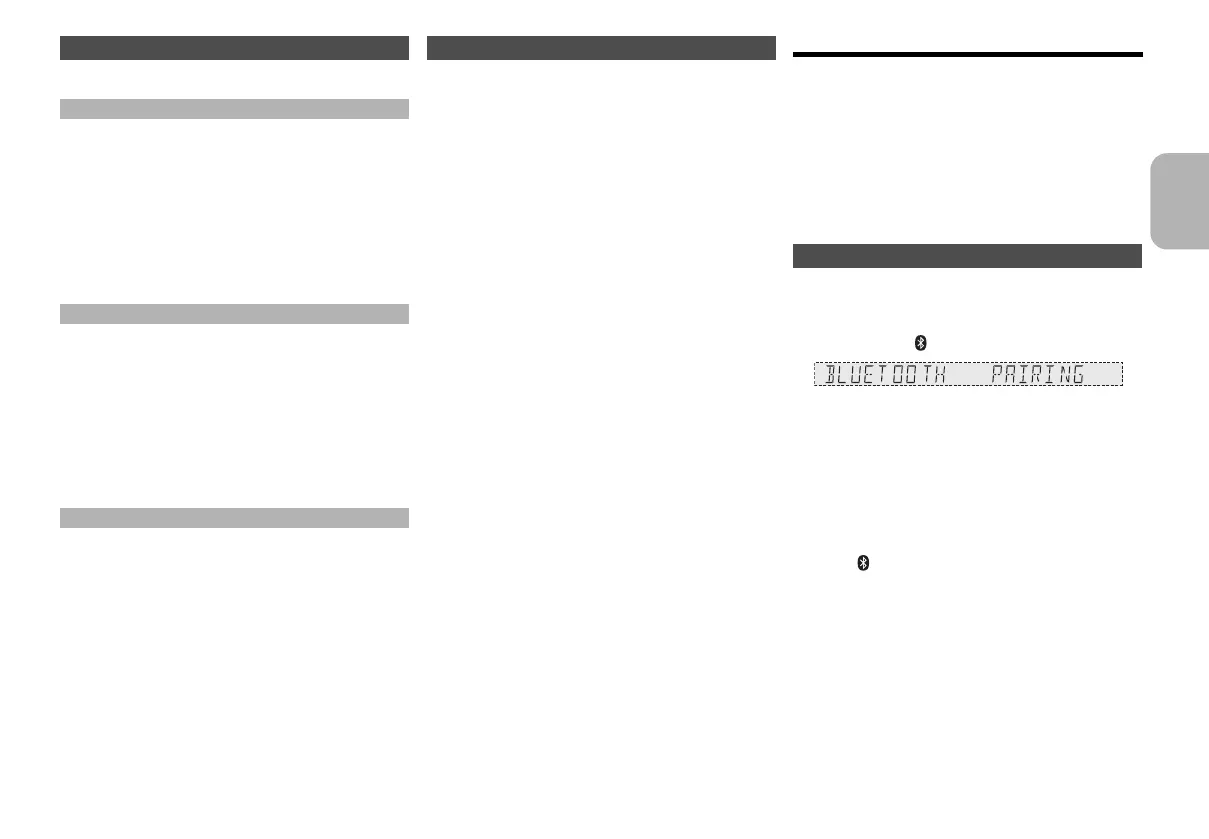
Press and hold [ /MEMORY,-PAIRING] on main unit.
2 Select “SC-MAX370” from the Bluetooth
®
menu
of the device.
The device connects with this system automatically
after pairing is complete.
3 Start playback on the Bluetooth
®
device.
For other operations on main unit, refer to “Playing disc”.
Note:
• You can also operate with the remote control.
1 Press [ , MEMORY] to select “BLUETOOTH”.
2 Press [PLAY MENU] to select “PAIRING”.
3 Press [2, 1] to select “OK? YES” and then press [OK].
4 Select “SC-MAX370” from the Bluetooth
®
menu of the
device.
• If prompted for a passkey, input “0000”.
• A device must be paired to connect.
• You can register up to 8 devices with this unit. If a 9th
device is paired, the device that has not been used for the
longest time will be replaced.
• This system can only connect to one device at a time.
• When “BLUETOOTH” is selected as the source, this
system will automatically try and connect to the last
connected device.
Memory presetting
Automatic presetting
Manual presetting
Selecting a preset station
AM allocation setting
Pairing a device
13
SC-MAX370GS_eng_sch_rus_ukr.book 13 ページ 2014年3月12日 水曜日 午後6時49分




 To Next Page