VQT5F34
4
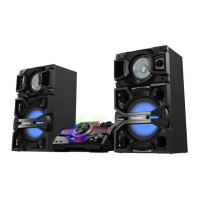
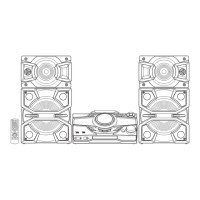
Use only the supplied speakers.
You can cause damage to the system and decrease the
sound quality if you use other speakers.
Note:
• Keep your speakers more than 10 mm from the main unit
for ventilation.
• Put the speakers on a flat safe surface.
• These speakers do not have magnetic shielding. Do not
put them near TVs, PCs or other equipment easily
influenced by magnetism.
• When you play at high levels for a long period, it can cause
damage to the speakers and decrease the life of the
speakers.
• Decrease the volume in these conditions to prevent
damage:
- When the sound is distorted.
- When you adjust the sound quality.
Maintenance
To clean this system, wipe with a soft, dry cloth.
• Never use alcohol, paint thinner or benzine to clean
this system.
• Before using chemically treated cloth, read the
instructions that came with the cloth carefully.
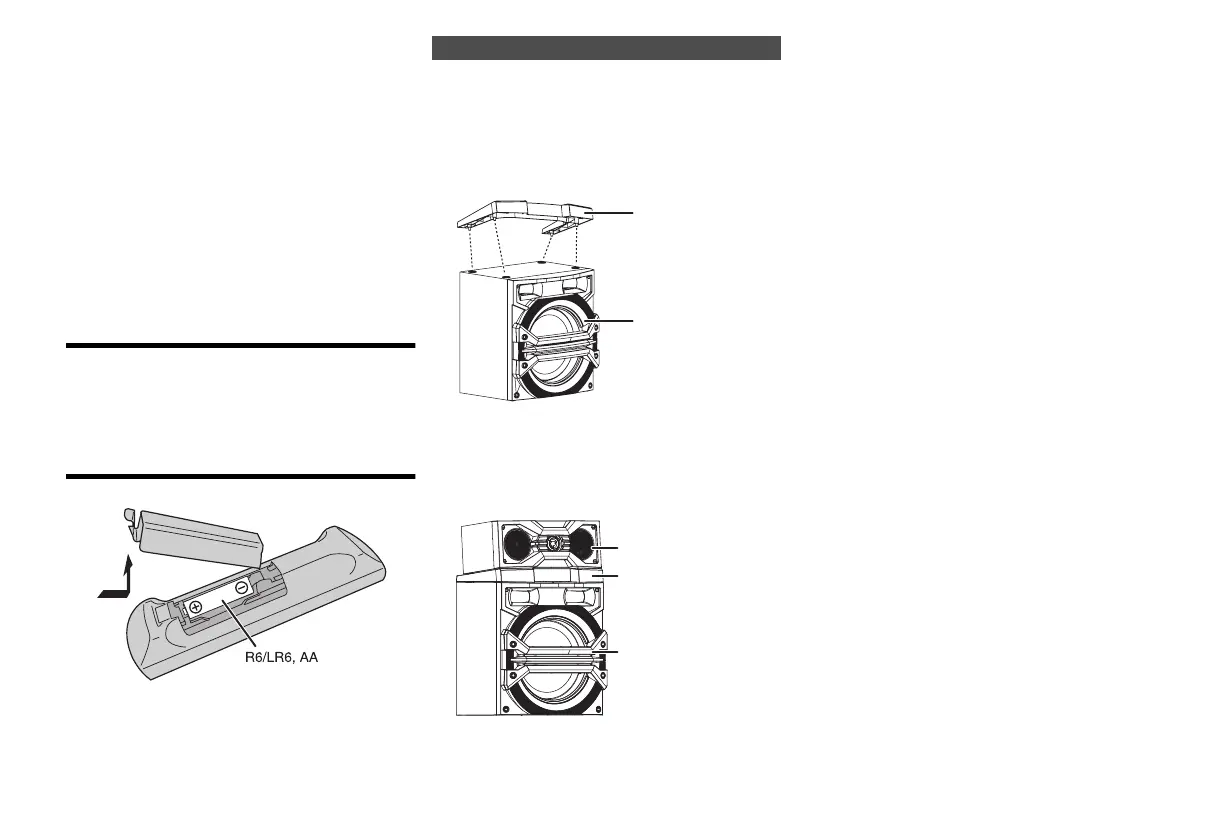
Preparing the remote control
Use alkaline or manganese battery.
Install the battery so that the poles (+ and –) align with
those in the remote control.
1 Put the stacking bracket on top of the subwoofer
SB-MAW370/SB-MAY370.
Press down the stacking bracket until it is secured in
position.
e.g
2 Stack the speakers according to Setup 1 or
Setup 2. (> “Placement of speakers”).
Example: Stacking of front speaker in Setup 1
arrangement.
Stacking the speakers
Stacking bracket
SB-MAW370
SB-MAF370
Stacking bracket
SB-MAW370
4
SC-MAX370GS_eng_sch_rus_ukr.book 4 ページ 2014年3月12日 水曜日 午後6時49分




 To Next Page