8 9
English
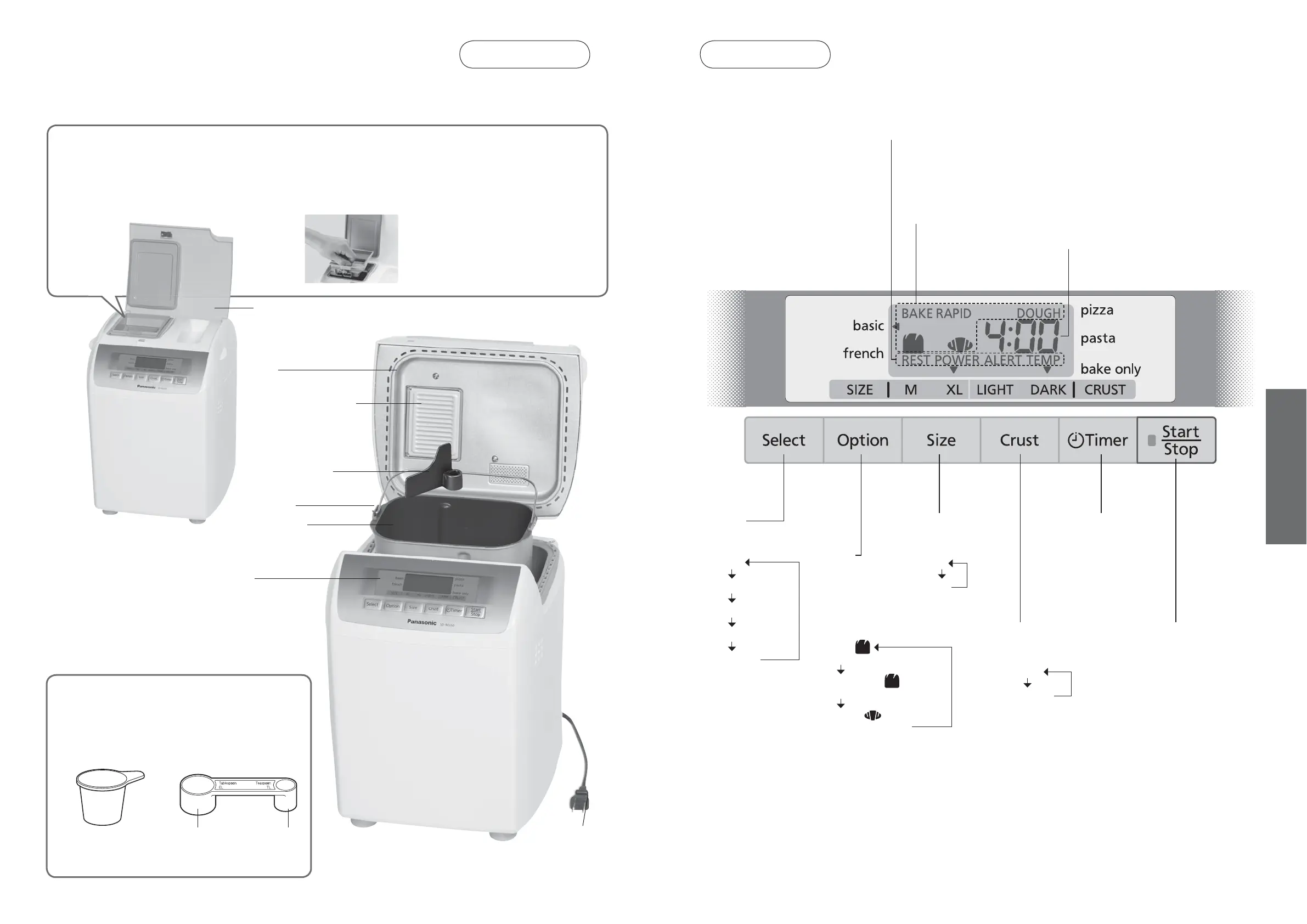
Option:
Choose between
making bread or dough,
and whether
to use ‘BAKE RAPID’
option
e.g. (basic)
•
BAKE
Bake bread (knead, rise, bake)
•
BAKE RAPID
Faster baking process
•
DOUGH
Make dough (knead, rise)
Raisin nut dispenser
Place the extra ingredients in the raisin nut dispenser if you wish to add them in.
The raisin nut dispenser will open automatically for all programs.
Turn to P. 15 for ingredients which may be placed in the raisin nut dispenser.
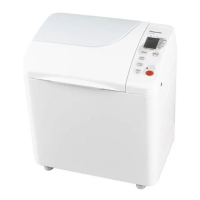
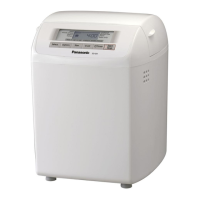
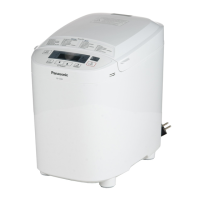
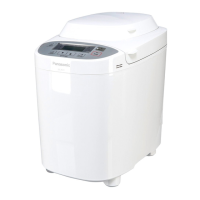
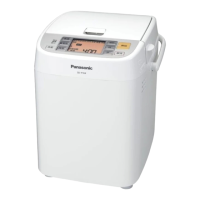
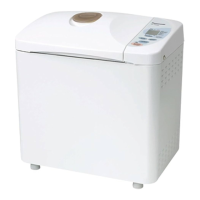
Accessories/Parts Identification
Main Unit
Accessories
Measuring cup
To measure out liquids
Measuring spoon
To measure out sugar, salt, yeast, etc.
(15 mL/
1
⁄2 oz.) (5 mL/
1
⁄6 oz.)
Tablespoon
•
1
⁄2 marking
Teaspoon
•
1
⁄4,
1
⁄2,
3
⁄4
markings
•
10 mL increments
(max. 250 mL/8
1
⁄2 oz.)
Plug
Dispenser lid
Bread pan
Control panel
Lid
Handle
Raisin nut dispenser
flap
Kneading blade
Control Panel
Select:
Choose type of bread
or dough
•
basic
•
french
•
pizza
•
pasta
•
bake only
Size:
Choose bread
size
•
M
•
XL
Color:
Choose crust
color
•
LIGHT
•
DARK
Start/Stop:
Start the program
or cancel/stop the
program (To cancel/
stop, hold for more
than 1 second)
Timer:
Set delay timer (time
until bread is ready) or
set the baking time for
‘bake only’ program
* This picture shows all words and symbols, but during operation only relevant ones will be displayed.
Operation status
•
REST: Displayed during the initial stage or timer operation when regulating the temperature of the bread pan and
ingredients before kneading
•
POWER ALERT: Displayed when there is a problem with the power supply
•
TEMP: Displayed when the unit is hot – allow to cool before use
Options selected
Time remaining until ready




 To Next Page