EasyManua.ls Logo

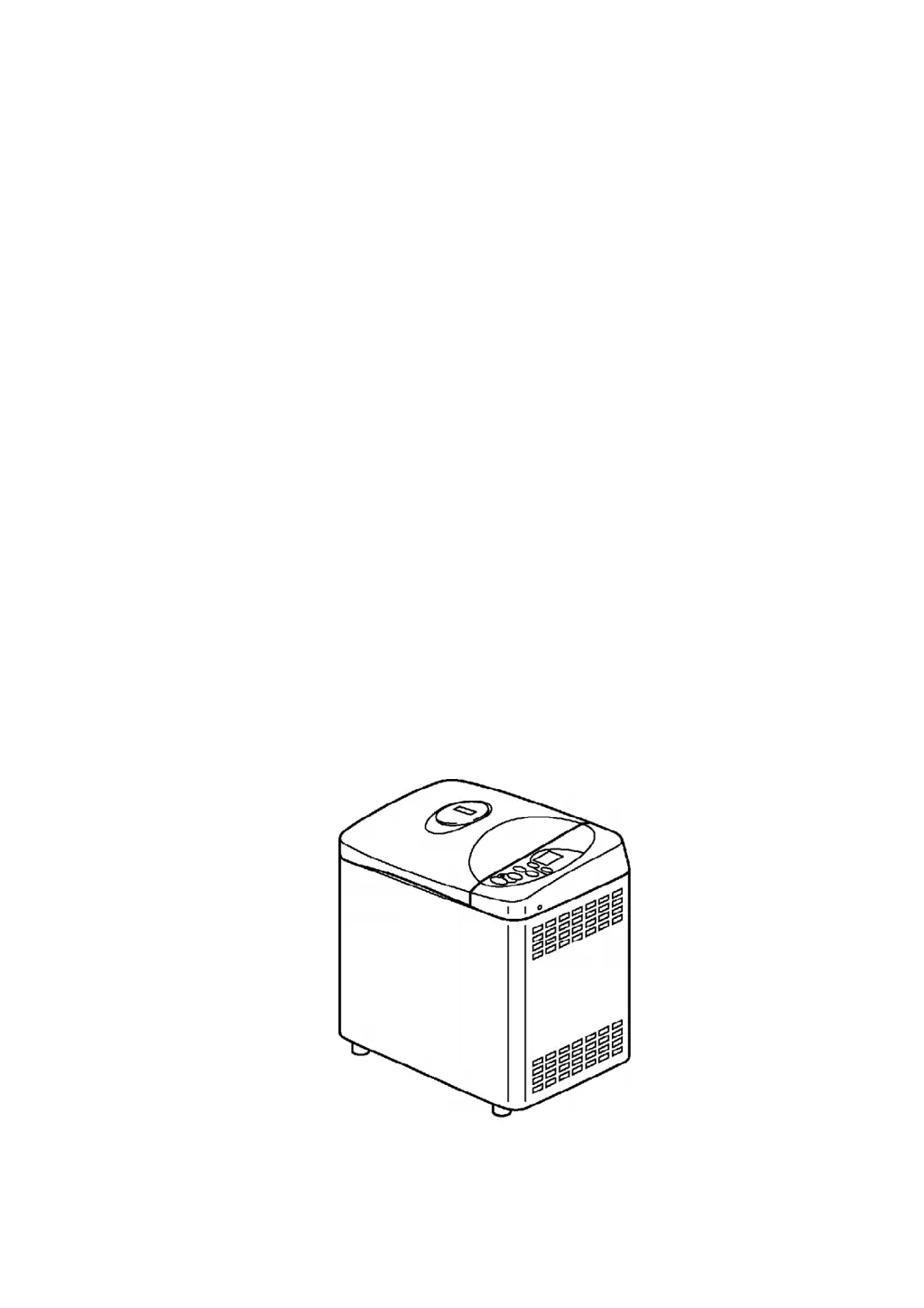
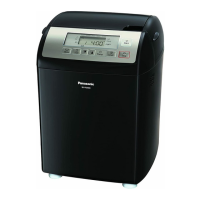
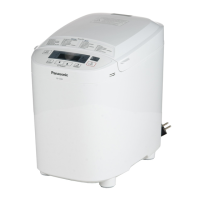
Panasonic SD-YD250 - User Manual

Panasonic SD-YD250
37 pages
Print Icon
To Next Page IconTo Next Page
Loading...
ORDER No. KAD0108500C1
E5
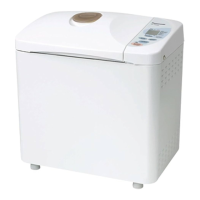
Automatic Bread Maker
SD-YD250
USA
SPECIFICATIONS
1

Questions and Answers

  • L
    lisamurphyAug 13, 2025
    Why is my Panasonic Bread Maker bread not rising enough?
    • E
      Eric BartlettAug 13, 2025
      If your Panasonic Bread Maker produces bread that isn't rising sufficiently, ensure you're accurately measuring flour, water, and yeast according to the recipe. Use a scale for flour and a measuring tool for water. Purchase fresh yeast, storing it sealed in the refrigerator, and use it at an ambient temperature of 15 to 25°C. Consider using extra-strength flour and new flour, stored sealed in the refrigerator. Also, make sure the kneading blades are correctly set. If these steps don't resolve the issue, the temperature sensor or PC board may need replacement. It is also recommended to check the kneading blade.
  • S
    Sandra AndersonAug 17, 2025
    What causes the kneading blade to not turn in my Panasonic SD-YD250 Bread Maker?
    • J
      Joshua RodriguezAug 17, 2025
      If the kneading blade in your Panasonic Bread Maker does not turn or if there is an abnormal sound during kneading, the mounting shaft unit, belt, or motor may need to be replaced.
  • S
    Sheena BrooksAug 21, 2025
    How to prevent too much rising of bread in Panasonic SD-YD250?
    • D
      David Gallagher MDAug 21, 2025
      If the bread baked in your Panasonic Bread Maker has risen too much, try reducing the amount of yeast you are using and observe the amount mentioned in the cook.
  • B
    Brittany BrownAug 25, 2025
    Why is the bread hollow inside when using my Panasonic Bread Maker?
    • C
      caitlin83Aug 25, 2025
      If the inside of the bread baked in your Panasonic Bread Maker is hollow, try reducing the amount of water used in the recipe. Also, observe the amount mentioned in the cook and avoid overtightening the connector. If the issue persists, the mounting shaft unit may need to be replaced.
  • H
    Haley KennedyAug 28, 2025
    How to avoid wet or dented bread from Panasonic Bread Maker?
    • M
      matthew49Aug 28, 2025
      To prevent a wet bottom or dented side faces on bread from your Panasonic Bread Maker, take the bread out soon after baking is completed.
  • R
    robert54Sep 1, 2025
    How to fix too light baking color in Panasonic SD-YD250?
    • T
      tsimmonsSep 1, 2025
      If the baking color of your bread is too light when using your Panasonic Bread Maker, ensure you are using the prescribed quantity of sugar and have selected the correct baking color setting. If the issue persists, it could be related to the bread maker itself, potentially requiring replacement of the cord, fuse, temperature sensor, heater, or PC board.
  • R
    Rachel HernandezSep 5, 2025
    Why is my Panasonic Bread Maker baking color too dark?
    • J
      Joanne GreenSep 5, 2025
      If your Panasonic Bread Maker produces bread with too dark a baking color, try reducing the quantity of sugar used and selecting the correct baking color setting. If the problem continues, the temperature sensor or PC board may need to be replaced.
  • J
    Joseph BrownSep 8, 2025
    What to do if dry yeast doesn't drop from the yeast dispenser in my Panasonic SD-YD250 Bread Maker?
    • M
      Michael GarnerSep 8, 2025
      If the dry yeast is not dropping from the yeast dispenser in your Panasonic Bread Maker, wipe the inner walls of the dispenser with a wet cloth to address potential static electricity. After the inside of the dispenser dries, put the yeast in the dispenser and see if it still sticks to the inner walls of the dispenser. If it doesn’t, static electricity has been removed and you can use the bread maker normally. If the problem persists, confirm the operation of the yeast dispensing lever and repair or replace any broken parts. The solenoid or PC Board Assembly may also require replacement.

Summary

Troubleshooting Guide

Disassembly Procedure

2.1. PCB and Solenoid Removal

Step-by-step guide for removing the Printed Circuit Board and solenoid.

2.2. PCB (B) Removal

Instructions for disassembling the second Printed Circuit Board component.

2.3. Bottom Plate and Body Disassembly

Details the process of removing the bottom plate and main body.

2.10. Bread Pan & Mounting Shaft Unit Removal

Steps to remove the bread pan and its mounting shaft unit.

2.11. Assembly Instructions for Bread Pan Unit

Provides guidance on reassembling the bread pan and mounting shaft unit.

Wiring Connection Diagram

Cautions and Checking After Assembly

Function Quick Check Test Procedure

6.1. Circuit Board Quick Check

Initial diagnostic test for the main circuit board functionality.

6.2. Function Performance Confirmation

Tests to confirm the proper operation of various appliance functions.

Baking Programs

Replacement Parts List

Panasonic SD-YD250 Specifications

General IconGeneral
Power550 watts
Crust Color OptionsLight, Medium, Dark
Programs10
Delay Timer13 hours
Automatic Yeast DispenserYes
Capacity2.5 pounds
Loaf Sizes1.5 lb, 2.0 lb

Related product manuals