35
LSQT1346
Select the menu. (l 24)
≥ This function’s default setting is [ON].
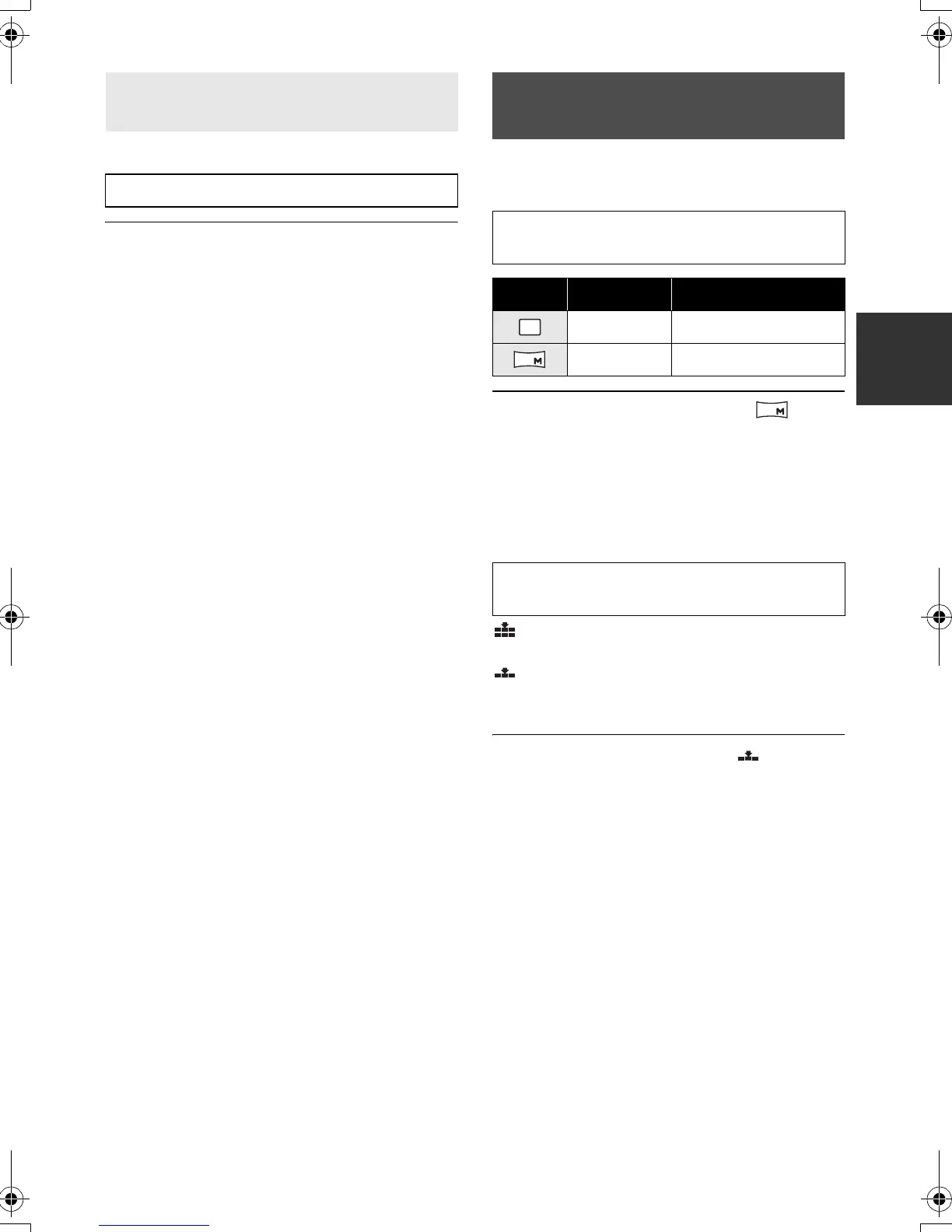
∫ [PICTURE SIZE]
Select the menu. (l 24)
≥ Default [PICTURE SIZE] is set to [ ]. The
sides of pictures recorded in a 16:9 aspect
ratio may be cut when printed. Check before
printing.
∫ [PICT.QUALITY]
Select the menu. (l 24)
: Still pictures with a high picture quality
are recorded.
: Priority is given to the number of still
pictures recorded. Still pictures are
recorded in normal picture quality.
≥ If the [PICT.QUALITY] is set to [ ], mosaic-
pattern noise may appear on a playback image
depending on the picture content.
Recording with a shutter sound
effect
[ADVANCED] # [SHTR EFFECT] # [ON]
Number of pixels and
picture quality
[BASIC] # [PICTURE SIZE] # desired
setting
Icon Aspect Number of pixels
4:3 640k480
16:9 640k360
[BASIC] # [PICT.QUALITY] # desired
setting
0.3
M
0.2
0.2
SDR-H60&40EP-LSQT1346_eng.book 35 ページ 2008年2月25日 月曜日 午後3時33分



 To Next Page