EasyManua.ls Logo

Panasonic TH-32LR11UK - User Manual

Panasonic TH-32LR11UK
44 pages
Print Icon
To Next Page IconTo Next Page
Loading...
Before connecting, operating or adjusting this product, please read these instructions completely.
Please keep this manual for future reference.
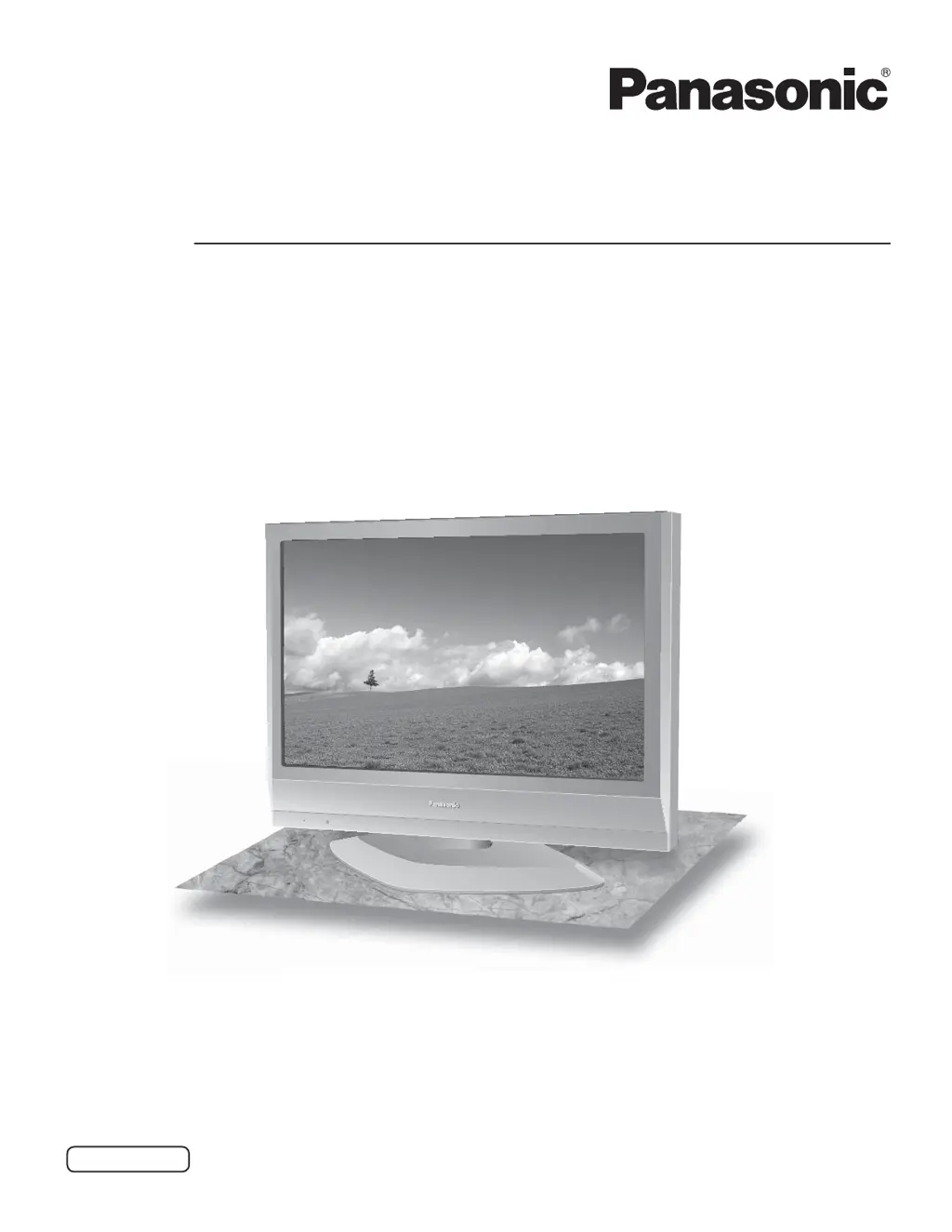
The illustration shown is an image.
TH-32LR11UK
TH-32LR11UH
Model No.
English
Operating Instructions
High Defi nition Hospitality LCD Display

Questions and Answers

  • D
    Daniel JohnsonAug 9, 2025
    What to do if there is no picture on my Panasonic TH-32LR11UK?
    • A
      Anna MirandaAug 9, 2025
      If your Panasonic Monitor displays no picture, ensure it is plugged into the AC outlet and switched on. Also, check the PICTURE and BRIGHTNESS/Volume settings. You can verify this by pressing the power switch or the stand-by button on the remote control.
  • E
    Emily SandersAug 23, 2025
    How to fix no sound on a Panasonic TH-32LR11UK Monitor?
    • A
      anthony31Aug 23, 2025
      To resolve the issue of no sound on your Panasonic Monitor, verify the volume settings. Ensure that the mute function has not been activated on the remote control.

Panasonic TH-32LR11UK Specifications

General IconGeneral
Screen Size32 inches
Panel TypeIPS
HDMI Ports2
USB Ports1
Aspect Ratio16:9
Resolution1366 x 768
Display TypeLCD
Viewing Angle178°
InputsHDMI, VGA, Composite, Component
Power Consumption45W

Related product manuals