12
Power ON / OFF
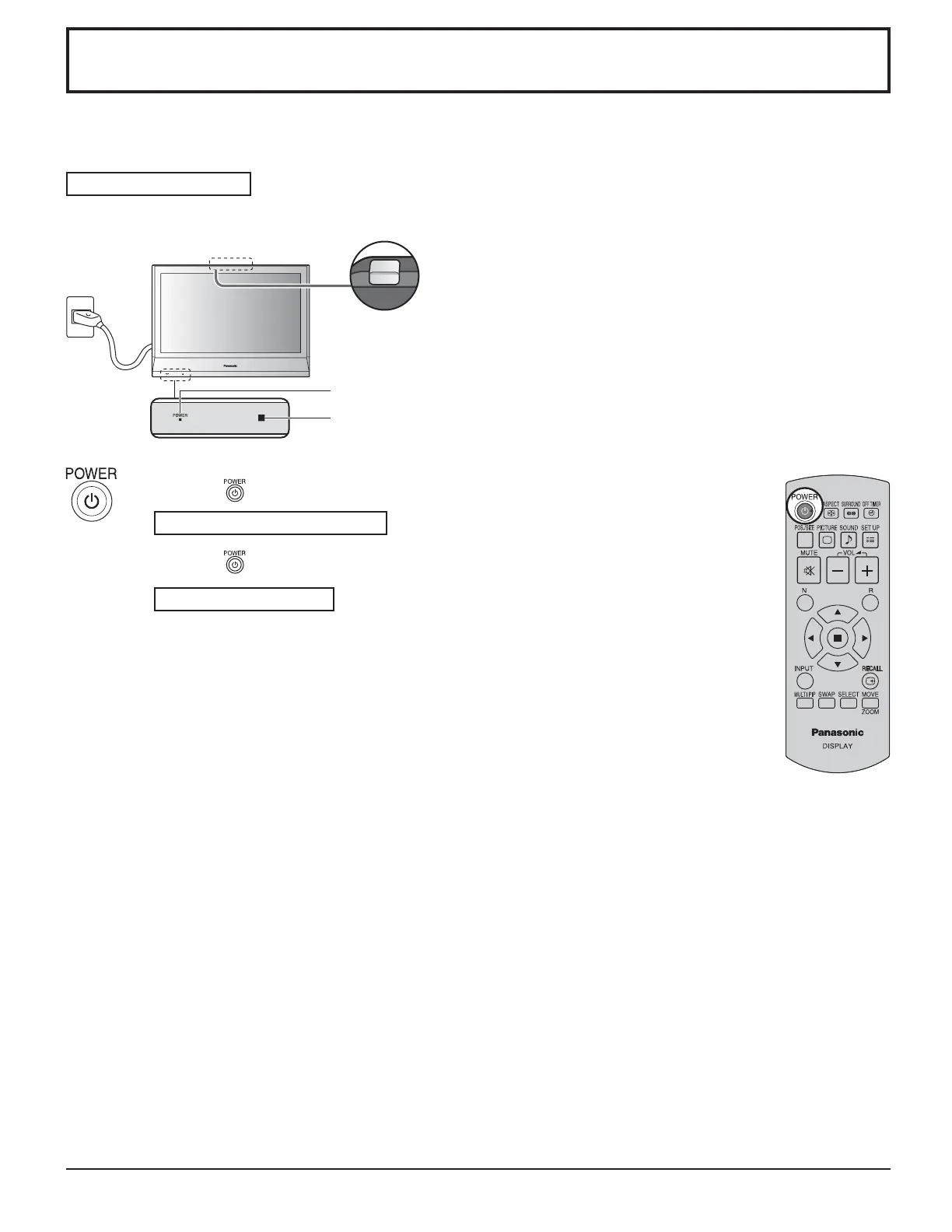
Connecting the plug to the Wall Outlet.
Press the Power switch on the Display to turn the set on: Power-On.
Power Indicator: Green
Press the button on the remote control to turn the Display off.
Power Indicator: Red (standby)
Press the
button on the remote control to turn the Display on.
Power Indicator: Green
Turn the power to the Display off by pressing the POWER switch on the unit, when
the Display is on or in standby mode.
Note:
During operation of the power management function, the power indicator turns
orange in the power off state.
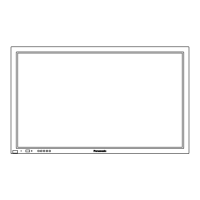
Power Indicator
Remote Control Sensor



 To Next Page