EasyManua.ls Logo

Panasonic TH-37PG9U - User Manual

Panasonic TH-37PG9U
44 pages
Print Icon
To Next Page IconTo Next Page
Loading...
Before connecting, operating or adjusting this product, please read these instructions completely.
Please keep this manual for future reference.
English
Operating Instructions
Progressive Wide Hospitality Plasma Display
Manual de instrucciones
Pantalla panorámica de plasma progresiva para la industria hotelera
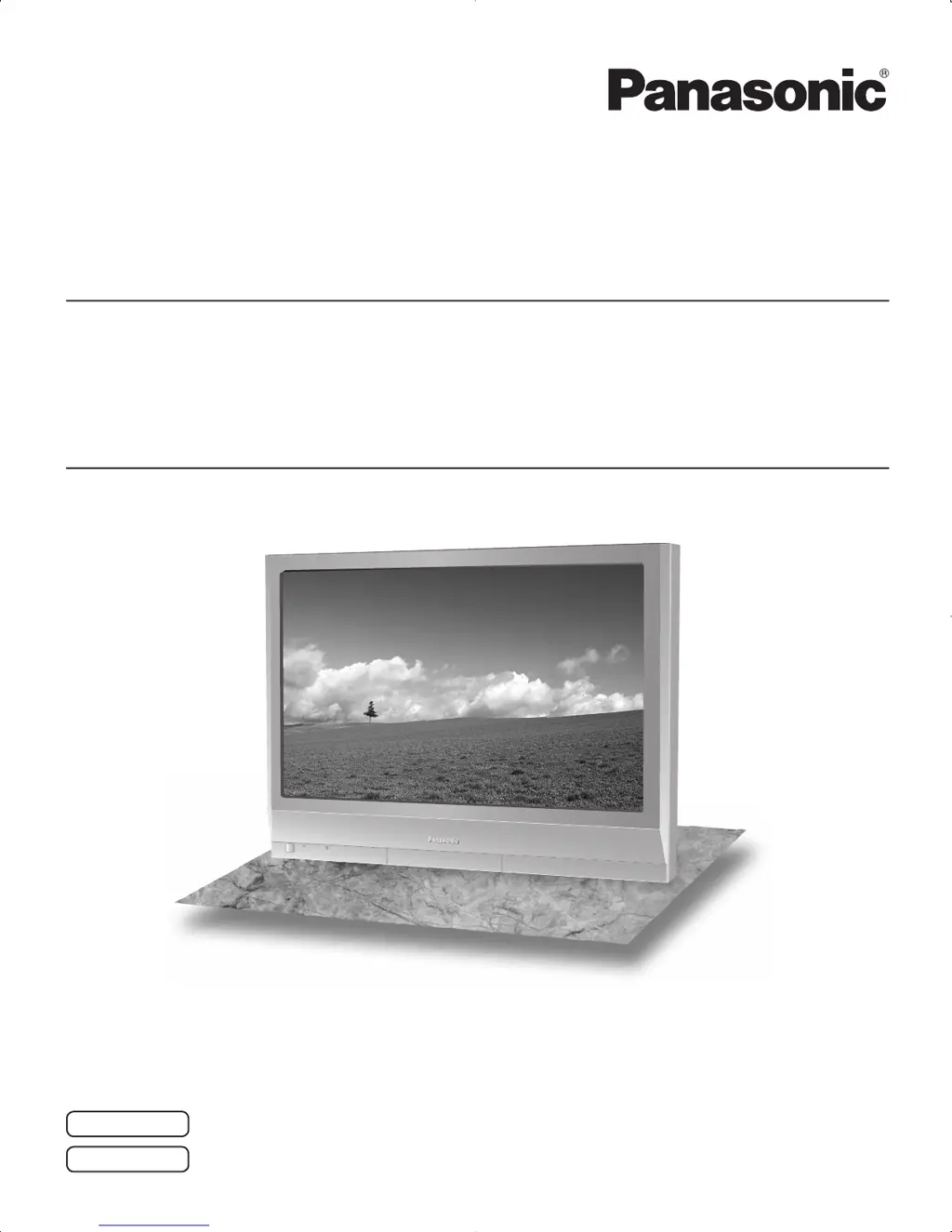
The illustration shown is an image.
TH-37PG9U
TH-42PG9U
TH-37PR9U
TH-42PR9U
Model No.
Número de modelo.
Model No.
Número de modelo.
High De nition Hospitality Plasma Display
Pantalla de plasma de alta de nición para la industria hotelera
TQB2AA0701-1
Antes de conectar, utilizar o ajustar este producto, lea completamente este manual de instrucciones;
y guárdelo para consultarlo en el futuro en caso de ser necesario.
Español
La ilustración mostrada es una imagen.

Questions and Answers

  • L
    Lisa KennedyAug 11, 2025
    What to do if Panasonic TH-37PG9U Monitor remote control not working?
    • S
      susan18Aug 11, 2025
      If your Panasonic Monitor remote control isn't working, check if the batteries are discharged or inserted incorrectly. Also, ensure the remote control sensor isn't exposed to outdoor or strong fluorescent light. Finally, verify you're using the remote specifically designed for the unit, as others won't work.
  • Q
    qwhiteAug 17, 2025
    What to do if there is no picture on my Panasonic TH-37PG9U Monitor?
    • R
      Ricardo GrahamAug 17, 2025
      If there is no picture on your Panasonic Monitor, make sure the monitor is plugged into an AC outlet and switched on. Check the PICTURE and BRIGHTNESS/Volume settings by pressing the power switch or stand-by button on the remote control.
  • K
    Katrina ShawAug 22, 2025
    Why do areas at the top and bottom of the screen where the image is missing appear when I use the zoom function on my Panasonic TH-37PG9U Monitor?
    • J
      Jose BarberAug 23, 2025
      When using video software, like a cinema size program, with a screen wider than the 16:9 mode on your Panasonic Monitor, blank areas separate from the images are formed at the top and bottom of the screen.
  • C
    Catherine WilsonAug 29, 2025
    How to fix no color on Panasonic Monitor?
    • A
      Aaron JonesAug 29, 2025
      If there is no color on your Panasonic Monitor, check if the color controls are set at the minimum level.
  • L
    lsmithSep 3, 2025
    How to fix no sound on Panasonic TH-37PG9U Monitor?
    • C
      Cesar RomeroSep 4, 2025
      To fix no sound on your Panasonic Monitor, check whether the mute function has been activated on the remote control by adjusting the volume.

Panasonic TH-37PG9U Specifications

General IconGeneral
Screen Size37 inches
Display TypePlasma
Aspect Ratio16:9
Viewing Angle160°
Brightness1000 cd/m²
InputsComposite Video Input, S-Video Input, Component Video Input, HDMI Input

Related product manuals