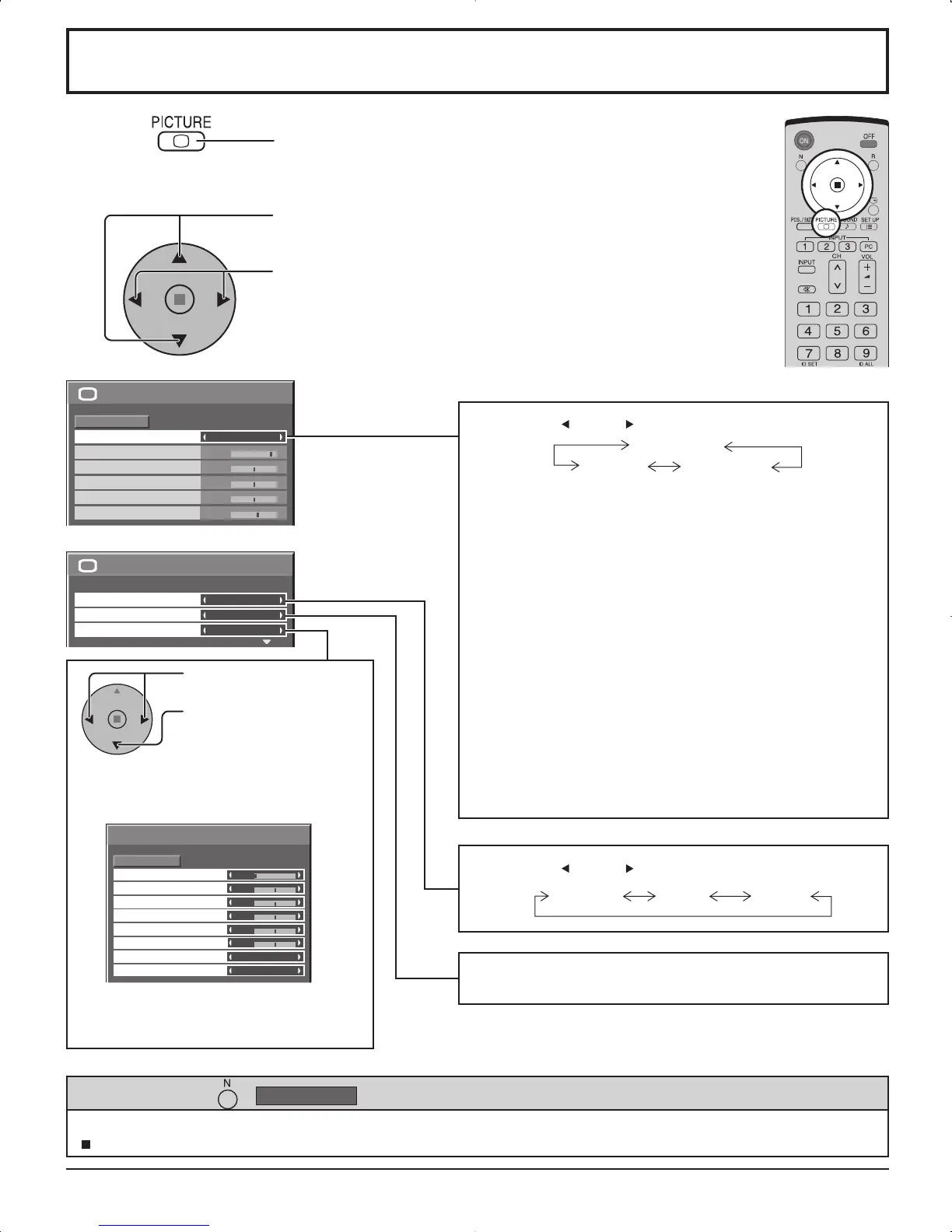
Press to select “ON”.
Press the left or right button to switch between modes.
STANDARD
For viewing in standard (evening lighting) environments.
This menu selects the normal levels of BRIGHTNESS
and PICTURE.
DYNAMIC
For viewing in brighter environments.
This menu selects higher than normal levels of
BRIGHTNESS and PICTURE.
CINEMA
Ideal for movies.
Note:
If you would like to change the picture and color of the selected
PICTURE menu to something else, adjust using the items in
the PICTURE menu. (see next page)
PICTURE Adjustments
1
2
ADVANCED SETTINGS ON
Enables fine picture adjustment at a
professional level (see next page).
ADVANCED SETTINGS OFF
Displays images with settings of the
PICTURE menu.
Press to enter
Advanced Settings.
COLOR MANAGEMENT ON
Enables vivid color adjustment automatically.
Press the left or right button to switch between modes.
While the “PICTURE” menu is displayed, if either the N button on the remote control is pressed at any time or the ACTION
( ) button is pressed during “NORMALIZE”, then all adjustment values are returned to the factory settings.
Helpful Hint ( /
Normalization)
STANDARD
CINEMA DYNAMIC
NORMAL COOL WARM
Press to display the PICTURE menu.
Press to select the menu to adjust.
Select the desired level by looking at the picture behind
the menu.
Select to adjust each item.













 To Next Page