1/2
PC
OFF
STANDBY SAVE
OFF
POWER MANAGEMENT
OFF
AUTO POWER OFF
OFF
OSD LANGUAGE ENGLISH
(
US
)
COMPONENT/RGB-IN SELECT
RGB
INPUT LABEL
SIGNAL
POWER SAVE
SET UP
28
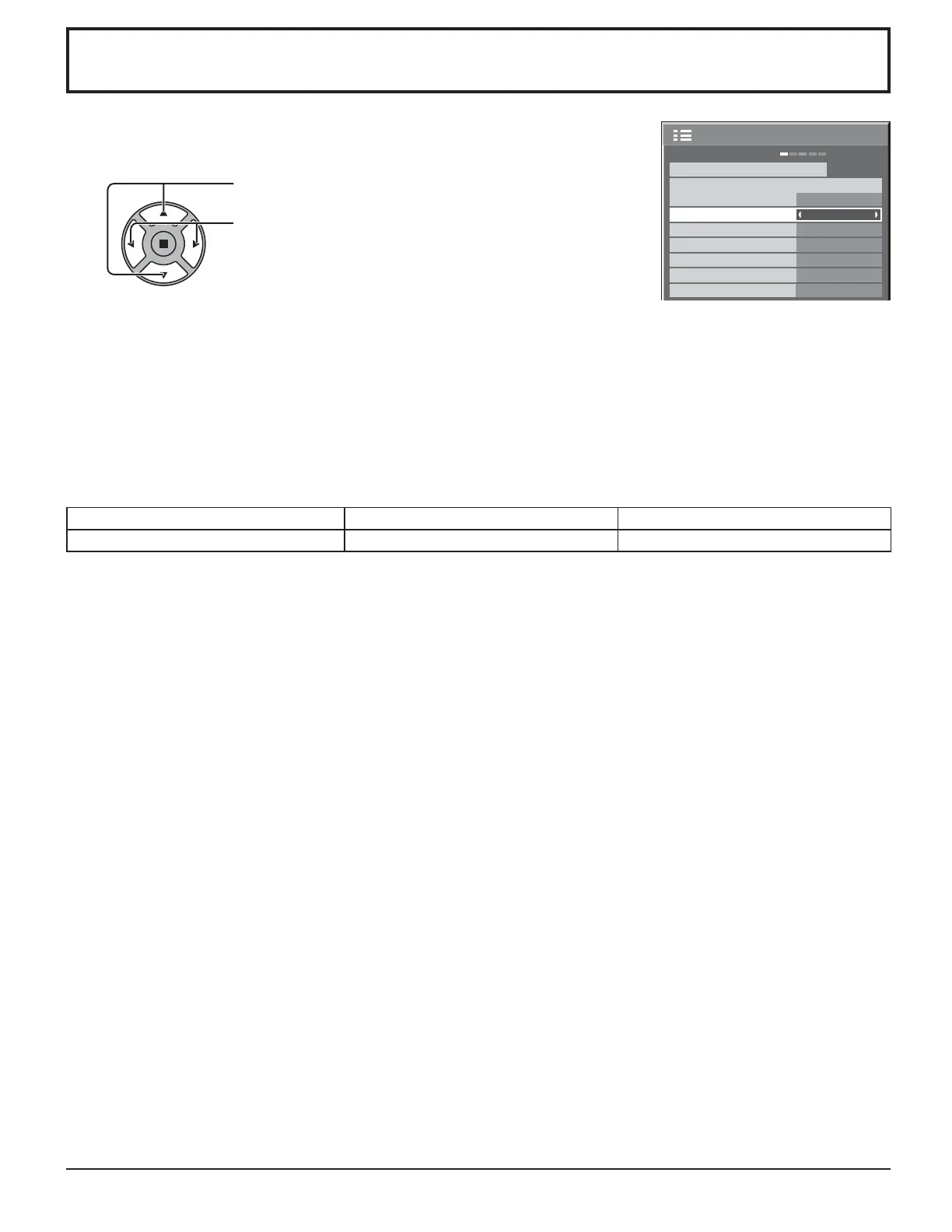
Press to select INPUT LABEL.
Press to change the INPUT LABEL.
This function can change the label of the Input signal to be displayed.
Select the input signal which you would like to change its label before customizing the
Input labels. (see page 13, 15)
Note:
While selecting a Input signal through Optional Terminal Board connected to Slot 1, Slot 2 and Slot 3, the Input label will
depend on each Optional Terminal Board.
INPUT LABELS for Slot 1, Slot 2, Slot 3 and Mini D-sub:
[Slot1 Input] INPUT1/VIDEO1/COMPONENT1/RGB1/DIGITAL1/PC1/DVD1/CATV1/VCR1/STB1
[Slot2 Input] INPUT2/VIDEO2/COMPONENT2/RGB2/DIGITAL2/PC2/DVD2/CATV2/VCR2/STB2
[Slot3 Input] INPUT3/VIDEO3/COMPONENT3/RGB3/PC3/DVD3/CATV3/VCR3/STB3
[PC (Mini D-sub) input] PC/COMPONENT/RGB/DVD/STB
Addition sign “A” “B”
Selected Input Composite S VIDEO
When BNC Dual Video Terminal Board (TY-FB9BD) is used, an “A” or “B” is added at the end of each input label, depending
on the input selected (see below).
Customizing the Input labels













 To Next Page