2/2 SET UP
MULTI DISPLAY SETUP
SET UP TIMER
PRESENT TIME SETUP
DISPLAY ORIENTATION
LANDSCAPE
37
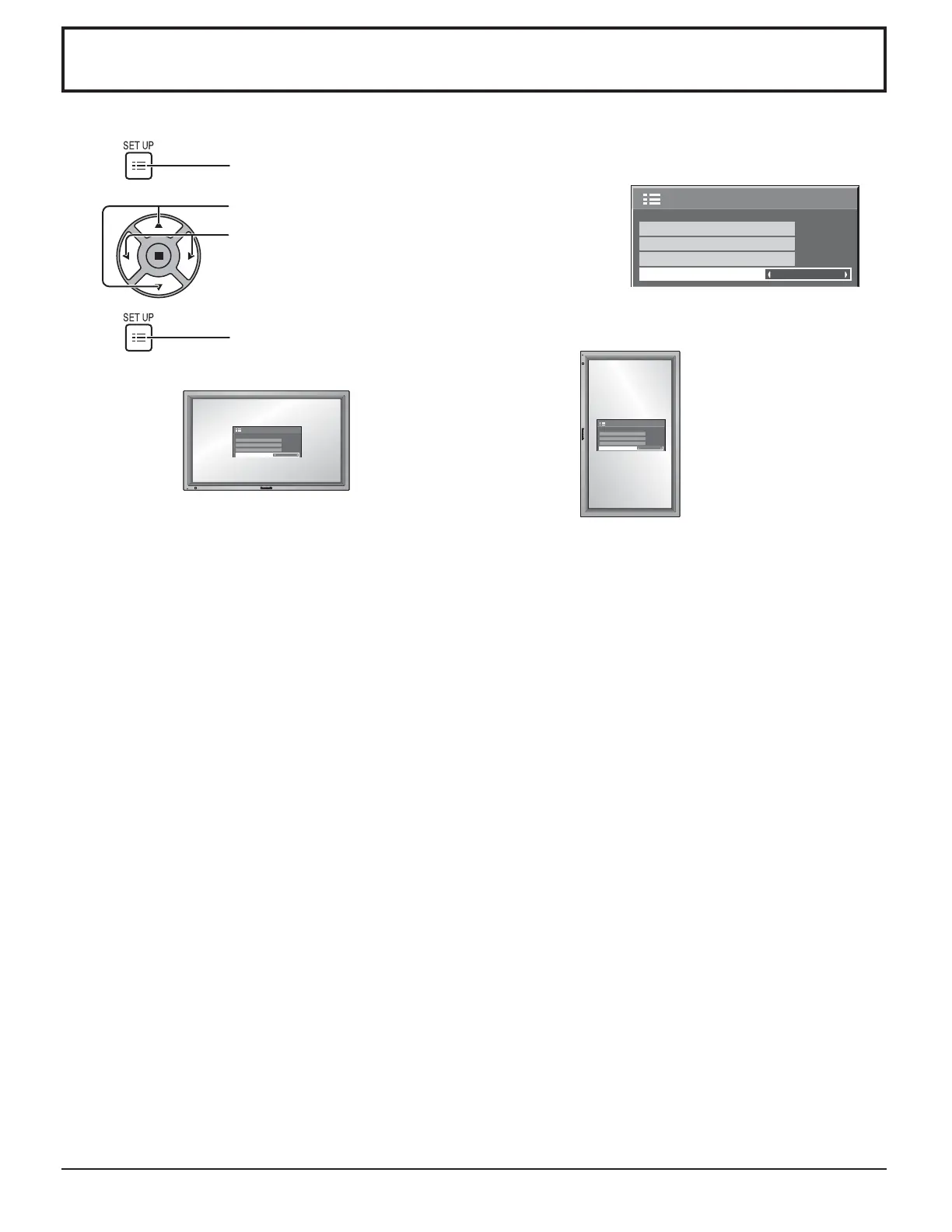
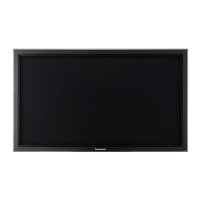
Sets the fan control and the display style of on-screen menu for vertical installation.
Press to display the SET UP menu.
Press to select DISPLAY ORIENTATION.
Press to select “LANDSCAPE” or “PORTRAIT”.
Press to exit from adjust mode
1
2
3
Notes:
• Turn up the power switch for the upward direction when you set Display vertically.
• Fan control will be switched when turning on the unit next time.
LANDSCAPE PORTRAIT
Fan control for horizontal installation. Fan control for vertical installation. On-screen menu will be rotated
90 degrees counterclockwise to be suitable for the setting.
DISPLAY ORIENTATION






 To Next Page