19
Auto setupautomatically retunes yourTV. This featureis useful if,for example, youmove house andwish to retune yourTV to receive
the local stations.
Press the
SETUP
menu button
Move to
Tuning menu
option
Access
Tuning menu
Move to
Auto setup
Access
Auto setup
Press to confirm start
Note:
D
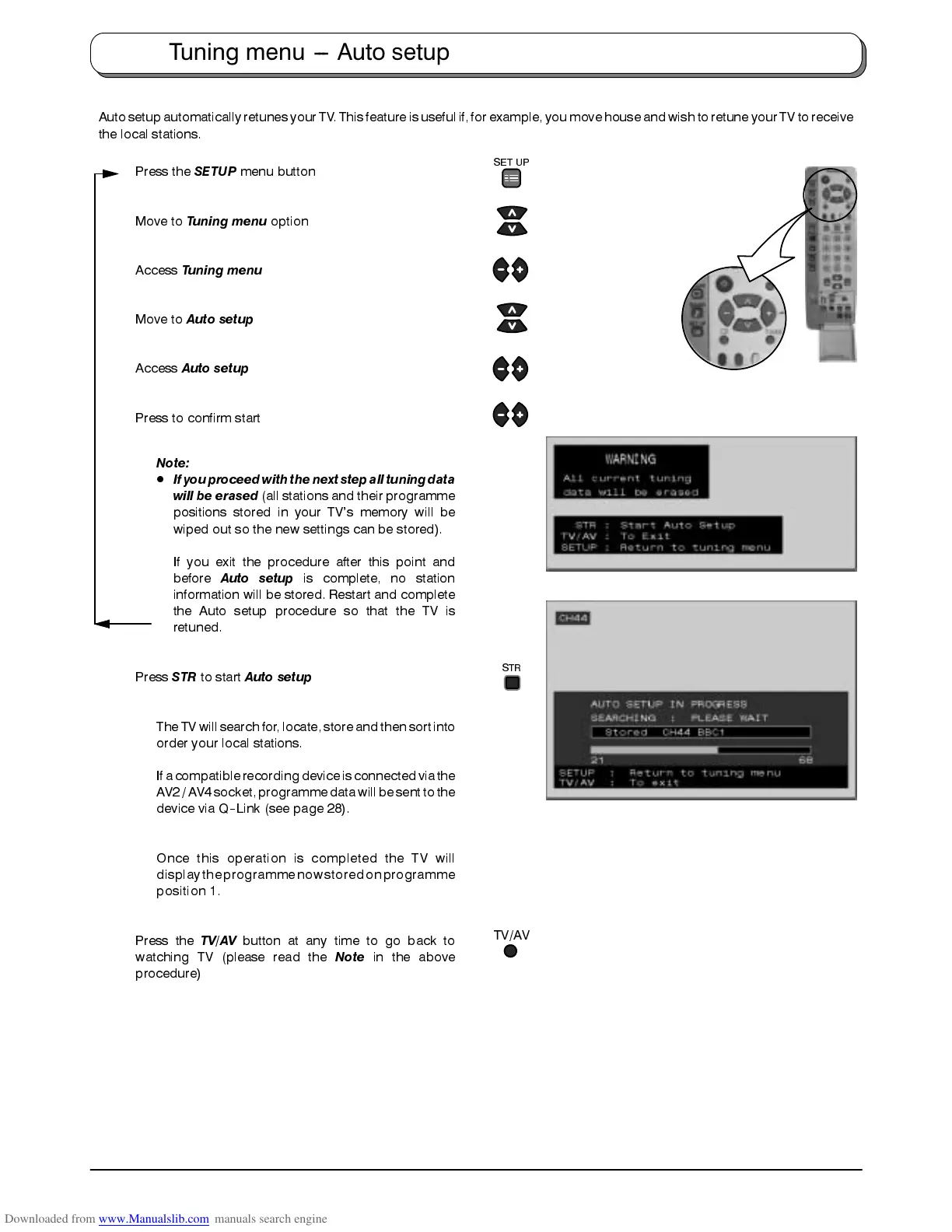
Ifyou proceedwith thenext stepall tuningdata
will be erased
(all stations and their programme
positions stored in your TV’s memory will be
wiped out so the new settings can be stored).
If you exit the procedure after this point and
before
Auto setup
is complete, no station
information will be stored. Restart and complete
the Auto setup procedure so that the TV is
retuned.
Press
STR
to start
Auto setup
The TVwill searchfor, locate,store andthen sortinto
order your local stations.
Ifa compatiblerecording deviceisconnected viathe
AV2/ AV4 socket,programme datawill besent tothe
device via Q
--
Link (see page 28).
Once this operation is completed the TV will
display theprogramme nowstored on programme
position 1.
Press the
TV/AV
button at any time to go back to
watching TV (please read the
Note
in the above
procedure)
Tuning menu --- Auto setup
SET UP
TV/AV
STR









 To Next Page