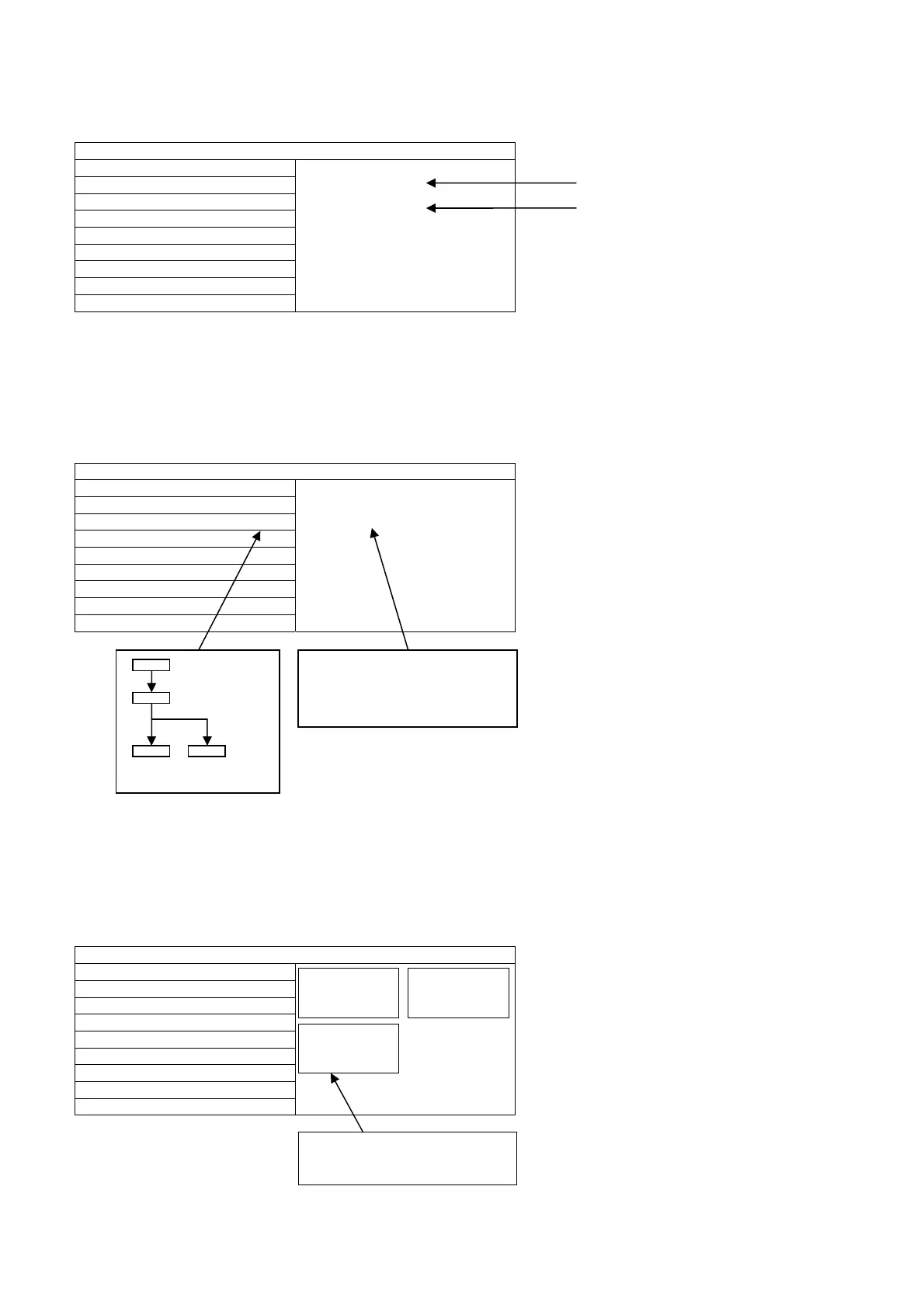
EDID Clock
1.Select [EDID CLK] in CS Maintenance Menu.
2.Press [OK] button or Cursor key [Right] on the remote control.
Exit:
Press the [EXIT] button or the [RETURN] button on the remote control.
DRV Check (USB HDD Drive Check)
1.Select [DRV CHECK] in CS Maintenance Menu.
2.Press [OK] button or Cursor key [Right] on the remote control.
Exit:
Press the [EXIT] button or the [RETURN] button on the remote control.
WB-ADJ
1.Select [WB-ADJ] in CS Maintenance Menu.
2.Press [OK] button or Cursor key [Right] on the remote control.
Exit:
Press the [EXIT] button or the [RETURN] button on the remote control.
CS Maintenance Menu
OPT
EDID-CLK S-HIGH
HDMI 1
EDID CLK
DRV CHECK
WB-ADJ
CS Maintenance Menu
OPT ******** ***-**-OK
ERROR-NG
******** ***-**-OK
EDID CLK
DRV CHECK OK
WB-ADJ
CS Maintenance Menu
OPT
EDID CLK
DRV CHECK
WB-ADJ
NG OK
Clock speed
HDMI Numbe
BUSY
OK NG
Press [OK] button (3sec)
Performing (Max 3minutes)
OK: HDD is normal
NG: HDD is failure or mismatch
USBHDD check History
******** *** -** OK…………This time :OK
ERROR-NG………………. Last time : NG
******** *** -** OK…………Before last time:OK
WB-ADJ
R-GAIN 67
COLOR TEMP NORMAL
WB-ADJ
G-GAIN 80
COLOR TEMP NORMAL
WB-ADJ
B-GAIN 6E
COLOR TEMP NORMAL
COLOR TEMP:COOL
NORMAL
WARM
TUNING
Note:for change press [OPTION] button on Remote Control.




 To Next Page