5 Technical Descriptions
5.1 Specification of KEY for CI Plus, DTCP-IP, WIDEVINE,
Netflix and One-to-One
5.1.1 General information:
1. NAND Flash (IC8900) for spare parts has the seed of KEY for each DTCP-IP for DLNA, WMDRM for Netflix and Widevine for CinemaNow.
2. The final KEY data will be generated by Main IC (IC8000) when SELF CHECK was done and are stored in both Main IC (IC8000) and
NAND Flash (IC8900).
5.1.2 Replacement of ICs:
When Main IC (IC8000) is replaced, NAND Flash (IC8900) should be also replaced with new one the same time.
When NAND Flash (IC8900) is replaced, Main IC (IC8000) is not necessary to be replaced the same time.
After the replacement of IC, SELF CHECK should be done to generate the final KEY data.
How to SELF CHECK: While pressing [VOLUME ( - )] button on the main unit, press [MENU] button on the remote control for more than 3 seconds.
TV will be forced to the factory shipment setting after this SELF CHECK.
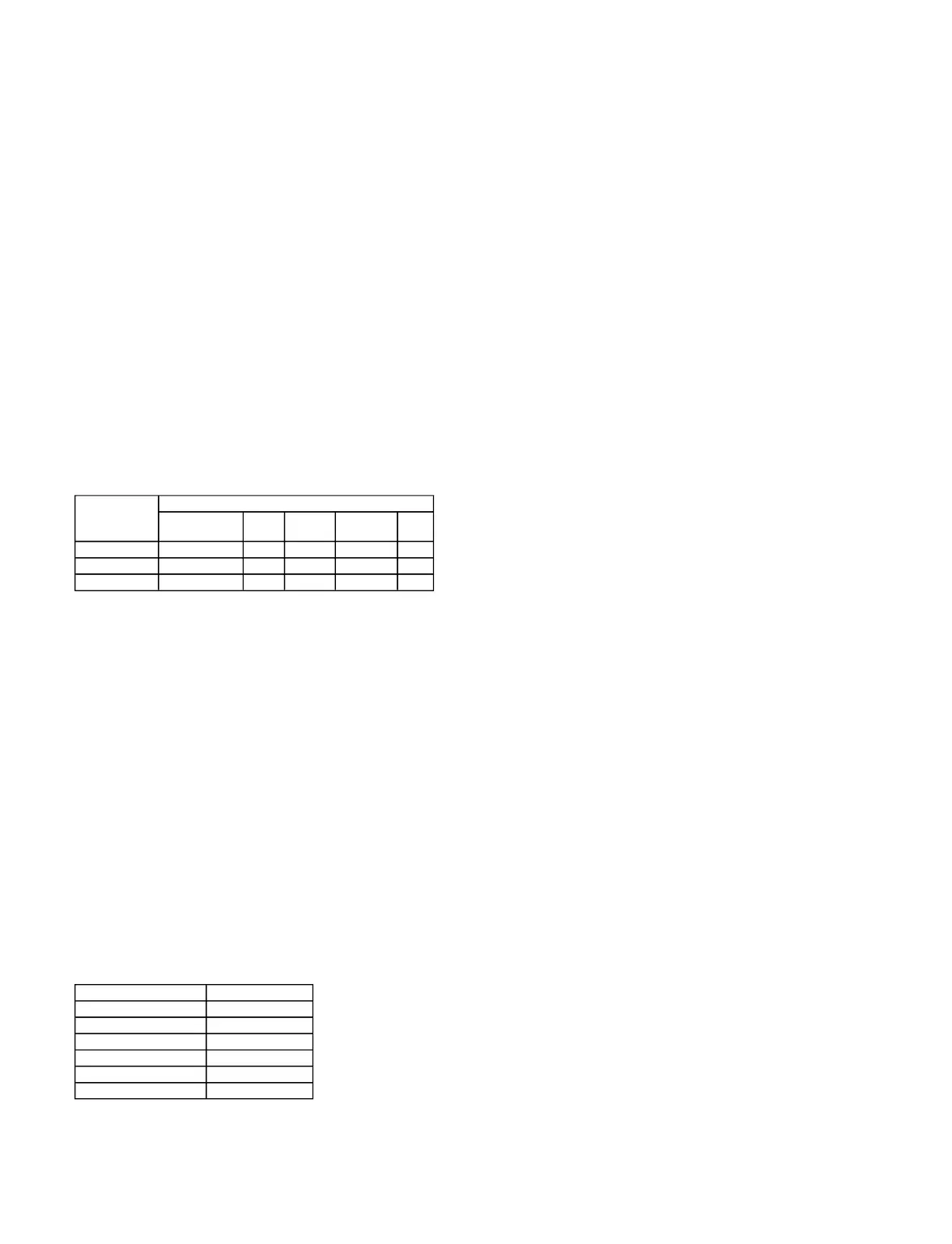
5.1.3 Model and Keys:
5.2 USB HDD Recording
5.2.1 General information:
Digital TV programmes can be recorded in USB HDD.
A One-to-One key generated in A-board by SELF CHECK binds TV and USB-HDD for communication.
That key is only one key for them. If the key is difference, TV can not access USB-HDD.
Caution:
New key will be generated by following SELF CHECK and previous TV programmes recorded in USB HDD will not be viewed.
SELF CHECK: While pressing [VOLUME ( - )] button on the main unit, press [MENU] button on the remote control for more than 3 seconds.
5.3 Service port (M3 mini Jack) Specifications
The Service port (M3 mini Jack) on the following TVs can use as the RS232C terminal which is a standard computer SERIAL interface.
*This operation system should be used by the certified professional dealer.
PC Control of the TV
The TV can be controlled by a personal computer when connected through an RS232C/ M3 mini jack conversion cable (not supplied).
The computer will require software which allows sending and receiving of control data through its SERIAL port.
Please see required parameters and commands below.
Communication parameters
Basic format for control data
The transmission of control data from the PC starts with a STX signal, followed by the command, the parameters, and lastly an EXT signal in that order.
If there are no parameters, then the parameter signal does not need to be sent.
*Please see other side regarding Commands and Parameters.









 To Next Page