EasyManua.ls Logo

Panasonic UB-7325 - Part Names and Functions; Component Identification

Panasonic UB-7325
28 pages
Print Icon
To Next Page IconTo Next Page
To Previous Page IconTo Previous Page
Loading...
Part Names and Functions
8
Part Names and Functions
ON
OFF
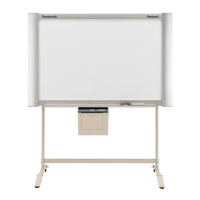
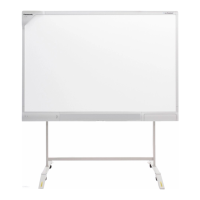
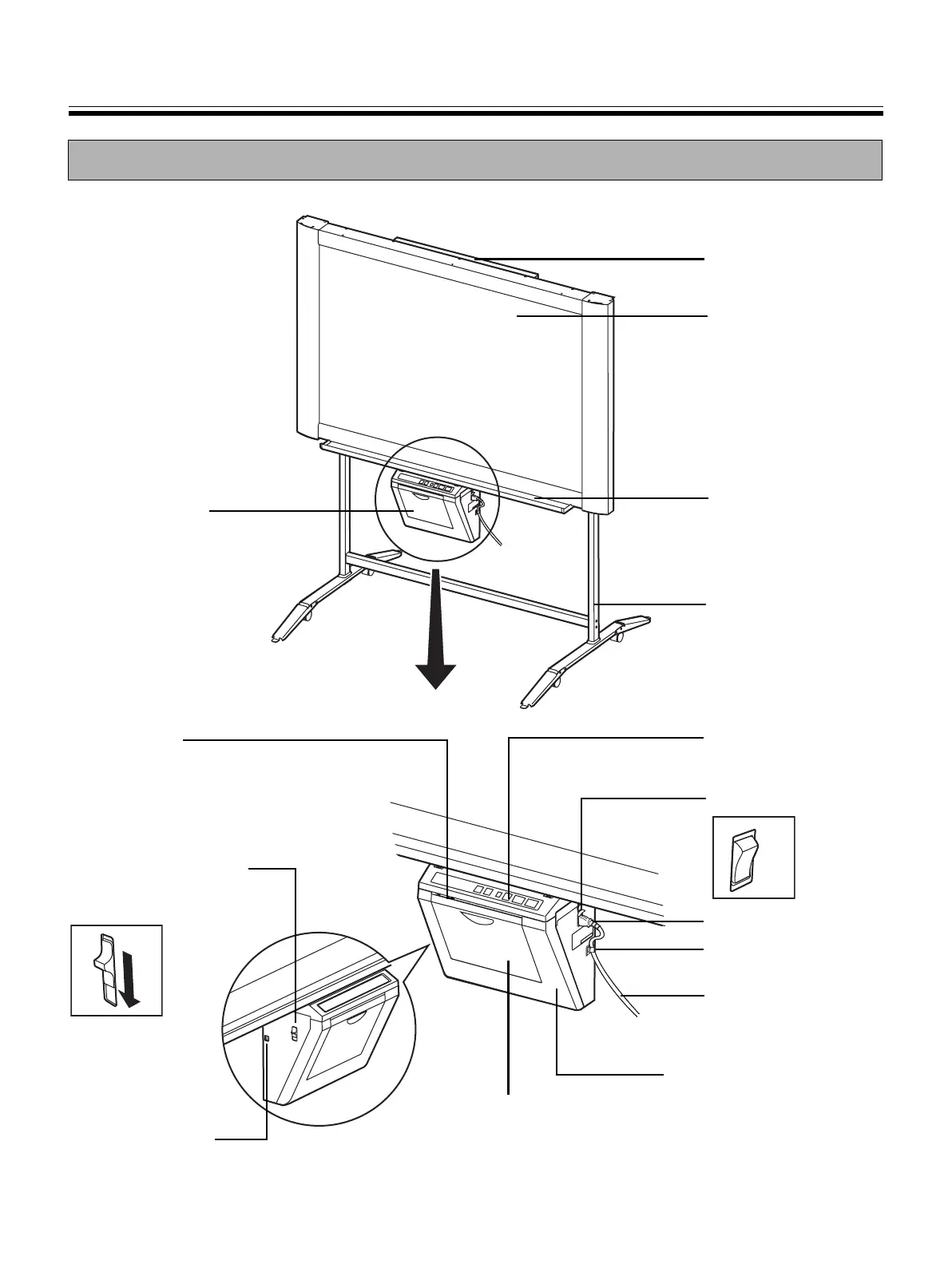
Screen
One screen (with no
ruled lines) of four
screens can also be
used for a projector
(see page 14).
AC Inlet
Power Switch
Tray
Power Cord
Output Port
This port holds up to 10
sheets of output paper.
Paper Cover
Open this cover to
load copy paper.
Printer Door
Open this door to load a
thermal transfer film or to
remove jammed paper.
(See pages 10, 15.)
Printer Open Lever
Push down this lever to
open the printer door.
Control Panel
(See page 9 for details.)
USB Connector
(See page 17.)
Stand
The stand is optional.
Cord Holder
Printer
Scanner
UB-7325_MECA.book 8 ペー 081月日 曜日 午後時1